
Windows 11 RGB Driver Bug Is Crashing Games After August Update
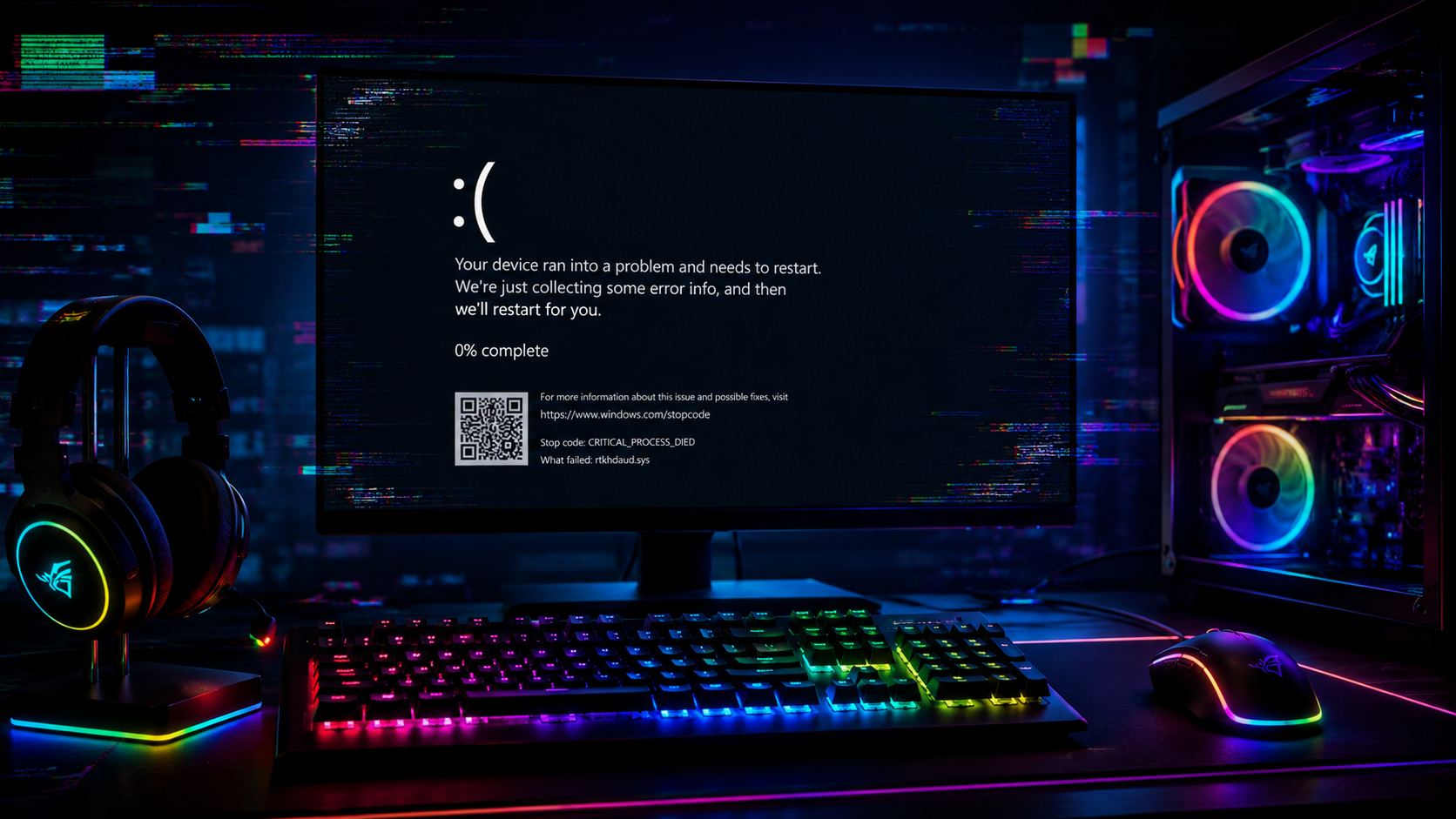
Microsoft has confirmed that some Windows 11 gaming crashes appearing after the August 11, 2026 KB5121003 security update are connected to software components installed by RGB lighting hardware. The problem affects Windows 11 24H2 and 25H2 and can cause games to freeze, close without warning, display an EXCEPTION_ACCESS_VIOLATION error or even force the entire PC to restart unexpectedly. Microsoft specifically lists ARC Raiders, MARVEL Tōkon: Fighting Souls and THE FINALS among the games reported to be affected.
According to Microsoft Support, the investigation points toward certain RGB capable peripherals or internal PC components that install drivers or software with names similar to inpoutx64. The inpoutx64.sys component provides software with low level hardware access and can be installed alongside utilities that communicate directly with motherboard controllers, lighting hardware and other devices. After KB5121003, launching certain games on systems where the affected driver is present can trigger the instability. Microsoft added the issue to its known problems list on August 20 and published an official workaround on August 21.
The workaround temporarily disables the inpoutx64 driver through the Windows Registry. Microsoft instructs affected users to open Registry Editor and navigate to HKEY_LOCAL_MACHINE\SYSTEM\CurrentControlSet\Services\inpoutx64, locate the Start value and change its value data to 4 before restarting the PC. Microsoft strongly recommends backing up the Registry first because incorrect changes can introduce additional Windows problems. Disabling the driver can also stop RGB functionality or interfere with the software normally used to control compatible lighting hardware, so this should be treated as a temporary solution rather than a permanent fix.
Embark Studios had already linked crashes affecting ARC Raiders and THE FINALS to inpoutx64.sys and provided its own temporary removal method while working toward a longer term solution. Microsoft is continuing to investigate the interaction and has not yet released a permanent Windows update addressing the problem. Users who are not experiencing crashes have little reason to modify the Registry, while affected players should use Microsoft's official workaround rather than deleting system driver files unless specifically instructed by their hardware or software provider.
The incident arrives while Microsoft is placing renewed emphasis on Windows 11 performance and reliability, including its ongoing Windows 11 optimization work for PCs with 8 GB of memory. For gaming PCs, however, stability depends on much more than Windows itself. Modern systems can have multiple background utilities managing RGB memory, keyboards, mice, coolers, motherboard lighting, monitoring sensors and fan controllers, with some of those applications requiring deep hardware access. One outdated component can therefore become a system wide problem when Windows changes how those low level drivers are handled.
The frustrating part of this problem is that RGB lighting itself is not really the issue. The risk comes from the software layer used to control some RGB hardware and how deeply certain utilities interact with Windows. Gaming PCs often accumulate several vendor applications over time, and many users have no idea which drivers those programs install in the background. Microsoft's workaround is straightforward for experienced PC users, but editing the Registry should never become the expected solution for someone who simply wants to launch a game. Microsoft and hardware vendors need to resolve the compatibility problem at the driver level, because RGB control software should not be capable of turning a Windows update into game crashes or unexpected PC restarts.
Has the Windows 11 August update caused crashes on your gaming PC, and do you have RGB control software installed?
