
NVIDIA Driver 616.56 Triggers Flickering on Some 8 Bit Monitors as Fix Is Tested
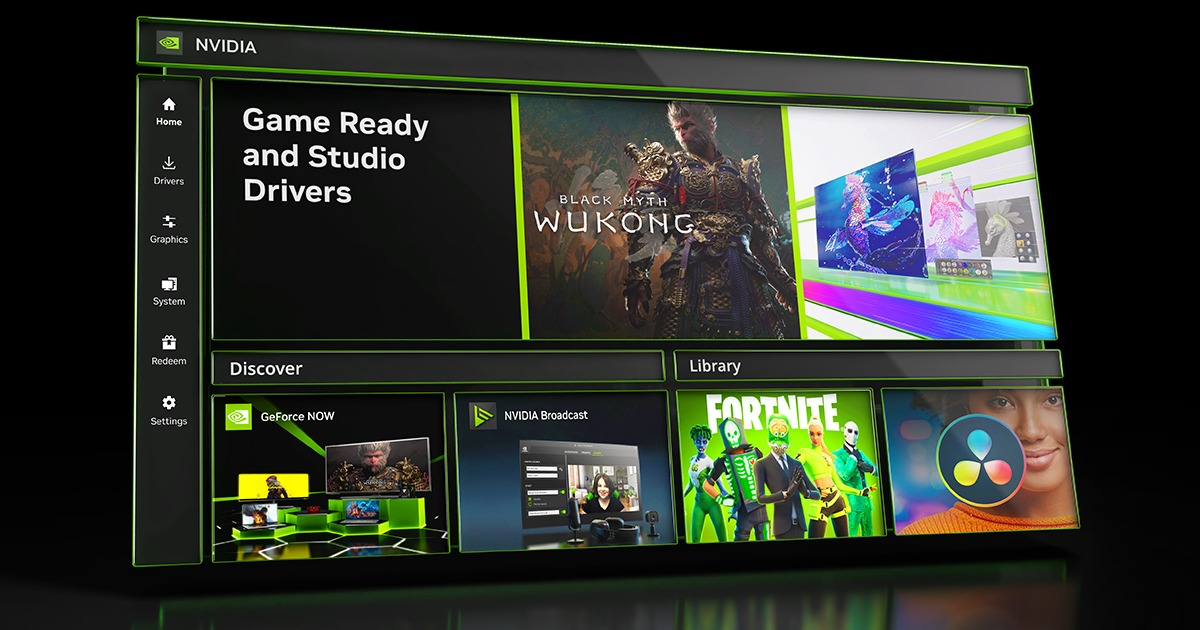
NVIDIA's latest GeForce Game Ready Driver 616.56 is causing display flickering for some users, with reports increasingly pointing toward monitors operating at 8 bit color depth. The driver launched on August 26 with optimizations for STAR WARS Zero Company, Resonance: A Plague Tale Legacy and Hell Let Loose: Vietnam, but affected users began reporting intermittent flashing, brightness changes and screen flickering shortly after installation. NVIDIA is reportedly testing a correction while the community has identified switching to 10 bit color as one of the most effective temporary solutions.
Reports posted through the official NVIDIA GeForce Driver Feedback Forum describe displays briefly flashing dark or bright, unexpected gamma changes and intermittent flickering during desktop use, web browsing and gaming. The problem does not appear to affect every monitor or GeForce configuration, but reports have appeared across several RTX generations and different display models, indicating that the issue is not isolated to a single graphics card or monitor manufacturer.
The strongest common factor discovered so far appears to be color depth. Community testing found that displays configured for 8 bits per color channel can experience the problem, while changing the output to 10 bits has stopped the flickering on several affected systems. Users with compatible monitors can change the setting through NVIDIA App under System and Monitors, then confirm the selected color depth through Windows Advanced Display settings. This remains a workaround rather than a permanent correction, and not every 8 bit monitor appears to be affected.
Switching to 10 bit output is also not practical for every gaming setup. Some monitors cannot operate at 10 bit color depth, while others only support it after reducing refresh rate because available display bandwidth depends on resolution, refresh rate, color format and connection type. For a competitive gaming monitor running at its maximum refresh rate, sacrificing refresh performance simply to eliminate a driver bug may not be an acceptable tradeoff.
Another reported workaround is enabling Windows Automatic Color Management, or ACM, which has stopped the flickering in some tests even when the display remains at 8 bit output. Results can vary according to the monitor and Windows configuration, however, making this another temporary option rather than a guaranteed solution.
A NVIDIA já está testando um fix para o problema de flickering que o driver 616.56 está causando em alguns monitores, nos testes que fiz ele ocorre mais em monitores no modo 8bpc, alterar para 10bpc ou ativar o ACM do Windows ele para. https://t.co/d4gG0Yhbk7 pic.twitter.com/1RYjDNRD6e
— Renan Maniero (@renan_maniero) August 30, 2026
For users whose monitors do not support 10 bit output, rolling back to GeForce Game Ready Driver 610.88 has also reportedly restored normal display behavior. Multiple users have reported that the flickering began after installing 616.56 and disappeared after returning to the previous driver. NVIDIA released Driver 610.88 on July 28 with support for Halo: Campaign Evolved and additional DLSS 4.5 titles, making it a possible temporary alternative while NVIDIA works on the newer branch.
Interestingly, the display flickering issue is not currently included among the official known problems documented for Driver 616.56. NVIDIA's published release information lists an issue involving Prefer Maximum Performance mode not always being applied correctly, while the new driver fixes several unrelated problems including texture flickering in The Outer Worlds, V SYNC behavior with DLSS Frame Generation in DOOM: The Dark Ages and Indiana Jones and the Great Circle, and crashes affecting some 32 bit DirectX 12 applications.
Despite the newly reported display problem, Driver 616.56 remains an important Game Ready release. NVIDIA officially introduced it for STAR WARS Zero Company, Resonance: A Plague Tale Legacy and Hell Let Loose: Vietnam. STAR WARS Zero Company launched with DLSS 4.5 Super Resolution and Multi Frame Generation, while Hell Let Loose: Vietnam supports DLSS 4.5 Super Resolution and Dynamic Multi Frame Generation on compatible RTX 50 Series GPUs.
The incident is another reminder that graphics driver updates increasingly affect much more than game performance. Modern GeForce drivers manage HDR, variable refresh rate, color depth, display compression, frame generation, video acceleration and increasingly complex monitor configurations. A regression inside the display pipeline can therefore create visible problems across Windows even when the graphics card itself and individual games remain completely stable.
Driver 616.56 does not appear to be universally broken, and describing every 8 bit monitor as affected would overstate the current evidence. What makes the problem notable is how consistently changing color depth appears to resolve the flickering on systems where it occurs.
For gamers, the 10 bit workaround is useful only when it does not force another compromise. Someone running a high refresh rate display should not have to reduce refresh rate simply to work around a graphics driver regression. Rolling back to 610.88 therefore remains the more practical option for affected users whose monitors cannot maintain their preferred configuration at 10 bit.
NVIDIA reportedly already has a fix under testing, so this could ultimately be resolved through another Game Ready release or a smaller hotfix. Until then, users running stable systems on 610.88 have little reason to rush toward 616.56 unless they specifically need its new game support.
Have you experienced screen flickering after installing NVIDIA Driver 616.56, and does switching from 8 bit to 10 bit color stop the problem on your monitor?
