
Windows 11 KB5120998 Breaks Mouse Cursor Customization as Microsoft Investigates
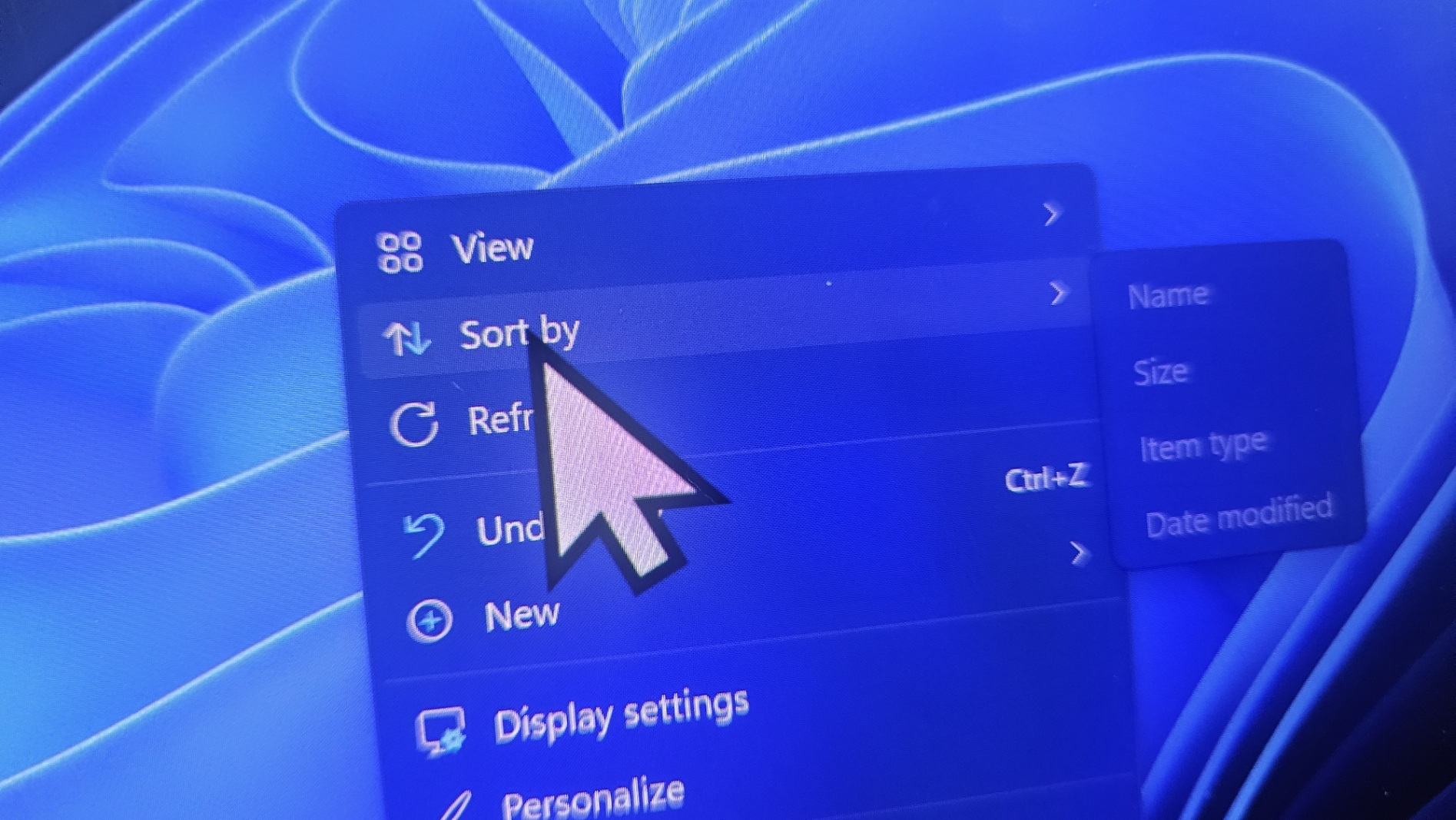
Microsoft is investigating a new Windows 11 issue linked to the August 27, 2026 KB5120998 preview update after users reported customized mouse cursors being replaced, resized or reverted to standard Windows settings. The problem affects Windows 11 24H2 and 25H2, corresponding to OS Builds 26100.9278 and 26200.9278, and Microsoft has now added the issue to its official Windows Release Health dashboard.
According to Microsoft, mouse cursor personalization settings can be changed or reverted after installing KB5120998 and subsequent updates. Reports specifically describe high DPI cursors being replaced by larger white pointers, while customized animations can return to standard Windows behavior. More frustratingly, affected users have reported that attempting to restore their previous cursor settings does not work.
"Mouse cursor personalization settings are being changed or reverted to certain standard settings."
— Quote by: Microsoft
The problem appears to affect customization rather than the physical mouse hardware itself. Users have reported oversized cursors, older looking white pointers, custom cursor themes disappearing and the normal selection pointer refusing to change even though Windows Settings shows another design as selected. Community reports also describe cases where other cursor states continue displaying correctly while the primary pointer remains stuck on the default Windows design.
Additional users have reported desktop wallpapers turning black after installing the same update. Microsoft has not currently listed the wallpaper behavior as part of the confirmed KB5120998 issue, so it should be treated separately from the officially acknowledged cursor problem. Some affected users report that removing the update restores both their previous cursor configuration and wallpaper behavior.
The timing is particularly unfortunate because KB5120998 is a substantial optional Windows 11 preview update focused heavily on customization and usability. Microsoft added the ability to position the taskbar at the top, bottom, left or right side of the screen, introduced a smaller taskbar option and expanded Start menu customization. Users can now choose between small and large Start menu layouts, independently control several Start sections and hide their name and profile image. Windows Search also gains a setting that allows users to disable web and Microsoft Store suggestions from local search results.
The same update was also supposed to improve pointer related behavior. Microsoft's official release notes specifically state that KB5120998 improves touchpad reliability on some devices, including gestures and mouse dragging. Instead, the update has introduced an unrelated regression affecting cursor personalization on some Windows 11 systems.
Microsoft has not yet released a permanent solution. The company currently lists the problem as "Reported" and says it is investigating whether the behavior is caused by Microsoft. Users experiencing the issue are being asked to submit reports through the Windows Feedback Hub, which can be opened by pressing Windows key plus F.
Because KB5120998 is an optional preview update rather than a mandatory monthly security release, affected users can also consider removing it while Microsoft investigates. Reports from multiple users indicate that uninstalling KB5120998 restored normal cursor behavior, although Microsoft has not officially presented uninstalling the update as its recommended resolution. Users who are not experiencing the problem have no immediate reason to make system changes solely because of these reports.
The issue arrives shortly after another Windows 11 problem affected gaming PCs following the August security update. Microsoft previously investigated game crashes involving RGB related drivers after KB5121003, with ARC Raiders, MARVEL Tōkon: Fighting Souls and THE FINALS among the affected titles. Microsoft has since resolved that issue through a block preventing the problematic inpoutx64 driver from loading on affected systems.
KB5120998 is not causing catastrophic system failures, but it highlights the type of regression that quickly damages confidence in Windows updates. Cursor customization is a basic operating system function that has existed for decades, and users should not have to remove an update simply to restore a pointer theme that worked correctly before installation.
The frustrating part is that KB5120998 is actually one of the more interesting Windows 11 updates in recent months, bringing back greater taskbar flexibility while improving Start and Search customization. Those additions are welcome, but introducing another visible desktop problem alongside them reinforces why optional preview updates should be treated carefully on machines where stability matters more than receiving new features immediately.
Did KB5120998 change your Windows 11 mouse cursor, wallpaper or other personalization settings after installation?
