
ROG Xbox Ally X Gains Auto Super Resolution as Xbox Pushes a More Console Style Docked Experience
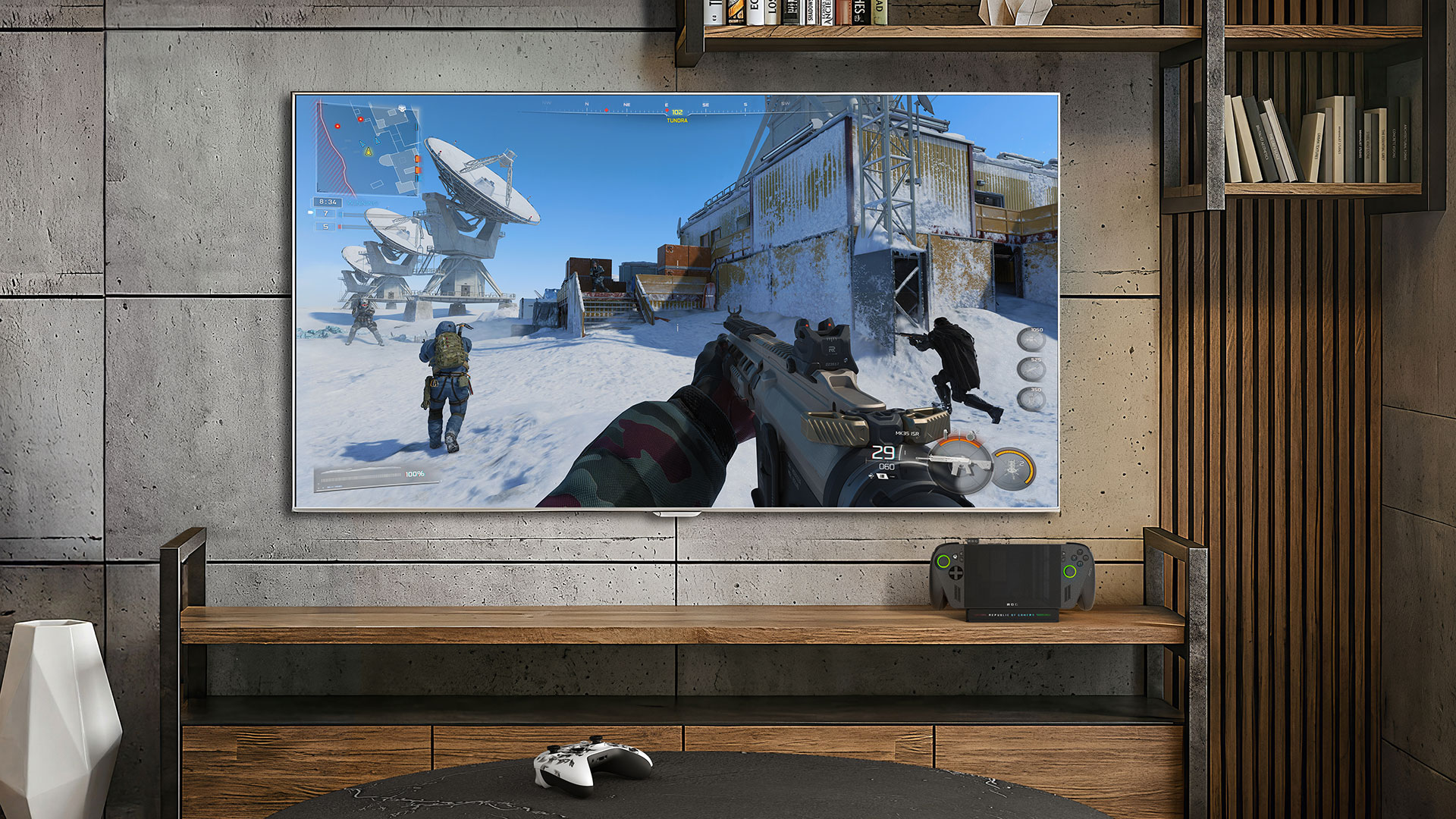
Microsoft has rolled out a substantial update for the ROG Xbox Ally and ROG Xbox Ally X, with the biggest gains focused on making docked play feel far more like a traditional console experience. According to the official Xbox update page, the new changes are designed to make using the handhelds on a TV or monitor more seamless, more automatic, and much less dependent on manual Windows level setup.
The headline improvement is how Docked Mode now behaves when the handheld is connected to a larger display. Gameplay automatically shifts to the TV while the handheld screen turns off, and the system now optimizes resolution, refresh rate, and HDR output for the connected display. That is a meaningful quality of life gain because it removes one of the most PC like friction points from the docked experience and pushes the Ally line closer to the kind of instant big screen handoff players expect from a living room console.
Microsoft is also leaning into TV side automation. The update enables gaming features on supported Samsung, LG, and Vizio displays, including Auto Low Latency Mode, Samsung Auto Game Mode, and Vizio Game or PC Mode. On supported docks such as the ROG Bulwark Dock and the ROG 100W Charger Dock, HDR10 is supported, while the Bulwark Dock also adds Variable Refresh Rate support. Altogether, this is clearly not just a minor usability patch. It is Xbox trying to smooth out the last few awkward steps between handheld PC gaming and a more polished sofa friendly setup.
Controller handling has also been tightened up. When an Xbox or Designed for Xbox controller is paired for docked play, the built in controls on the handheld are automatically disabled, which makes switching to external play much cleaner. Microsoft says this also broadens compatibility for games in docked play and makes multiplayer or couch co op scenarios easier to manage. Alongside that, the new Gamepad Cursor feature lets players navigate apps and storefronts that do not normally support controller input, extending usability beyond games themselves.
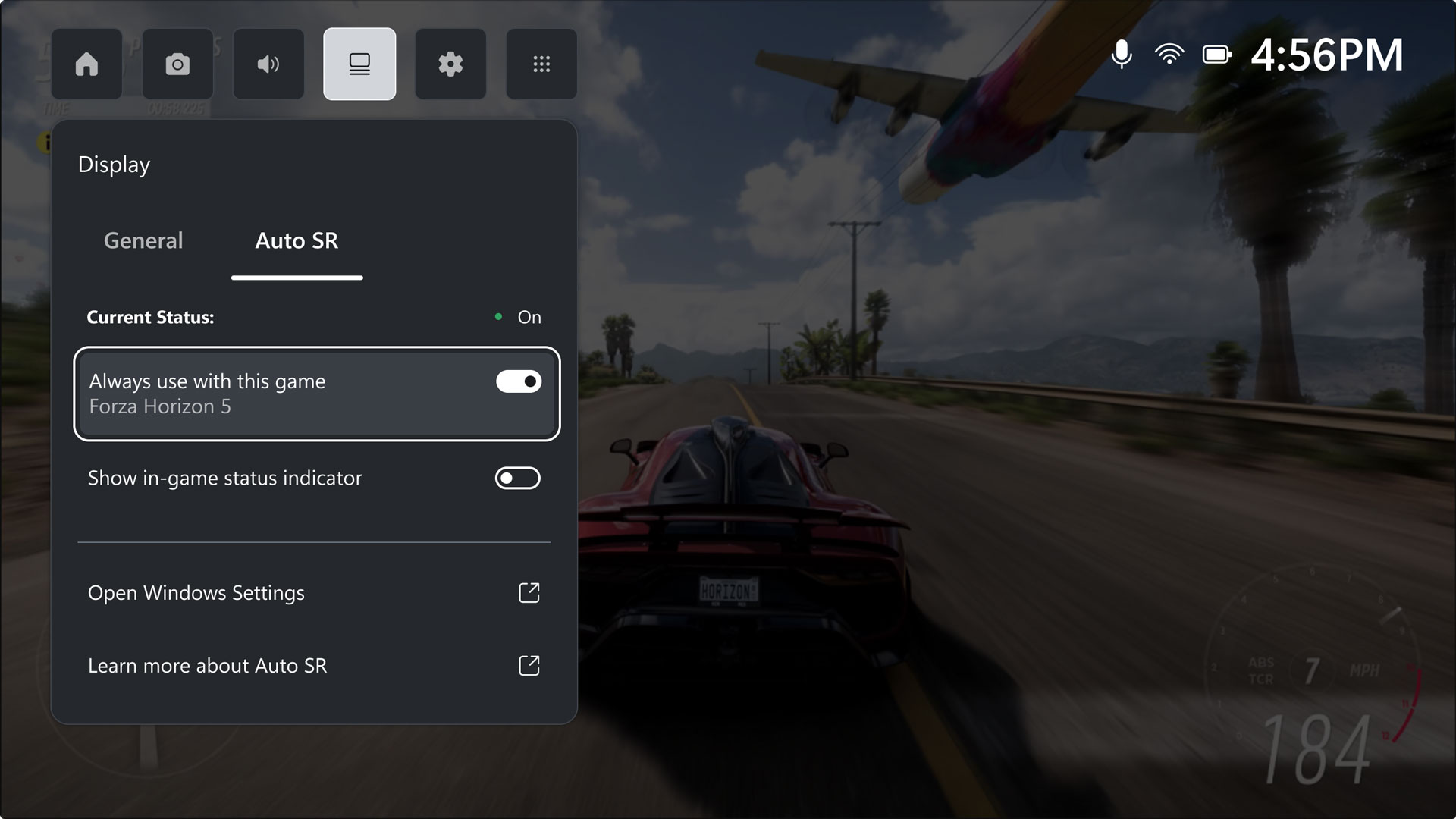
The other major addition is Auto Super Resolution, though this part of the rollout is more limited for now. Microsoft says Auto Super Resolution is available in preview for Xbox Insiders on the ROG Xbox Ally X specifically, and only for docked play at this stage. The company positions it as a way to deliver 1440p like image quality with smoother frame rates on larger screens by using Windows level upscaling, with Game Bar integration added so players can see support status and control the feature more easily.
That distinction matters because Auto Super Resolution is not being framed as a blanket replacement for in game technologies such as FSR or DLSS. Microsoft’s DirectX team says game integrated super resolution still remains the preferred option where available, but Auto Super Resolution can add value in titles that lack those features or where handheld hardware constraints make balancing visual quality and performance more difficult. Microsoft also notes that for some games already using super resolution, Auto Super Resolution can still provide additional image quality and frame rate benefits in this docked preview scenario.
For players looking to test it, Microsoft specifically highlighted games such as Assassin’s Creed Mirage, Assassin’s Creed Valhalla, Control, DOOM: The Dark Ages, The Outer Worlds 2, Tom Clancy’s Rainbow Six Siege, and Tom Clancy’s The Division 2 as strong candidates for Auto Super Resolution. That gives the feature an immediate practical angle rather than leaving it as a vague future promise. It also shows Xbox is targeting major modern titles where handheld users are most likely to notice the tension between sharp image quality and stable performance on a bigger screen.
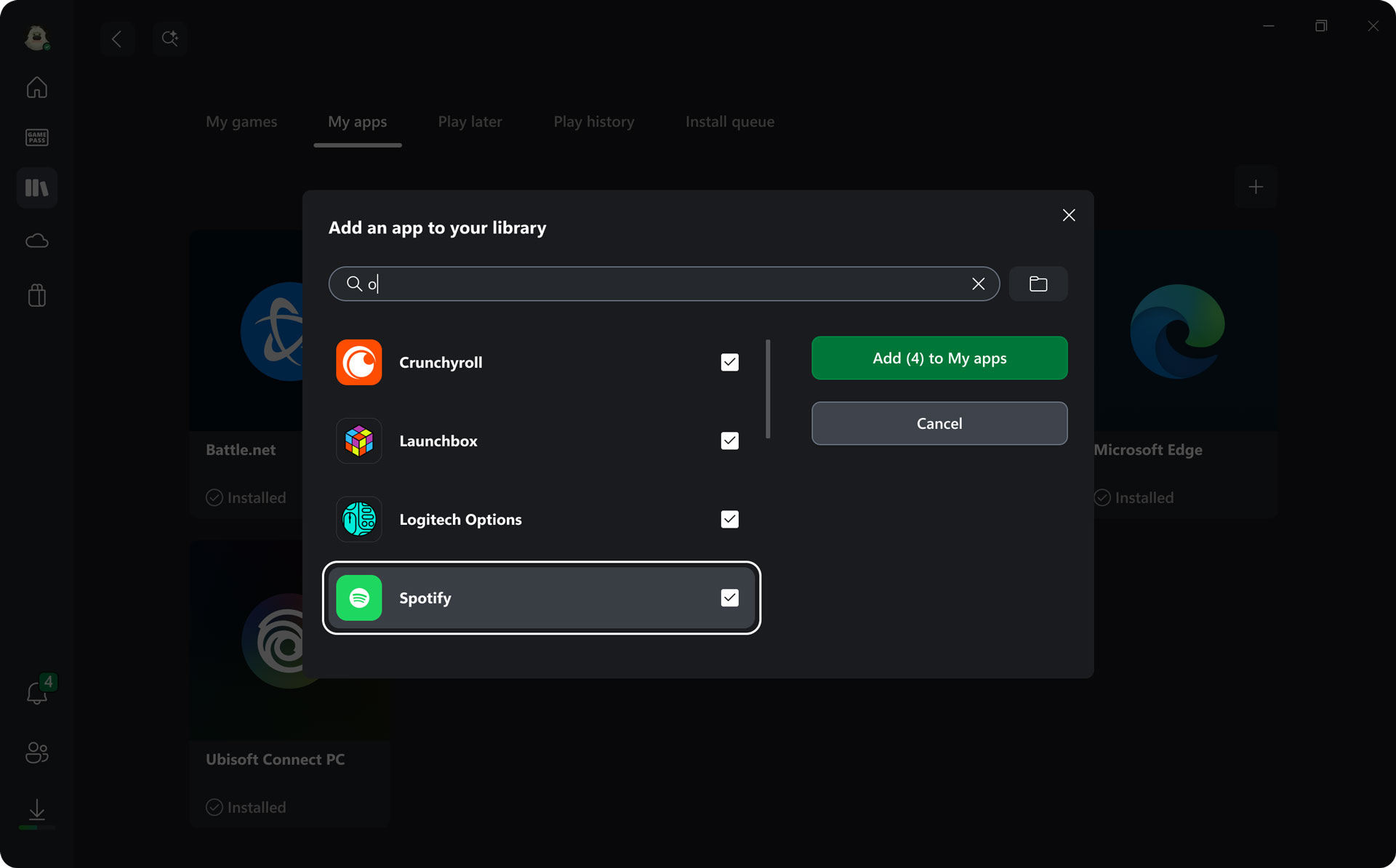
Beyond docked play and Auto Super Resolution, the update also expands vibration quality, improves Bluetooth LE Audio support with super wideband stereo voice, and continues Microsoft’s work on a broader shared library approach inside the Xbox PC app. Players can now add, edit, remove, and launch installed titles and apps from other PC storefronts directly within the Xbox experience, which is another step toward reducing the messier side of Windows gaming on handhelds.
Taken together, this update feels less like a routine feature drop and more like a strategic refinement of what the ROG Xbox Ally line is supposed to be. Microsoft is clearly trying to turn these devices into something that keeps PC freedom intact while reducing the friction that usually comes with it. If that effort continues, the Ally line could become much more compelling not just as a portable gaming PC, but as a true hybrid system that works naturally on the go and in the living room.
Do you think these changes finally make the ROG Xbox Ally docked experience feel close enough to a real console replacement?
