
Microsoft Blocks Windows 11's Easiest Local Account Bypass During Setup
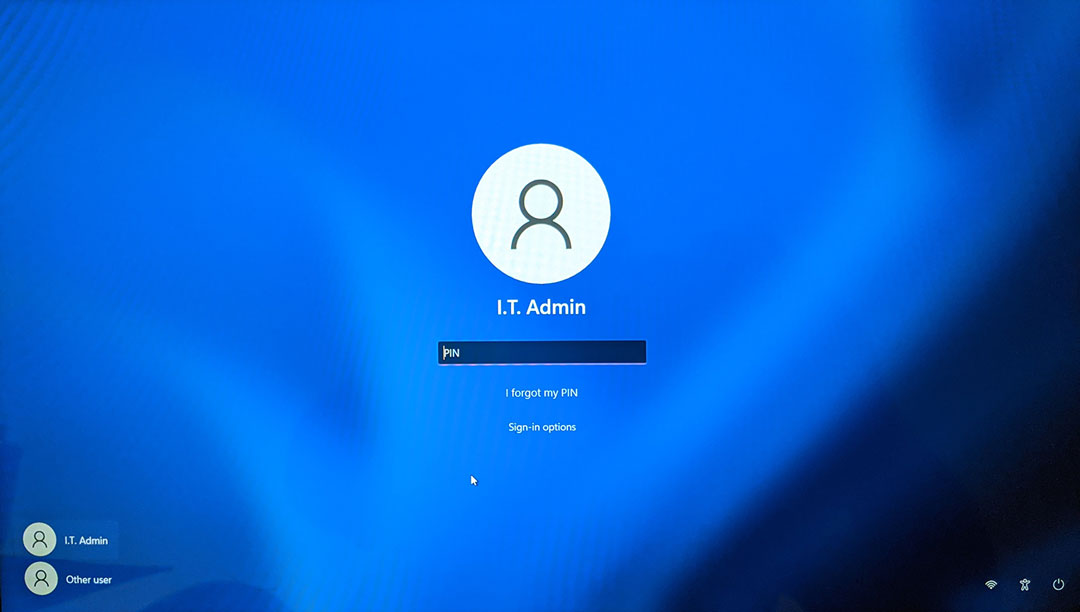
Microsoft has quietly closed one of the simplest methods for bypassing the mandatory Microsoft account requirement during Windows 11 installation. The workaround allowed users to create a local account by clicking a single hyperlink during the initial setup process, without using Command Prompt, modifying the Windows Registry, or disconnecting from the internet. However, recent testing confirms that the method no longer works on freshly downloaded Windows 11 26H2 installation media.
The loophole was discovered in September 2026 and involved the small "Learn more" hyperlink displayed on the "Let's add your Microsoft account" screen during Windows 11's Out of Box Experience (OOBE). Clicking the link would open Microsoft's data management information page before unexpectedly redirecting users to the local account creation screen. The behavior effectively bypassed Microsoft's online account requirement without requiring additional configuration.
Windows enthusiast Bob Pony reported on October 9 that the workaround had apparently been patched through a server side change. Subsequent testing by Windows Latest using a fresh Windows 11 26H2 ISO confirmed that the hyperlink now opens the intended "See how your data is managed" page. Instead of continuing to local account creation, users are presented with a Back button returning them to the Microsoft account login screen. Microsoft has not publicly confirmed the mechanism responsible for the change.
UPDATE: This mandatory Microsoft account requirement workaround by clicking on the tiny "Learn more" hyperlink in the Microosft account sign in page during the Windows 11 OOBE has been recently quietly patched server side. 🥀 https://t.co/AfOadeY0gj
— Bob Pony (@TheBobPony) October 9, 2026
The removal follows Microsoft's broader efforts to restrict local account creation during installation. In October 2025, the company announced changes to Windows 11 Insider Preview Build 26220.6772, targeting commands and other methods used to bypass Microsoft account authentication. Microsoft explained that these workarounds could skip critical setup screens and leave devices improperly configured.
Windows 11 Local Account Options
| Method | Current Status |
|---|---|
| "Learn More" Hyperlink | No longer works in tested Windows 11 26H2 installation media |
| OOBE Command Workarounds | Blocked in newer Insider builds; availability varies |
| Windows 11 Pro Domain Join | Available through supported Pro setup configurations |
| Rufus Installation USB | Alternative using customized installation media |
| Switch Account After Installation | Officially supported through Windows Settings |
MethodCurrent Status"Learn more" hyperlinkNo longer works in tested Windows 11 26H2 installation mediaOOBE command workaroundsBlocked in newer Insider builds; availability variesWindows 11 Pro Domain JoinAvailable through supported Pro setup configurationsRufus installation USBAlternative using customized installation mediaSwitch account after installationOfficially supported through Windows Settings
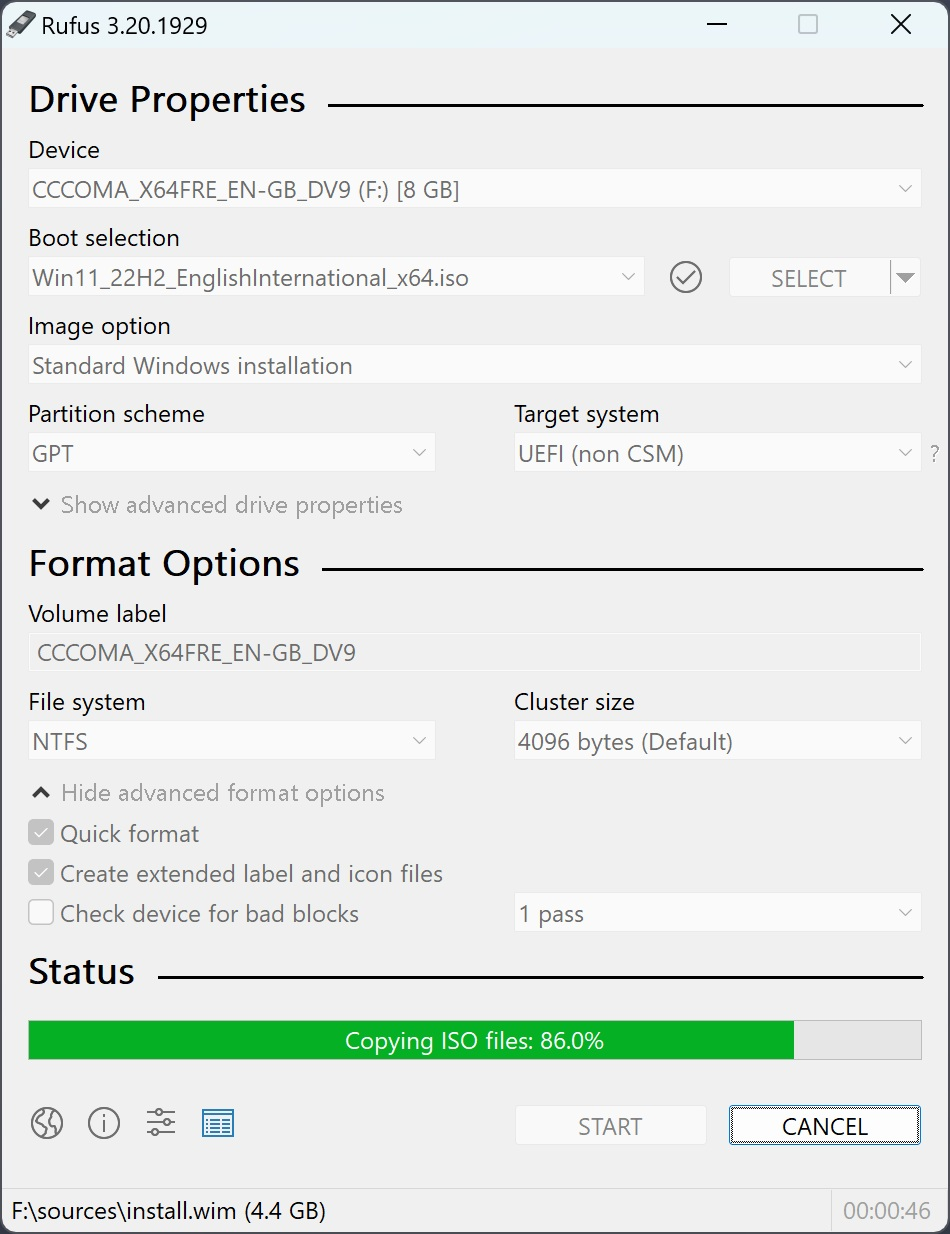
Local accounts themselves have not been removed from Windows 11. Users can still complete installation with a Microsoft account and subsequently switch to a local profile through Settings, Accounts, Your info, and "Sign in with a local account instead," as documented by Microsoft Support.
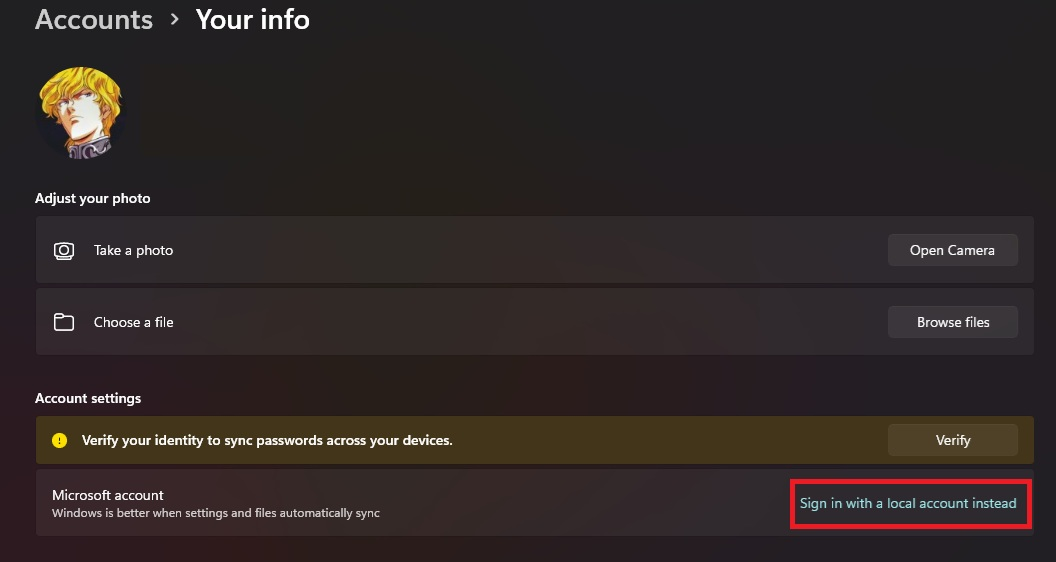
For users who prefer avoiding online authentication during installation, Rufus remains an alternative for preparing customized Windows installation media, although compatibility and setup requirements depend on the Windows version.
The restriction also contrasts with Microsoft's recent efforts to provide more control over cloud integration, including Windows 11 introducing an option to permanently reject recurring OneDrive backup prompts. While Microsoft continues promoting account synchronization, cloud backups, and connected services, the latest change reduces the flexibility available to users configuring a new PC.
Duck IT Take
Requiring a Microsoft account during installation creates unnecessary friction for PC enthusiasts, system builders, and IT professionals who frequently reinstall Windows or configure multiple machines. Local accounts remain useful for testing environments, dedicated gaming systems, and users who prefer keeping their Windows credentials independent of online services.
Microsoft's argument about maintaining a properly configured installation is understandable, particularly when cloud recovery and security features depend on account integration. However, those benefits do not necessarily justify removing a straightforward choice for users who understand the implications.
The more practical solution would be to offer both account types directly during setup, clearly explaining the advantages and limitations of each. Windows 11 already supports local accounts after installation, making the additional restrictions during initial configuration increasingly difficult to justify.
Question for Readers
Do you use a Microsoft account when installing Windows 11, or do you prefer setting up your gaming PC with a local account?
