
Core i9 14900K Owner Reports Another Failing CPU Despite BIOS Updates
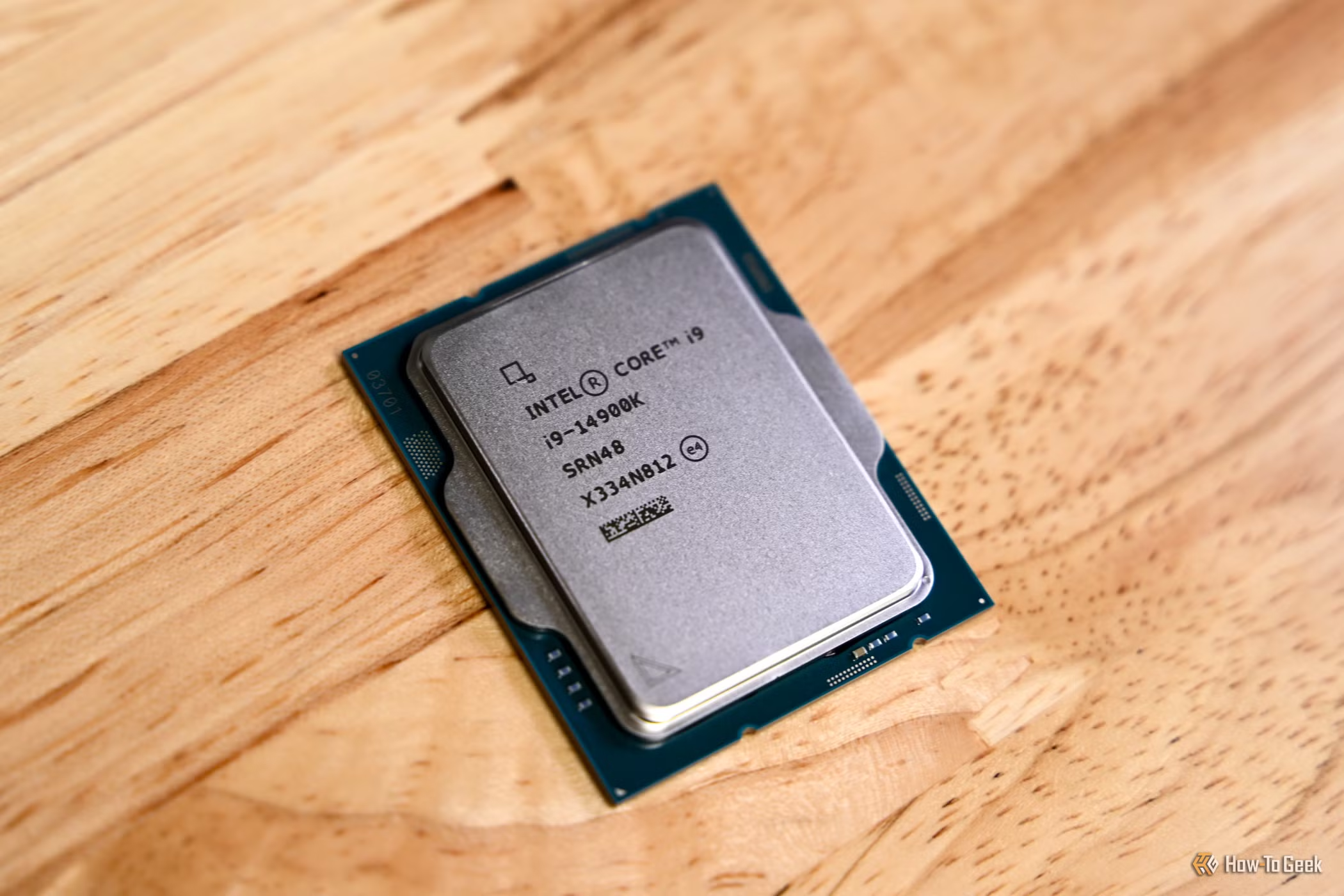
A Reddit user says their Core i9 14900K is showing signs of failure despite running updated BIOS settings, adding another user reported case to the long running stability discussion around Intel 13th Gen and 14th Gen desktop processors. The post appeared on Reddit, where the user said they are running a 14900K on an ASUS ROG Maximus Z790 HERO with 64 GB DDR5 6000 CL28 memory and an RTX 5090.
According to the thread, the user says this is not their first replacement and that the current CPU appears to be degrading. They describe repeated crashes, including memory violation errors, CS2 access violation crashes, 0x0000000A errors and IRQL NOT LESS OR EQUAL crashes. When asked whether they had tried the latest BIOS version, the user said the update did not fix the issue and that they had already been staying current.
The key distinction is simple. Intel’s BIOS and microcode updates are designed to reduce future risk by applying safer operating behavior, but they cannot repair a processor that has already suffered physical degradation. Intel’s own support guidance now recommends Intel Default Settings and BIOS versions containing Microcode 0x12F or later. The company has also extended warranty coverage by 2 years for eligible affected processors, giving covered CPUs up to 5 years of warranty from the original purchase date.
Intel previously identified the root cause as Vmin Shift instability affecting some Intel Core 13th Gen and 14th Gen desktop processors. In its technical update, Intel linked the issue to a clock tree circuit inside the IA core that can age under elevated voltage and temperature conditions. Intel also listed contributing factors such as motherboard power delivery settings exceeding Intel guidance, eTVB behavior, SVID voltage requests and elevated voltage during idle or light activity.
For users already seeing repeated instability after updated firmware and conservative settings, the practical path is support or replacement. The affected system may still show crashes during games, shader compilation, decompression, browser workloads or memory sensitive applications, but at that stage the focus should shift from tuning to warranty handling.
This is where the Reddit report becomes relevant for current owners. The user is not only asking whether their 14900K is failing, but also whether moving to a newer Intel platform is worth it for high refresh gaming, frame time consistency and 1 percent lows. That reflects a broader trust issue for some enthusiasts. Once a flagship CPU becomes unreliable, the question moves beyond performance and becomes about platform confidence.
This also connects with Intel’s broader platform transition. Intel Splits GPU Drivers: 11th to 14th Gen CPUs Now Get Separate iGPU Updates, Intel is already shifting parts of its support and optimization focus toward newer platforms while older client products move into separate support tracks. For affected Raptor Lake owners, long term stability and warranty handling now matter as much as raw benchmark performance.
The lesson is that firmware mitigation and hardware recovery are not the same thing. Intel’s newer microcode can help reduce harmful operating conditions, but a degraded CPU will not become healthy again because of a BIOS update. Users still seeing crashes after conservative settings should prioritize warranty support instead of spending weeks chasing memory timings, Windows installs or GPU drivers.
The Core i9 14900K remains a powerful gaming CPU when stable, but the instability history around high end Raptor Lake parts has changed the ownership conversation. Enthusiasts now have to weigh BIOS maturity, voltage behavior, support policy and replacement coverage alongside frame rates. For a flagship processor, that is not where the conversation should be.
If your high end CPU started crashing after BIOS updates and conservative settings, would you request a replacement or move to a new platform entirely?
