
Windows Can Remove Gaming Laptop dGPU Drivers After Long Eco Mode Use
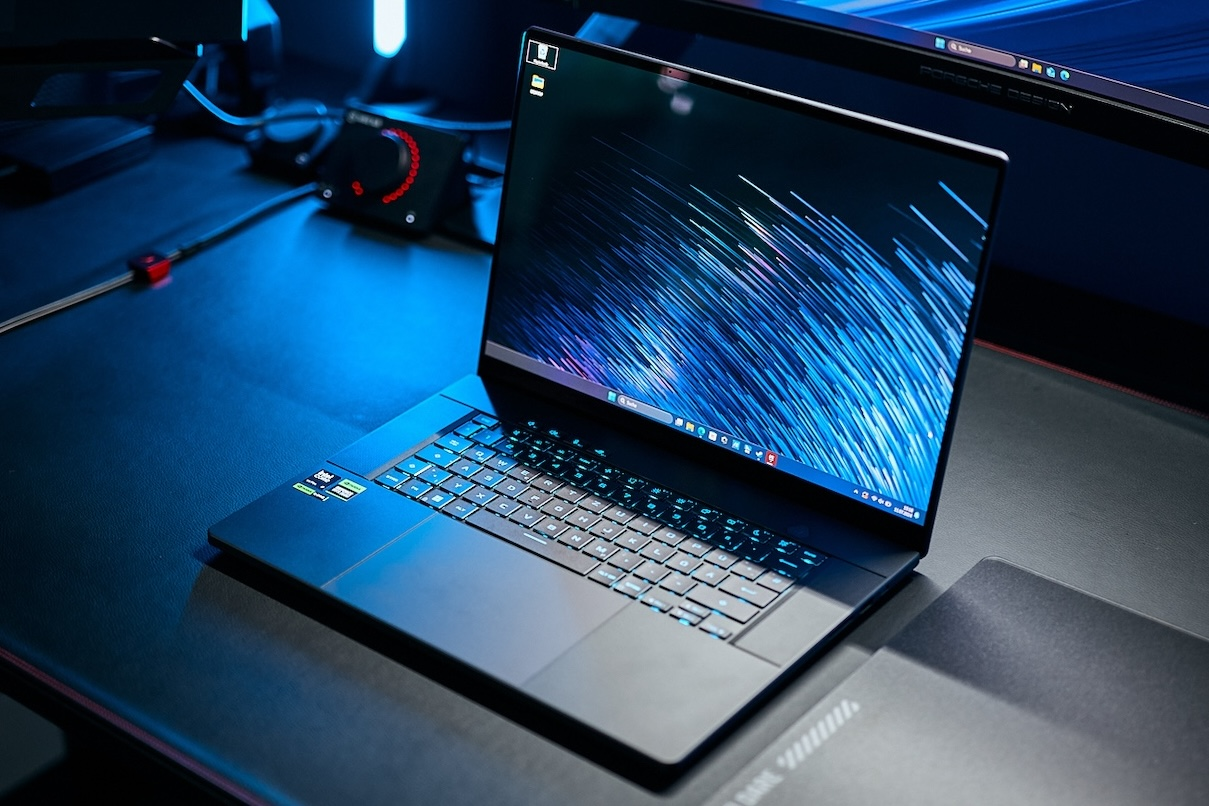
A Windows driver cleanup behavior may be causing confusion for some gaming laptop owners who keep their dedicated GPU disabled for long periods through Eco Mode. The issue was highlighted by a ROG Zephyrus G14 user, who found that after leaving the discrete GPU powered off for several weeks, Windows later treated the GPU as a newly detected device and showed it as Microsoft Basic Display Adapter instead of the installed NVIDIA RTX laptop GPU. In practical terms, the system did not appear to be suffering from a dead GPU. Instead, Windows had removed the unused device entry and its driver package after the GPU stayed absent from the PCIe bus long enough to be classified as disconnected.
The behavior makes more sense when viewed through how hybrid gaming laptops manage power. On ASUS systems, ROG support notes that when Eco Mode is enabled, the independent graphics card may no longer be visible in Device Manager. That is expected because Eco Mode disables the discrete GPU to reduce battery drain and heat. The problem appears when Windows cleanup logic interprets that long absence like a device that has been unplugged and no longer needs its driver package. The Reddit user reported log entries showing a timeout period of 15 days, while the broader Windows behavior is often associated with longer unused device cleanup windows. Once the cleanup happens, switching back to Standard or Ultimate GPU mode can make the dGPU reappear without the proper NVIDIA or AMD driver attached.
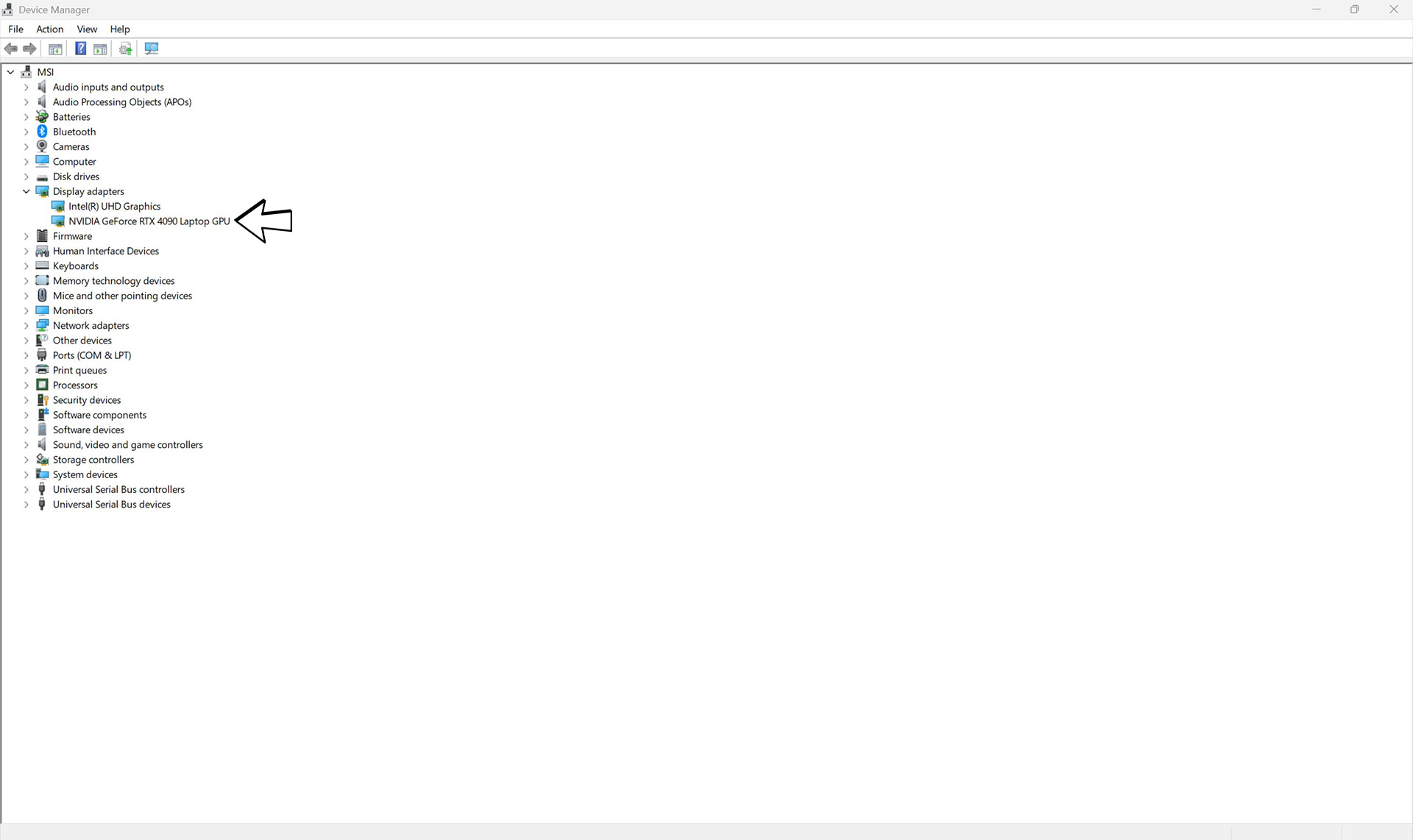

For affected users, the symptoms can look serious. The dedicated GPU may be missing from Task Manager, NVIDIA Control Panel may fail to launch, games may run only on integrated graphics, HDMI output tied to the dGPU may stop working, and Device Manager may show Microsoft Basic Display Adapter or a device error instead of the actual GeForce or Radeon laptop GPU. This matters more as modern gaming laptops continue shifting toward stronger hybrid graphics designs, especially with newer RTX laptop configurations such as the GeForce RTX 5070 Laptop GPU 12 GB variant, where users may deliberately stay on integrated graphics for productivity and battery life before returning to full GPU performance for gaming.
The safer fix is to switch the laptop back to Standard or Optimized mode regularly so Windows continues seeing the discrete GPU before the cleanup window is reached. If the driver has already been removed, users should reinstall the official graphics driver from the laptop vendor or GPU vendor, then scan for hardware changes in Device Manager if needed. More advanced users can inspect Windows setupapi logs or use Microsoft driver management tools such as PnPUtil to confirm whether a driver package was removed, but registry edits and cleanup handler changes should be treated carefully because they can affect how Windows manages old driver packages across the full system.
This is a very Windows style problem because every individual part of the behavior has a purpose, but the final user experience feels broken. Eco Mode is useful, especially for gaming laptop owners who travel, work on battery or only game occasionally. Windows driver cleanup is also useful because it prevents old device packages from stacking up forever. The failure point is the lack of context between both systems. A dGPU hidden by Eco Mode is not the same as a USB accessory that was unplugged and forgotten. Laptop vendors and Microsoft should coordinate a cleaner exception for power gated GPUs, because a high end gaming laptop suddenly losing its graphics driver creates unnecessary panic and damages confidence in hybrid GPU designs.
Have you ever switched your gaming laptop out of Eco Mode and found the dedicated GPU missing or stuck as Microsoft Basic Display Adapter?
