
Windows 11’s New Low Latency Profile Uses Short CPU Bursts to Reduce Start Menu Stutter
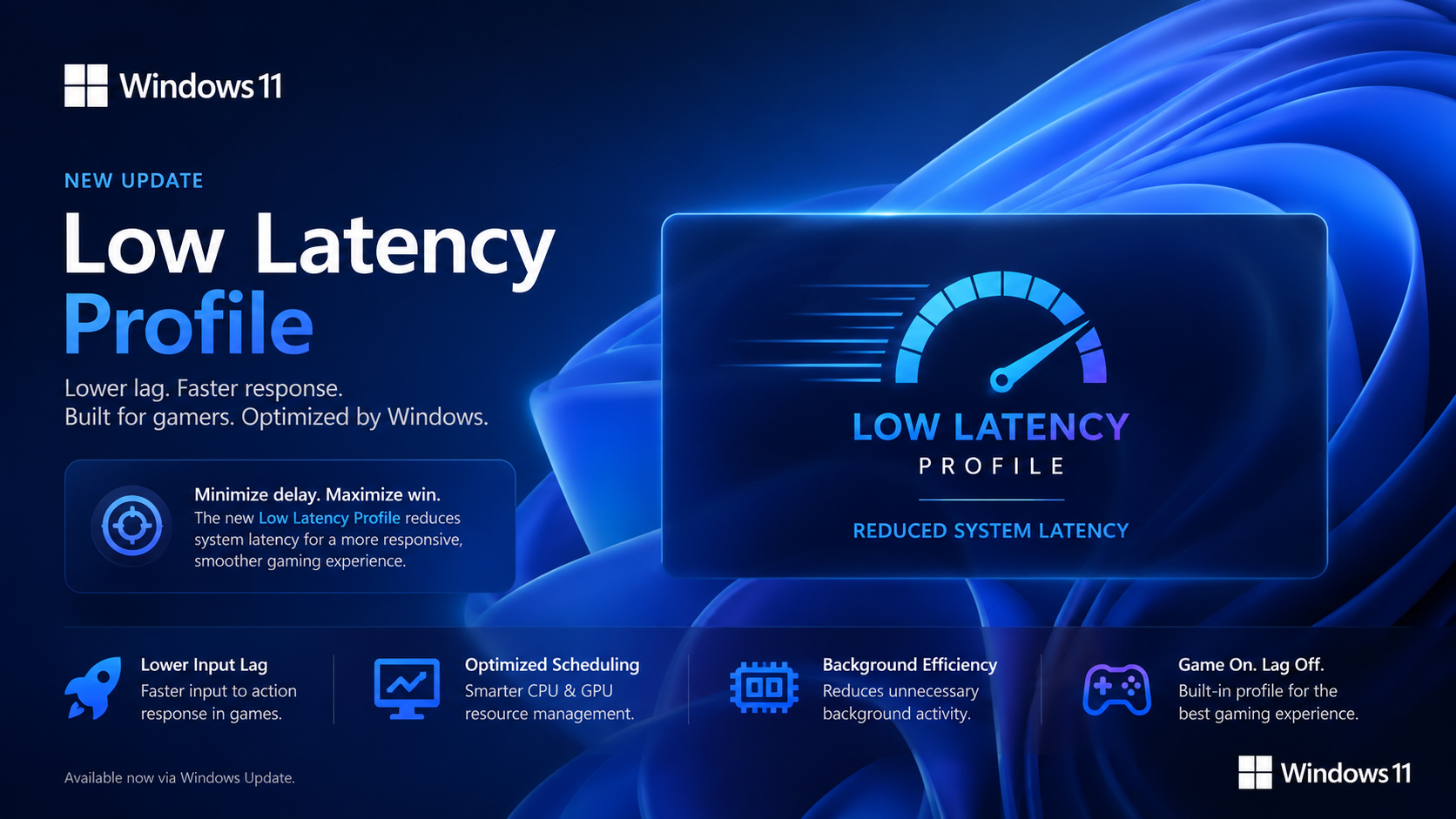
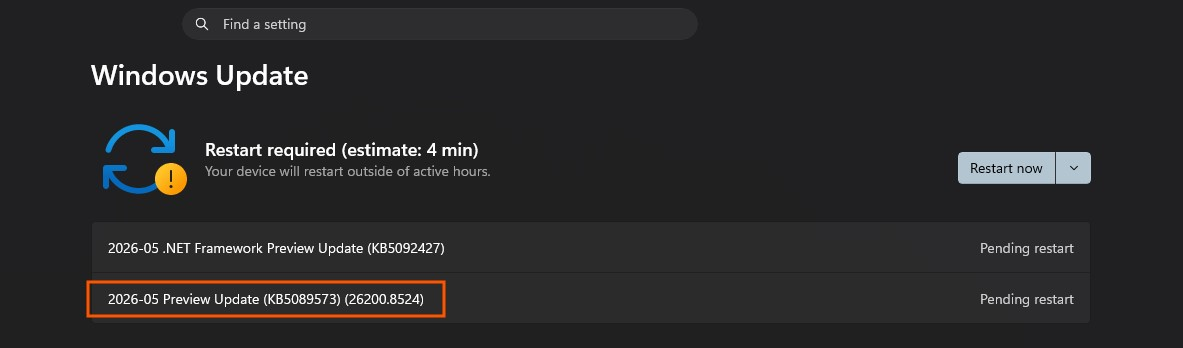
Microsoft’s latest optional Windows 11 update is introducing a new performance behavior that appears small on paper but could make day to day use feel noticeably smoother, especially during interactions with core parts of the operating system. As first highlighted by Windows Latest, the feature is known internally as Low Latency Profile and is tied to the May 26, 2026 preview update KB5089573 for Windows 11 builds 26200.8524 and 26100.8524. Microsoft’s official release notes do not explicitly use the internal feature name, but they do confirm a general performance improvement that “accelerates app launch and core shell experiences such as Start menu, Search, and Action Center.”
What makes this update interesting is how it appears to work. Based on testing reported by Windows Latest, Low Latency Profile temporarily pushes the CPU harder for very short bursts when Windows detects latency sensitive actions such as opening the Start menu or Action Center. That behavior is not presented by Microsoft as a traditional overclocking tool or gamer style boost mode, but in practice it functions as a short responsiveness burst that can raise CPU activity briefly to improve how quickly core interface elements appear on screen.
The timing is also important. KB5089573 is an optional preview update right now, and Microsoft says its features are being delivered through a gradual rollout, meaning not every eligible PC will see them immediately. Systems running build 26200.8524 or 26100.8524 are in the right range for the update, but the Low Latency Profile behavior itself may still arrive in stages depending on the device. That means some users may install the update and still not see the responsiveness change right away.
At the moment, the feature is not exposed through a normal Windows settings toggle. That is a key limitation because users cannot simply open a menu and switch it on or off manually. According to Windows Latest, enthusiasts who want to try it early can force enable the feature using ViVeTool, which is distributed through the project’s official GitHub releases page. The related ViVe repository describes the tool as a feature management utility for Windows feature experimentation, which is why it can surface hidden or staged features before broader rollout.
That said, the current workaround is clearly aimed more at advanced users than the average Windows owner. Manually enabling hidden features with third party tools is not the same as receiving a polished public rollout, and Microsoft has not yet provided a dedicated interface for Low Latency Profile. Even so, the early testing is notable. Windows Latest reports that CPU usage can spike sharply when opening key shell elements, and that these short bursts help eliminate micro stutters, making interactions like Start menu access feel more immediate and consistent.
From a broader Windows experience perspective, this is actually a smart direction. Users do not always need higher sustained performance. What they often notice most are the little delays, the momentary hesitation when opening Start, Search, notifications, or launching lightweight apps. If Microsoft can smooth those high frequency interactions without creating a major battery or thermal penalty, Low Latency Profile could end up being one of those quality of life updates that matters more than its understated changelog description suggests. The biggest unknown now is how consistent the improvement will be across lower end systems, gaming desktops, and thin and light laptops once the rollout expands.
For now, Windows 11 users should view Low Latency Profile as an early performance refinement rather than a dramatic new tuning feature. It is real, it is tied to Microsoft’s latest preview update, and it does appear to be designed to reduce UI hesitation through short CPU response bursts. The real test will be whether Microsoft can roll it out broadly and quietly enough that users simply notice Windows feeling faster without ever needing to know the feature exists.
Do you think Microsoft should add a visible toggle for Low Latency Profile, or is this the kind of background optimization that should just work automatically without user input?
