
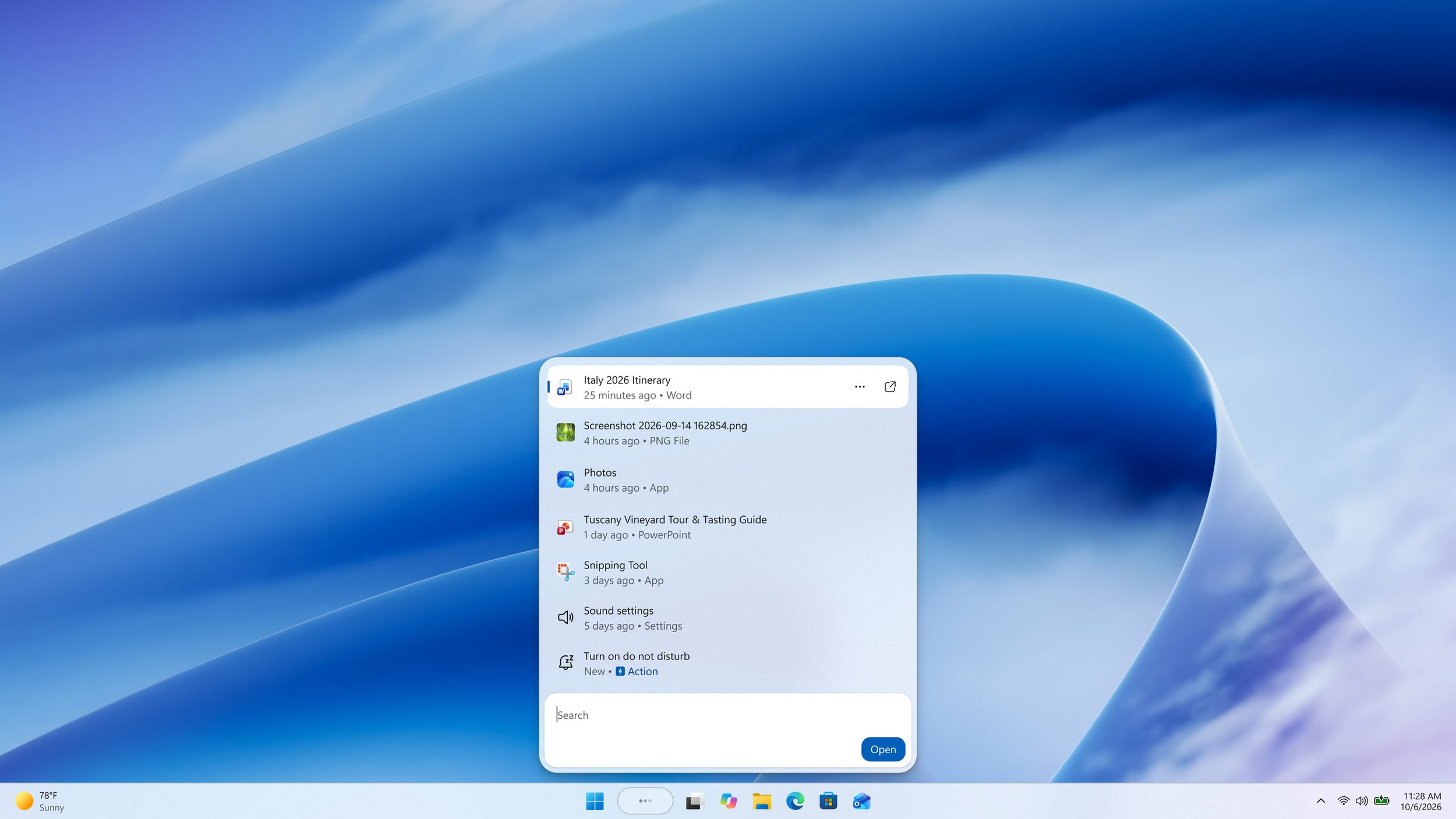
Microsoft is transforming Windows 11 Search into a system control tool, allowing users to change settings, adjust volume, and organize application windows directly from the taskbar without opening the Settings app. The new functionality, called Inline Actions, is expanding to Windows Insiders through Beta Build 26320.9876, released on November 6, 2026, and subsequently updated to 26320.9877.
According to Microsoft's official announcement, the redesigned Search interface uses WinUI 3 to improve responsiveness, reduce memory consumption, and simplify navigation through a cleaner layout. Instead of merely displaying shortcuts to system settings, Windows Search can now execute supported commands directly. Users can press Windows + S and enter instructions such as "Turn on dark mode," "Enable Bluetooth," "Mute volume," or "Increase brightness" to access the corresponding controls without navigating through multiple menus.
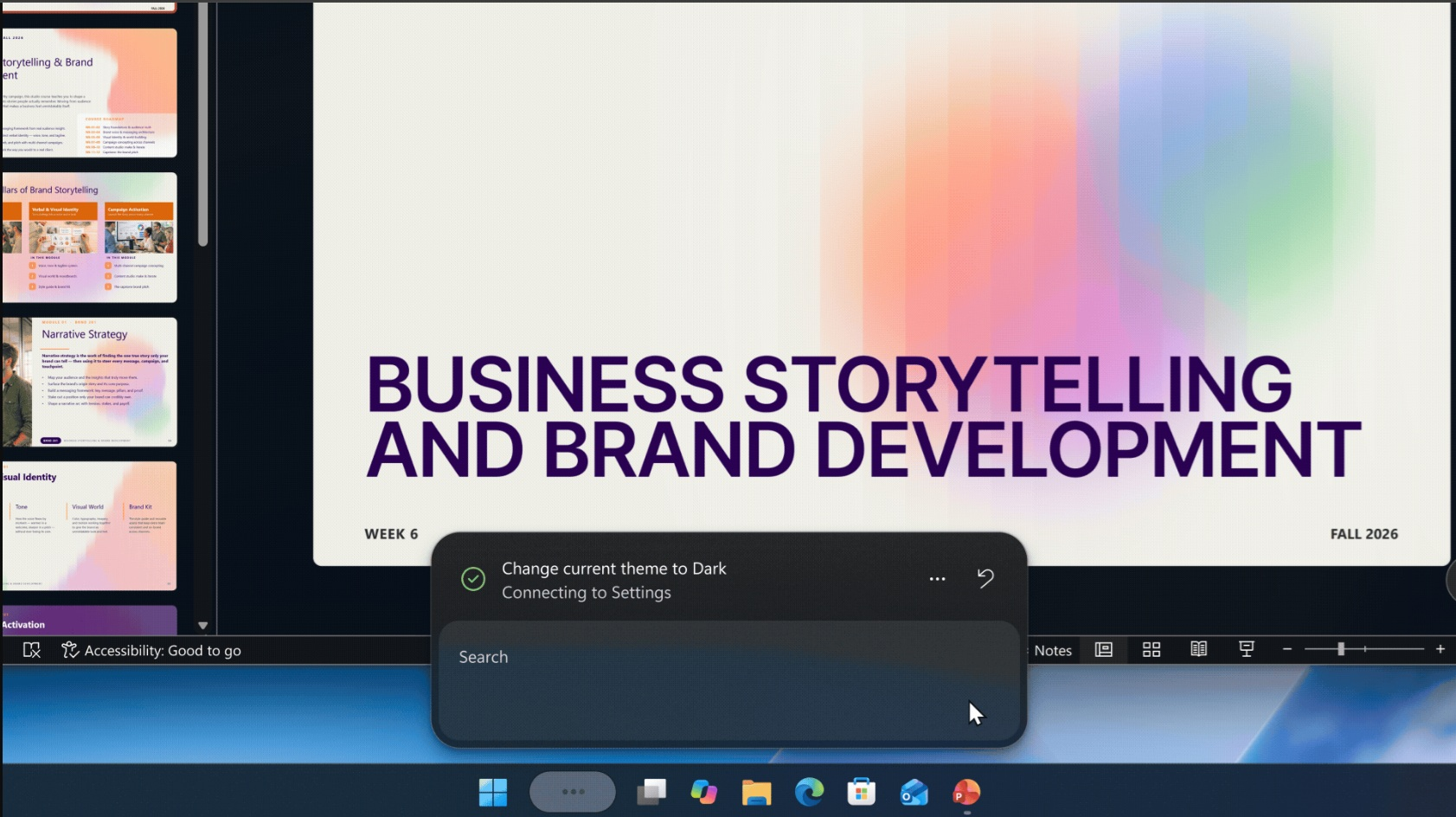
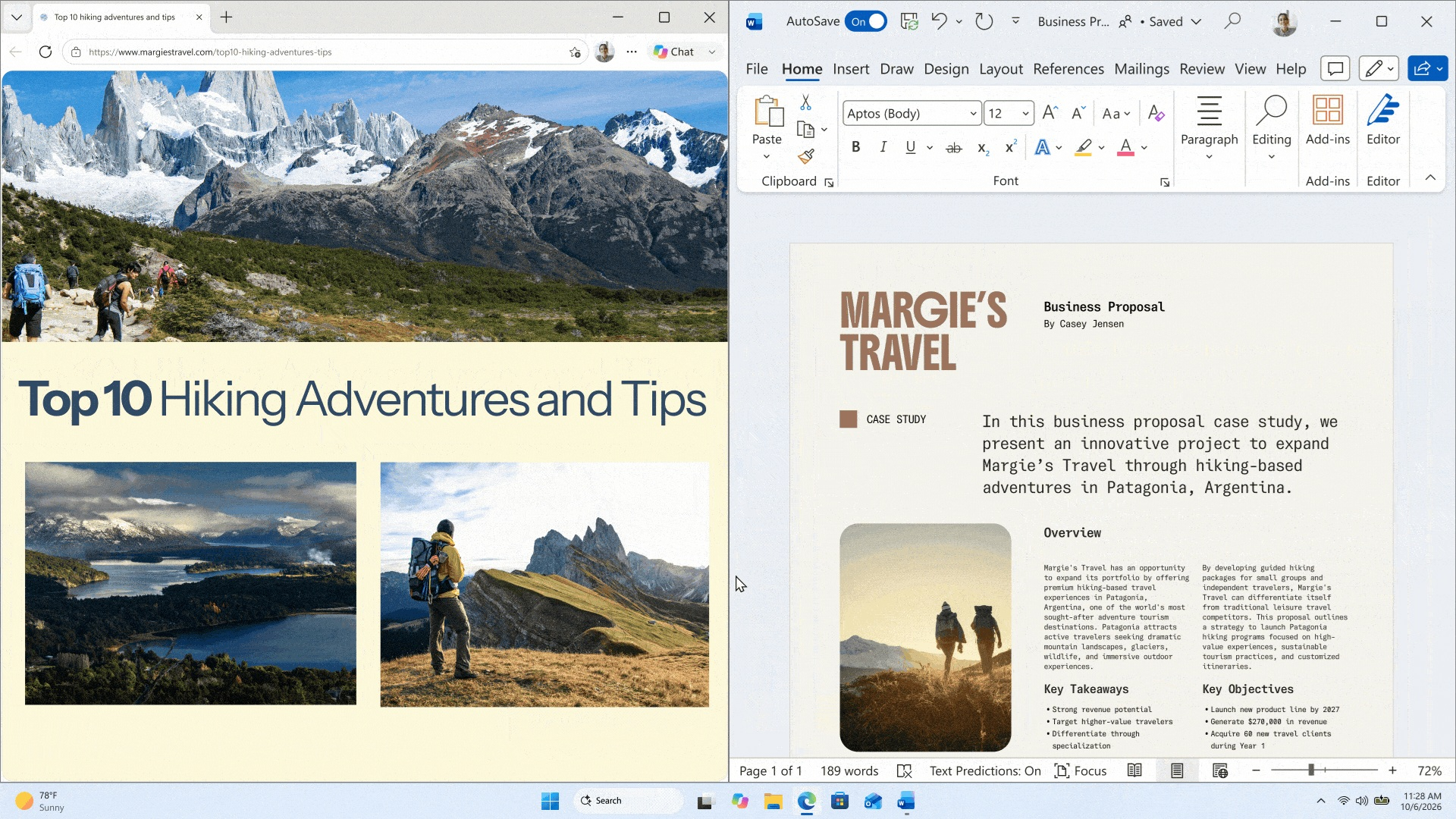
The functionality also supports more precise adjustments, including setting volume to 80%, changing cursor size, and managing open applications. Commands such as "Minimize all windows" or "Snap Notepad and Calculator" allow users to organize their workspace directly through Search. These improvements build upon Microsoft's broader Windows 11 performance optimizations, which target interface responsiveness and memory efficiency.
Importantly, the new Search actions do not require a Copilot+ PC, dedicated NPU, or generative AI processing. Microsoft explains that the system uses a small machine learning model running locally on the CPU to interpret user requests and match them against predefined supported actions. This allows conventional desktops and gaming PCs to benefit from the functionality without additional hardware requirements.
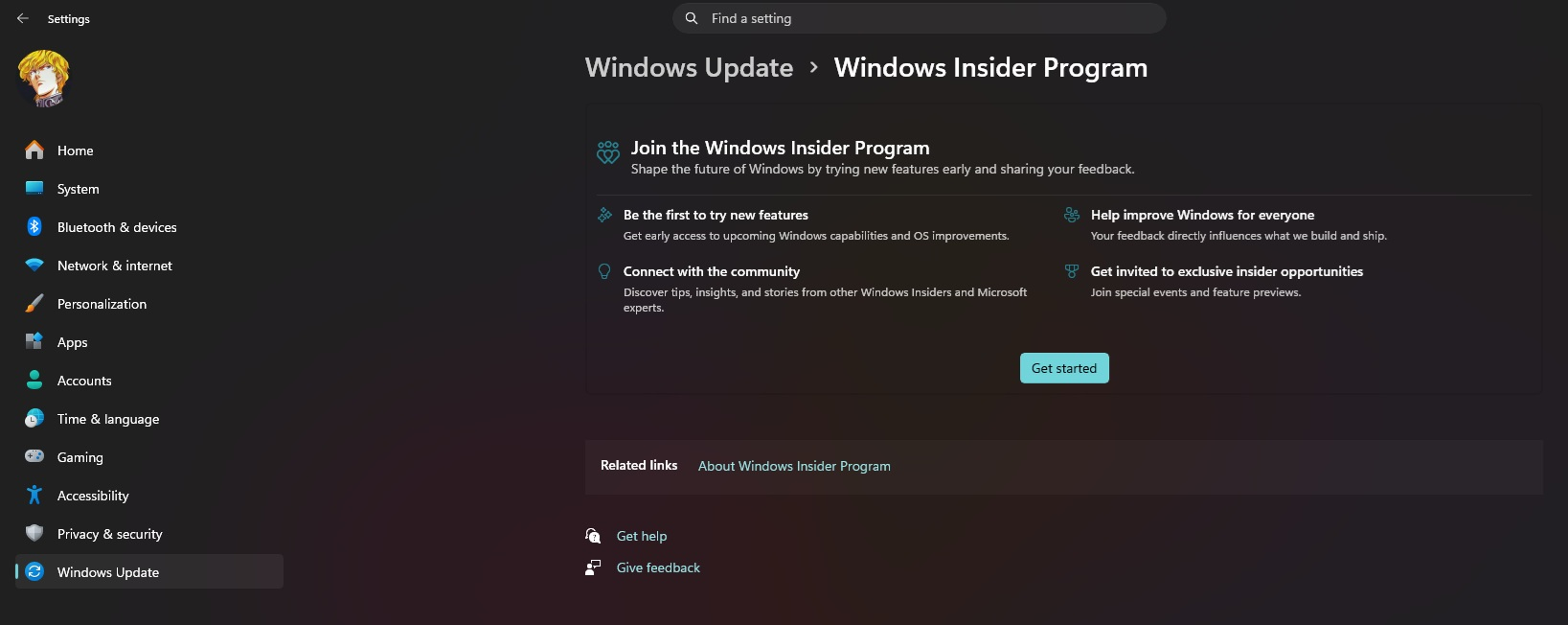
The feature remains limited to eligible Windows Insiders in the Beta and Experimental channels, with English as the only supported language during the initial rollout. Users must access the redesigned interface through the taskbar Search box or Windows + S, as searching directly from the Start menu continues to use the older interface. Some commands may also require confirmation or redirect users to the Settings app.
Microsoft plans to expand the experience with additional functionality, including Phone Link integration and future Start menu support. However, a confirmed release date for all Windows 11 users has not been announced.
This is a practical improvement that Windows 11 should have introduced much earlier. Allowing users to adjust basic settings without navigating multiple menus improves productivity and makes the operating system more convenient for gamers and professionals. More importantly, Microsoft's decision to use a lightweight local model rather than requiring Copilot or dedicated AI hardware demonstrates that useful software improvements do not always require expensive upgrades. Windows should prioritize performance, customization, and user control instead of making everyday functions increasingly complicated.
Would you use Windows Search to control system settings, or do you still prefer traditional shortcuts and the Control Panel?
