
Microsoft Adds Built In Internet Speed Test to the Windows 11 Taskbar in Latest Release Preview Builds
Microsoft is preparing another Windows 11 feature drop, and the latest Release Preview builds are already showing what is heading to mainstream users next. According to coverage from Windows Central, the upcoming update is heavily focused on taskbar changes, with additional refinements across core Windows 11 experiences.
In the Release Preview Channel, Microsoft has shipped Windows 11 builds 26100.7918 and 26200.7918, labeled under update package KB5077241. In its official Windows Insider release notes, Microsoft confirms a wave of taskbar and system level improvements, with one standout addition that targets everyday practicality: a built in internet speed test integrated directly into the taskbar experience.
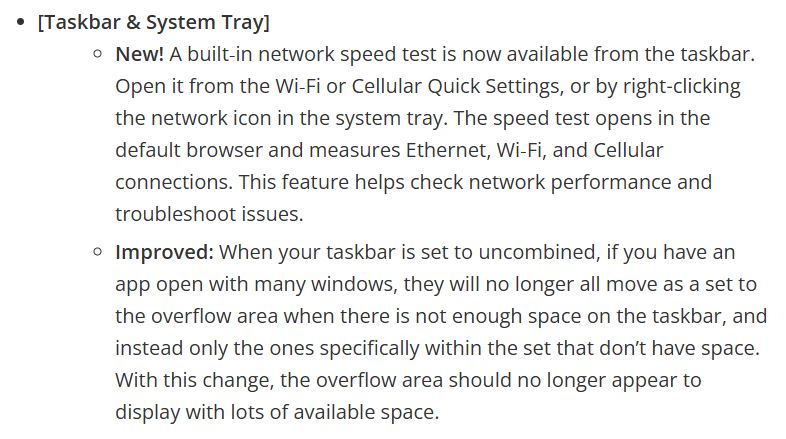
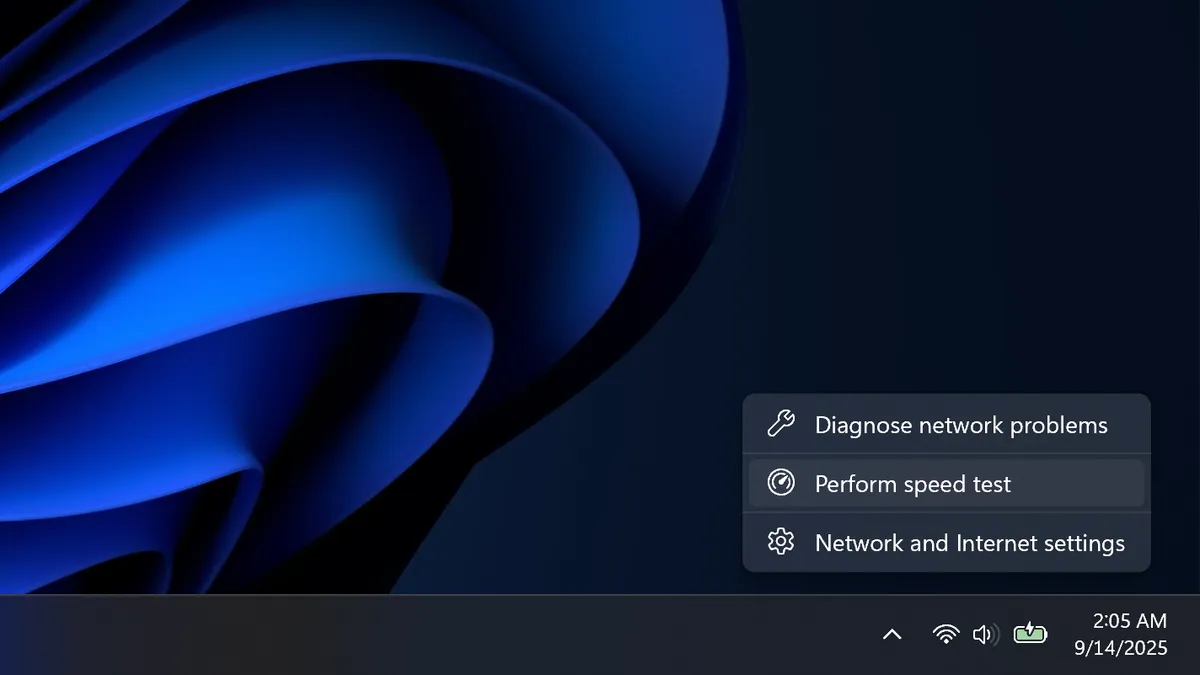
The speed test integration is designed to reduce friction for quick connectivity checks. Instead of jumping to a third party utility or searching for a browser based test, users can trigger the feature directly from the network experience in Windows 11. Microsoft says the option will be accessible in 2 primary ways. First, by right clicking the network icon in the taskbar system tray. Second, by opening WiFi or cellular quick settings. Once launched, the test opens in the default web browser and can be used to measure Ethernet, WiFi, or cellular performance quickly. While it is a small change on paper, it is a meaningful quality of life upgrade for diagnosing intermittent lag, confirming bandwidth at a glance, or validating whether a network issue is local or upstream.
Beyond the speed test, KB5077241 also refines taskbar behavior for users who prefer uncombined taskbar buttons. In that configuration, apps with multiple open windows will no longer move all instances into the overflow simultaneously. Instead, only the windows that exceed available space are pushed into the overflow area, making overflow behavior more accurate and more predictable during heavy multitasking.
Microsoft also lists additional improvements and fixes in the same Release Preview update set, including Native Sysmon support, camera pan and tilt controls, start menu layout refinements, plus multiple fixes across File Explorer and other system components. Together, these changes signal a feature drop strategy that prioritizes small but high impact workflow upgrades, especially for users who live in the taskbar and quick settings throughout the day.
If this feature drop lands smoothly, the built in speed test could become one of those subtle Windows 11 additions that quickly feels essential. It is not about adding another flashy widget, it is about giving power users and everyday users a faster path to answers when performance does not feel right.
Would you actually use a built in Windows 11 speed test from the taskbar, or do you still prefer dedicated tools and external speed test sites for consistency and benchmarking?
