
ASUS ROG Strix RTX 3090 Repair Case Suggests A Screw Placement Risk That Can Damage PCB Traces And Kill VRM Components
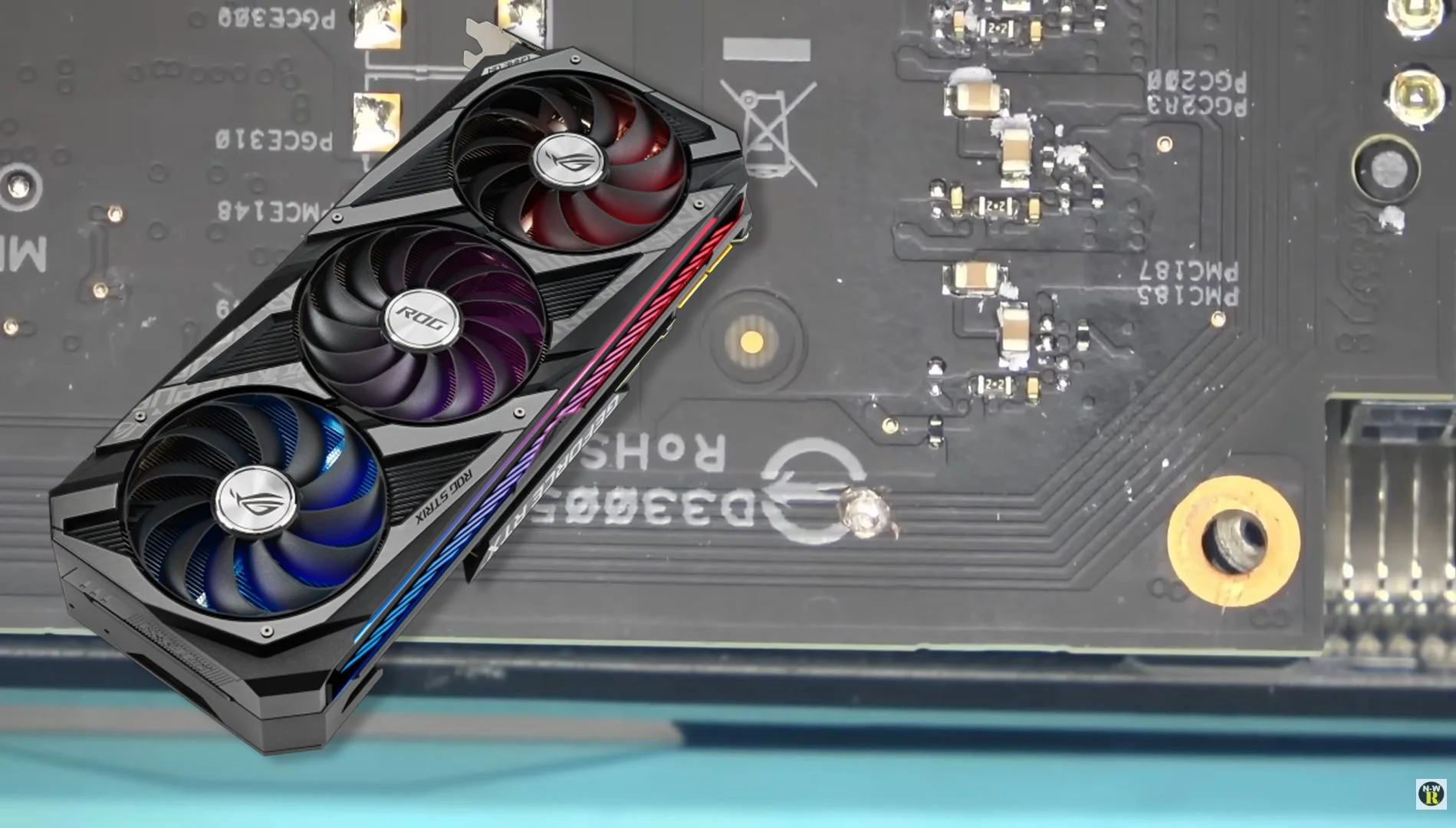
A new repair case involving the ASUS ROG Strix RTX 3090 is drawing attention to a potentially dangerous assembly risk that owners may never notice until the card fails. According to repair technician NorthWestRepair, one section of the shroud uses screws positioned so close to the PCB that excessive tightening can damage board traces and trigger a short, potentially taking out VRM related components in the process. The case was highlighted in the repair video you shared, which NorthWestRepair titled “Common problem with Asus STRIX 3090 (screw of death),” and the same case has also been summarized by other hardware outlets.
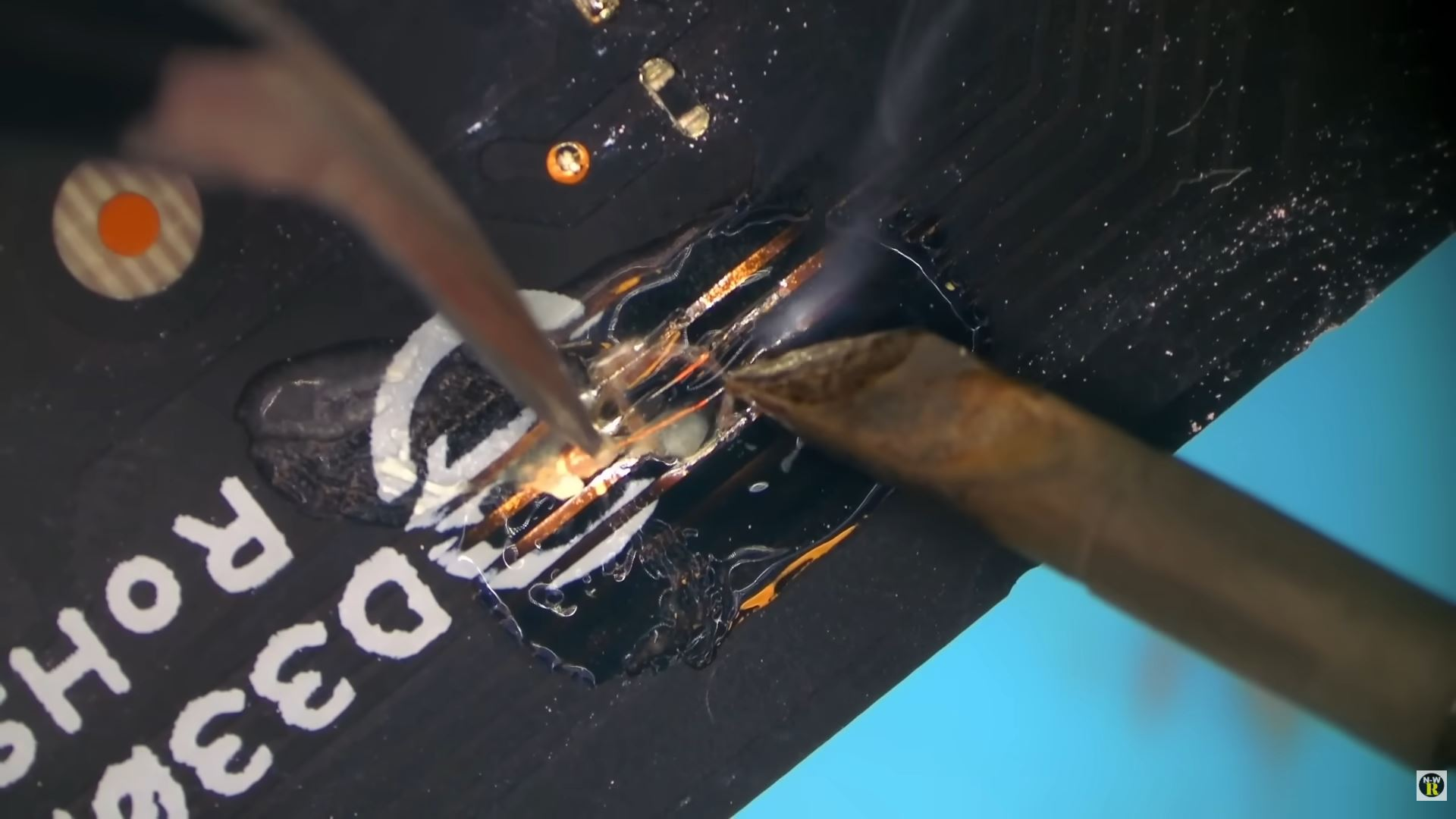
The issue, as described in the repair coverage, centers on the small side shroud area carrying the GeForce RTX branding. In this case, a user reportedly opened the card to replace thermal pads, then reassembled it and applied too much pressure to those small screws. That excessive force allegedly damaged PCB traces underneath, created a short circuit, and led to damage in the VRM control area. Coverage of the repair says the end result was severe enough that the card required replacement of 3 driver MOSFETs, a phase controller, and repair work on the damaged PCB traces before it could function normally again.
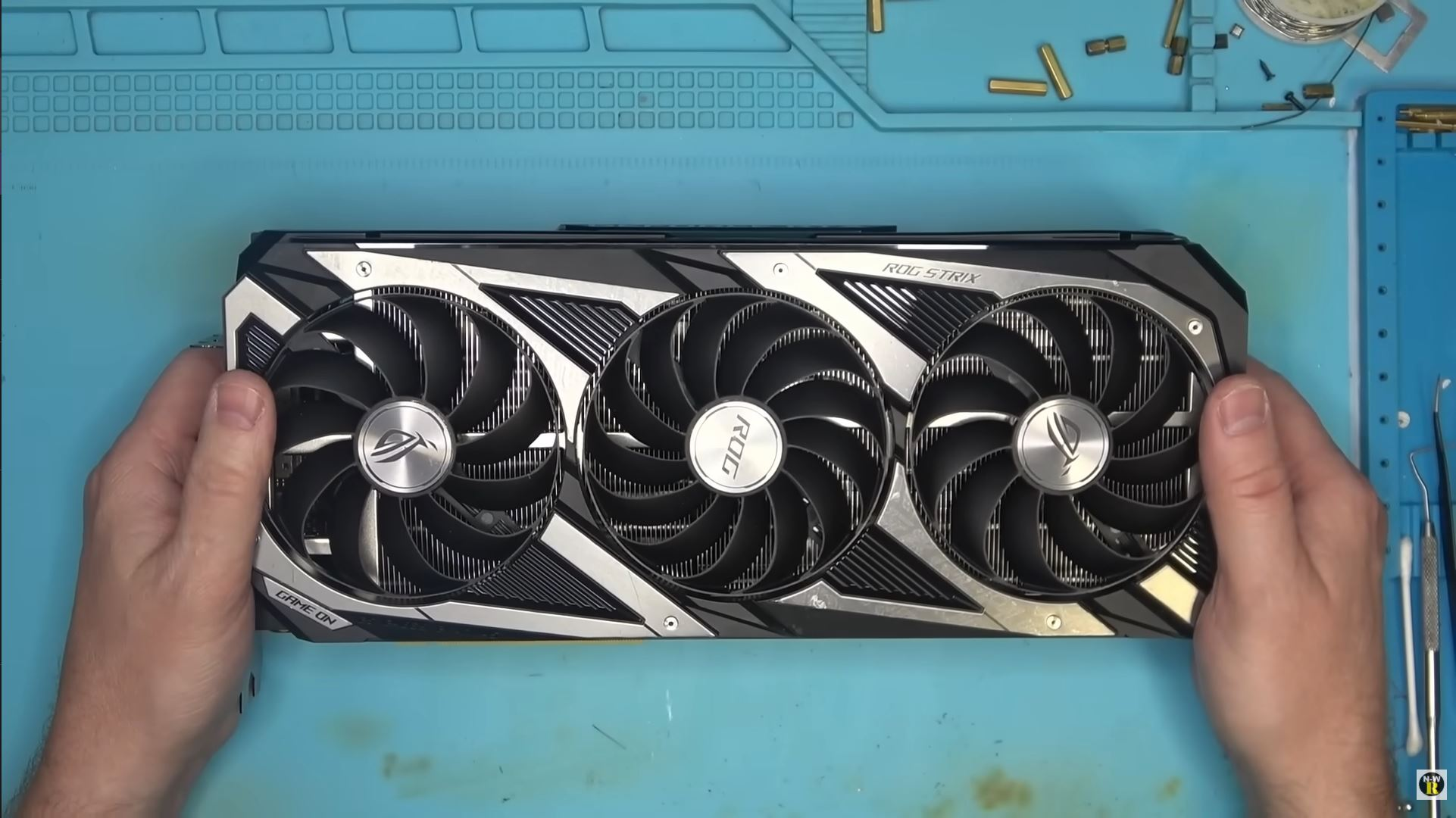
What makes the story notable is not just the repair itself, but the suggestion that this is not a totally random one off accident. NorthWestRepair framed it as a “common problem” in the video title, and the surrounding reporting describes the screw layout as close enough to the PCB to create real risk if someone overtightens the assembly during maintenance. That does not prove every ASUS ROG Strix RTX 3090 is doomed to fail, but it does suggest the card may be less forgiving than many owners expect when it comes to disassembly and reassembly. That conclusion is an inference based on the repair video title and the reproduced details from coverage of the repair.
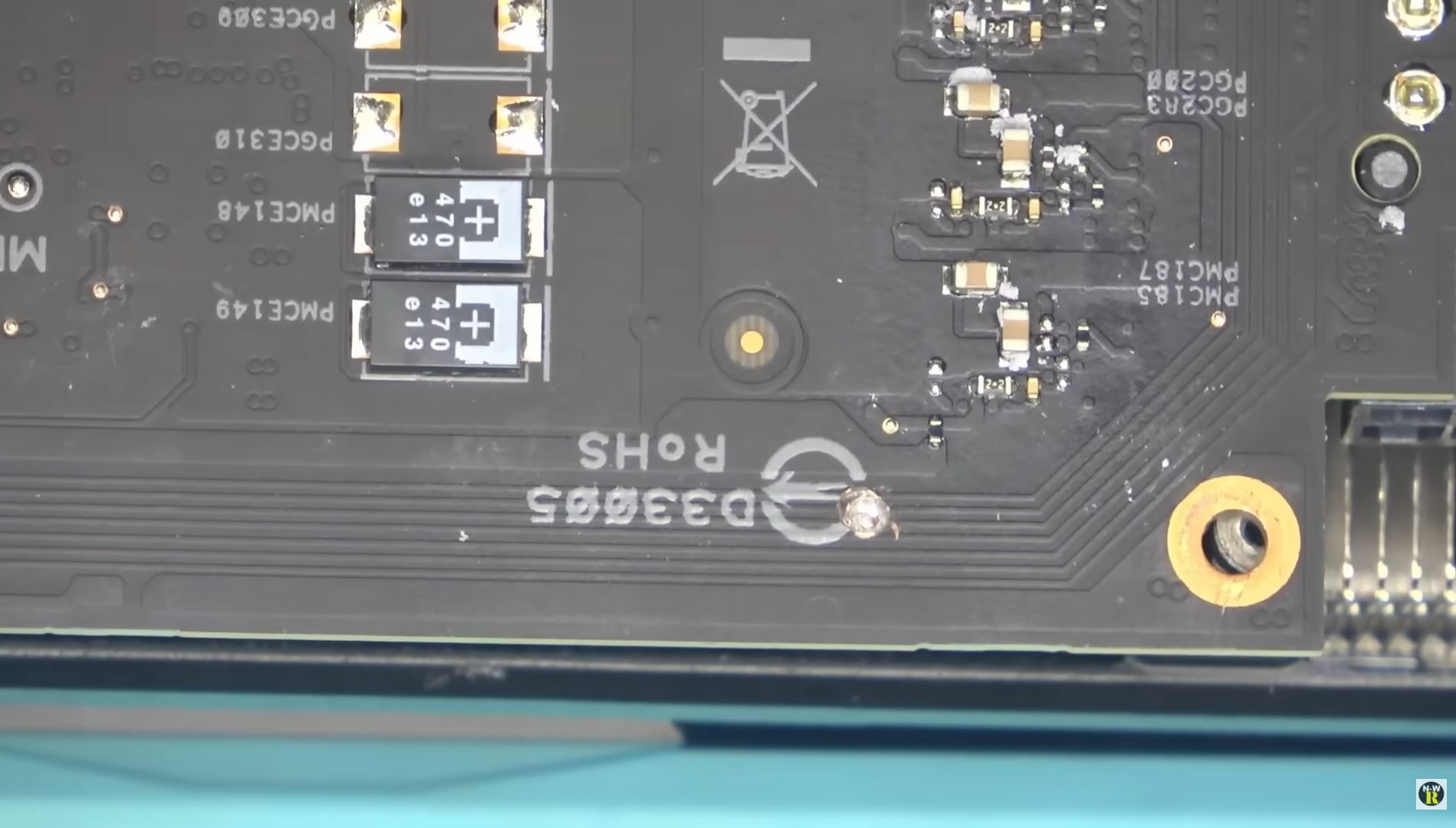
For enthusiasts, the bigger takeaway is practical. A lot of high end GPU owners open older cards to replace thermal paste, swap thermal pads, clean out dust, or prepare them for resale. On a flagship class card like the RTX 3090, that usually feels like a routine enthusiast job. This case is a reminder that even when the maintenance goal is simple, the mechanical tolerances around the board can be much less forgiving than they appear, especially on complex custom designs with tightly packed shrouds, multilayer PCB routing, and power circuitry sitting close to cosmetic or structural mounting points. This is a general inference from the repair case and the nature of modern GPU construction.
It is also another example of how GPU failures are not always caused by silicon wear, memory degradation, or heat alone. Mechanical pressure, misplaced screws, and trace damage can create faults that look at first like mysterious electrical failure. In this RTX 3090 case, the damage apparently extended beyond a simple broken trace and into the power delivery side of the card, which made the fix much more complicated than a normal repaste or thermal pad job.
That said, it is important to keep the scope of the story accurate. This is a repair case and not a formal ASUS recall notice or a manufacturer confirmed design defect announcement. Based on the available reporting, what we have is a technician documented case that points to a risky screw and PCB layout interaction on at least some ASUS ROG Strix RTX 3090 cards, plus the technician’s own view that it is a recurring enough issue to call it common.
For owners of this model, the safest response is straightforward: if the card is working fine and there is no strong reason to open it, caution is warranted. And if maintenance is necessary, screw placement, screw length, and tightening force matter far more than many users assume. On high value older GPUs, one small assembly mistake can turn a thermal service job into a full board level repair.
Have you ever opened a high end GPU for cleaning or thermal pad replacement, or do stories like this make you leave graphics cards untouched?
