
DLSS Swapper v1.2.2.0 Adds Ray Reconstruction Presets and Broader Launcher Support for Cleaner RT Tuning
DLSS Swapper has quietly evolved from a simple utility into a more strategic quality of life layer for PC gamers who want tighter control over upscalers across a growing library of titles. With the rollout of the latest update, DLSS Swapper v1.2.2.0 expands beyond basic swapping and version management by introducing support for NVIDIA DLSS Ray Reconstruction presets, while also improving game detection and widening launcher compatibility for players who split their time across multiple storefront ecosystems.
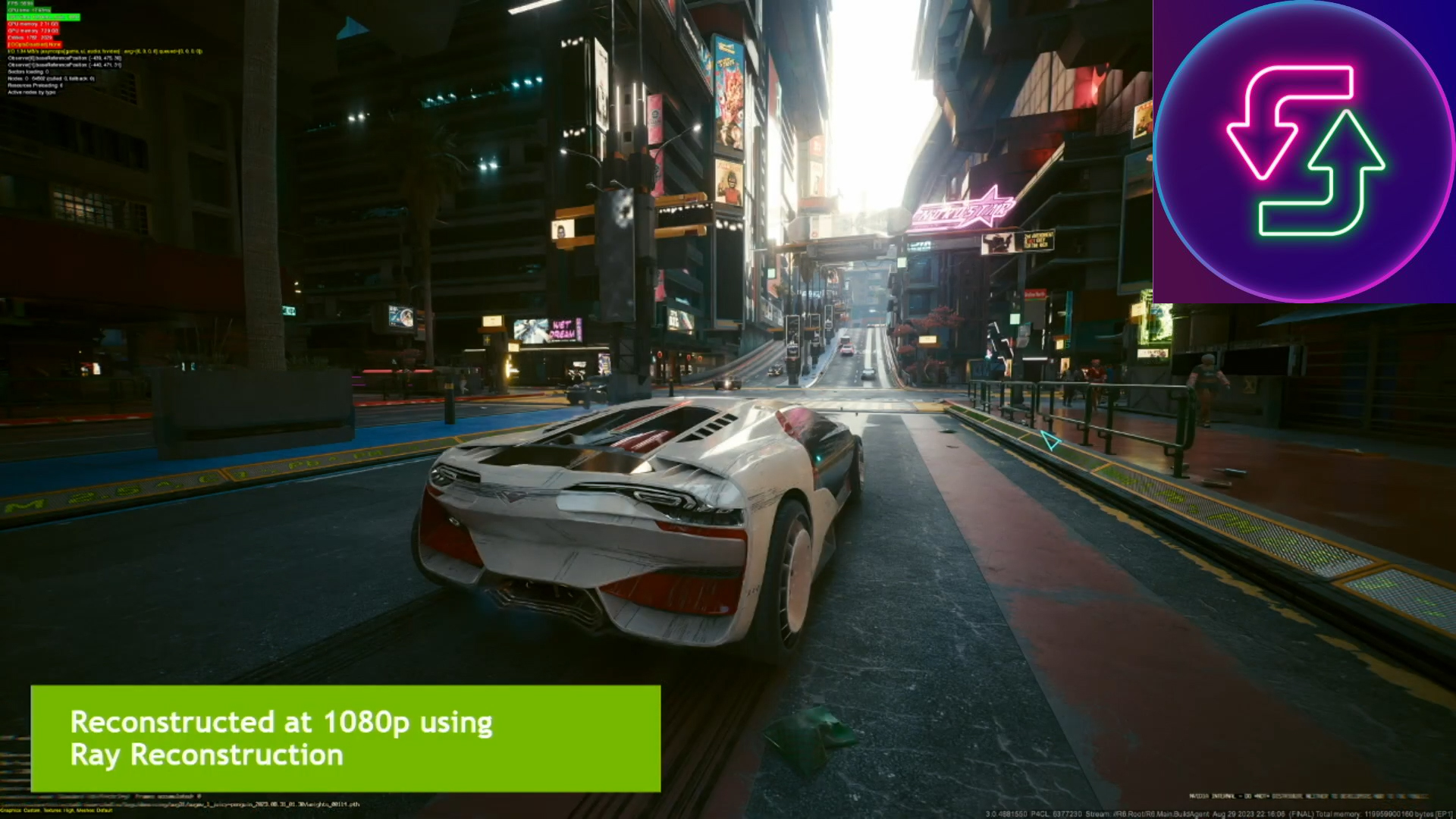
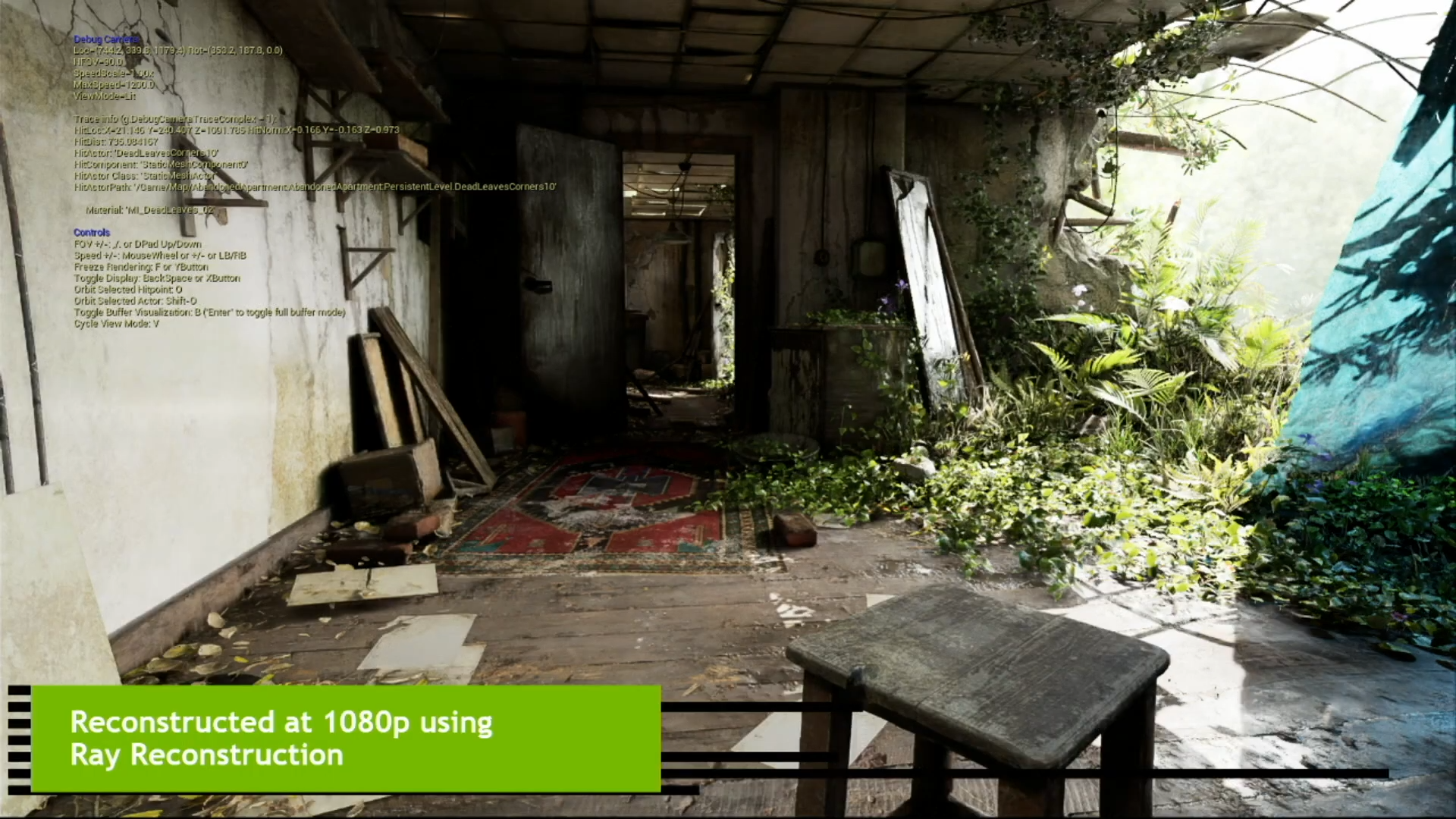
The headline feature is Ray Reconstruction preset support. Ray Reconstruction, now associated with DLSS 4, replaces traditional denoising with a transformer based AI approach designed to improve ray traced lighting output and overall RT image stability. In practical gameplay terms, this can translate into cleaner lighting behavior, less distracting shimmering, and more coherent detail in high contrast ray traced scenes, especially when you are moving quickly through environments or panning the camera during combat. DLSS Swapper bringing preset selection into its workflow is a meaningful step because it turns Ray Reconstruction from a behind the curtain feature into something that can be tuned when a game exposes preset hooks, giving enthusiasts a more deliberate way to balance image quality, artifacts, and performance behavior per title.
This update also reinforces what DLSS Swapper has been trending toward for a while: it is not just a DLSS swapper anymore. The tool is positioned to manage upscalers across vendors, including AMD and Intel options, and with the new preset support it is expanding into deeper configuration territory rather than staying purely in file swap utility mode. That is a logical product direction as modern rendering stacks become more modular and players increasingly expect to fine tune their experience like a graphics settings loadout rather than a one size profile.
On the operational side, the v1.2.2.0 release notes highlight broader launcher integration and improved game detection. This matters because the average PC library is now fragmented across Steam, Epic, EA App, and the Xbox App, and tooling that only supports a single ecosystem creates friction. With expanded launcher support and better filtering and detection, the tool is pushing toward a more unified library management experience, which is a strong quality of life value add for gamers who frequently move between platforms or maintain multiple installs of the same title.
One important caveat mentioned in the release notes is that some presets may be reset by the NVIDIA App or by specific games, and NVIDIA is aware of the behavior. In practice, that means power users should treat presets as a configurable layer that may require occasional re application depending on how a game or the broader driver stack handles overrides. For enthusiasts, that is still a net win because you gain the ability to shape the output, even if the ecosystem is not yet fully consistent in how it preserves those settings.
Looking forward, the project roadmap signals interest in expanding support for alternatives like FSR 4 and AMD Ray Regeneration. If that direction materializes in a future build such as version 1.2.3, DLSS Swapper could become a more vendor neutral control hub for upscaling and ray tracing enhancement features, which would be particularly relevant for RDNA 4 owners who want parity in tooling and tuning depth across GPU families.
Are you planning to use Ray Reconstruction presets to chase maximum image clarity, or are you more interested in a balanced preset that keeps performance consistent during heavy combat and fast camera movement?
