
DLSS Swapper Update Adds DLSS 4.5 Presets L And M, But Global Presets May Not Apply Yet
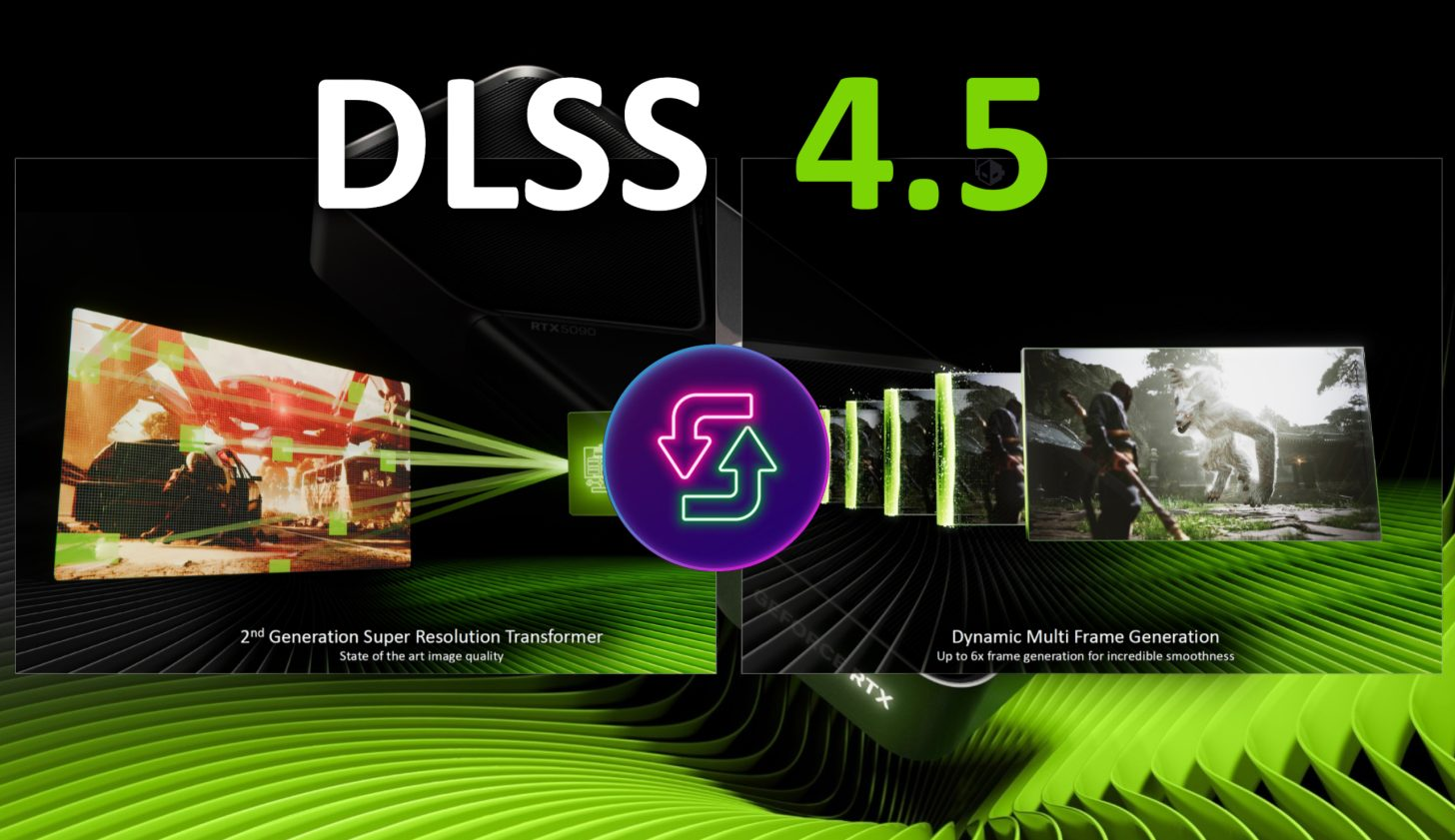
DLSS Swapper has rolled out a new update that expands its DLSS 4.5 handling with added support for the L and M presets, giving PC gamers a more granular way to tune image quality when a game has not yet shipped official DLSS 4.5 integration. For anyone who has been optimizing their library title by title, DLSS Swapper has become a go to utility thanks to its straightforward interface and its ability to replace upscalers from NVIDIA, AMD, and Intel with newer versions, helping players align visual quality and performance with the latest model improvements.
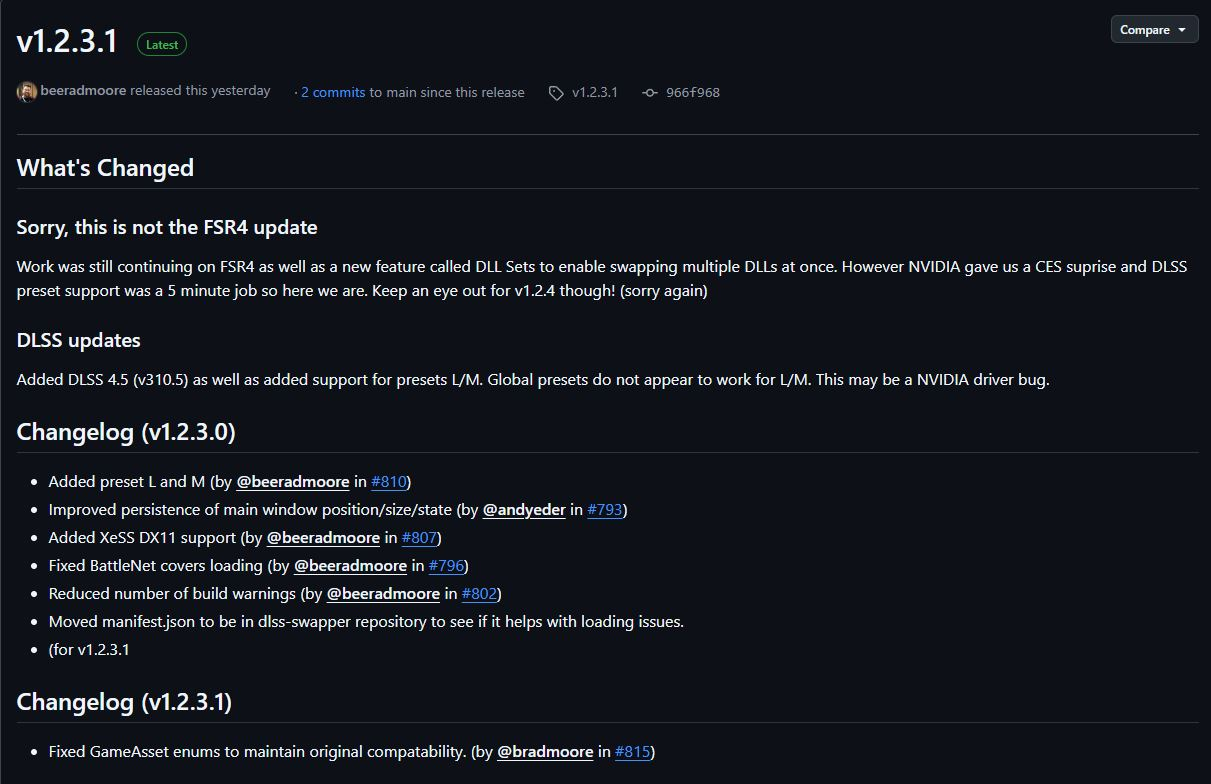
The new release, DLSS Swapper version 1.2.3.1, was published yesterday and specifically adds support for DLSS 4.5 Presets L and M. These presets matter because DLSS 4.5 has arrived with a second generation Transformer based model that can deliver noticeably improved clarity and stability compared to earlier Transformer implementations. In practical gaming terms, that can translate into cleaner edges, better texture reconstruction, and reduced shimmering in motion, especially in scenes that used to stress temporal reconstruction.
While the new presets are a welcome addition, it is important to set expectations. DLSS 4.5 is more demanding than prior versions, and older GPUs can take a noticeable performance hit depending on resolution, in game settings, and VRAM headroom. On newer GPUs like the RTX 50 series with stronger AI throughput and better memory capacity, the regressions may be smaller, but the reality is that the latest model improvements come with additional compute cost. This makes Presets L and M especially useful because they give players more control over where they want to sit on the quality versus frame rate curve per title.
A high impact practical approach is to treat L and M as tools for targeted wins, not blanket defaults. If you are playing a single player cinematic title where image stability matters more than raw FPS, you can lean into the higher quality preset. If you are chasing higher frame rates in competitive play, you may still want to stick with a lighter preset or tune per game alongside resolution scaling and in game AA options.
The biggest operational note in this update is not the presets themselves, but how they are applied. According to the developer, DLSS Swapper global presets may not properly apply Presets L and M right now, and the issue is described as driver side behavior from NVIDIA. That means users should not assume that setting a global preset will propagate correctly across their library. Instead, the recommended workflow for now is selecting these presets on a per game basis, which is a bit more hands on, but it ensures the intended visual profile is actually being used.
This is a key distinction because many power users rely on global configuration to standardize visual output across multiple titles. Until the driver behavior is addressed, per game configuration remains the most reliable way to benefit from Presets L and M in DLSS 4.5.
Beyond DLSS 4.5 preset support, version 1.2.3.1 also includes a set of bug fixes and compatibility improvements, including fixes related to GameAsset enums to maintain original compatibility. For a swapping tool, these under the hood changes are meaningful because stability and correct asset mapping are what prevent broken upscaler injections and unintended behavior across different game builds.
Are you using DLSS Swapper to keep older games visually current, and would you rather manage DLSS presets globally or tune every title individually for the best balance?
