
Steam Machine Gets Windows Drivers, But Valve Still Recommends SteamOS For Now
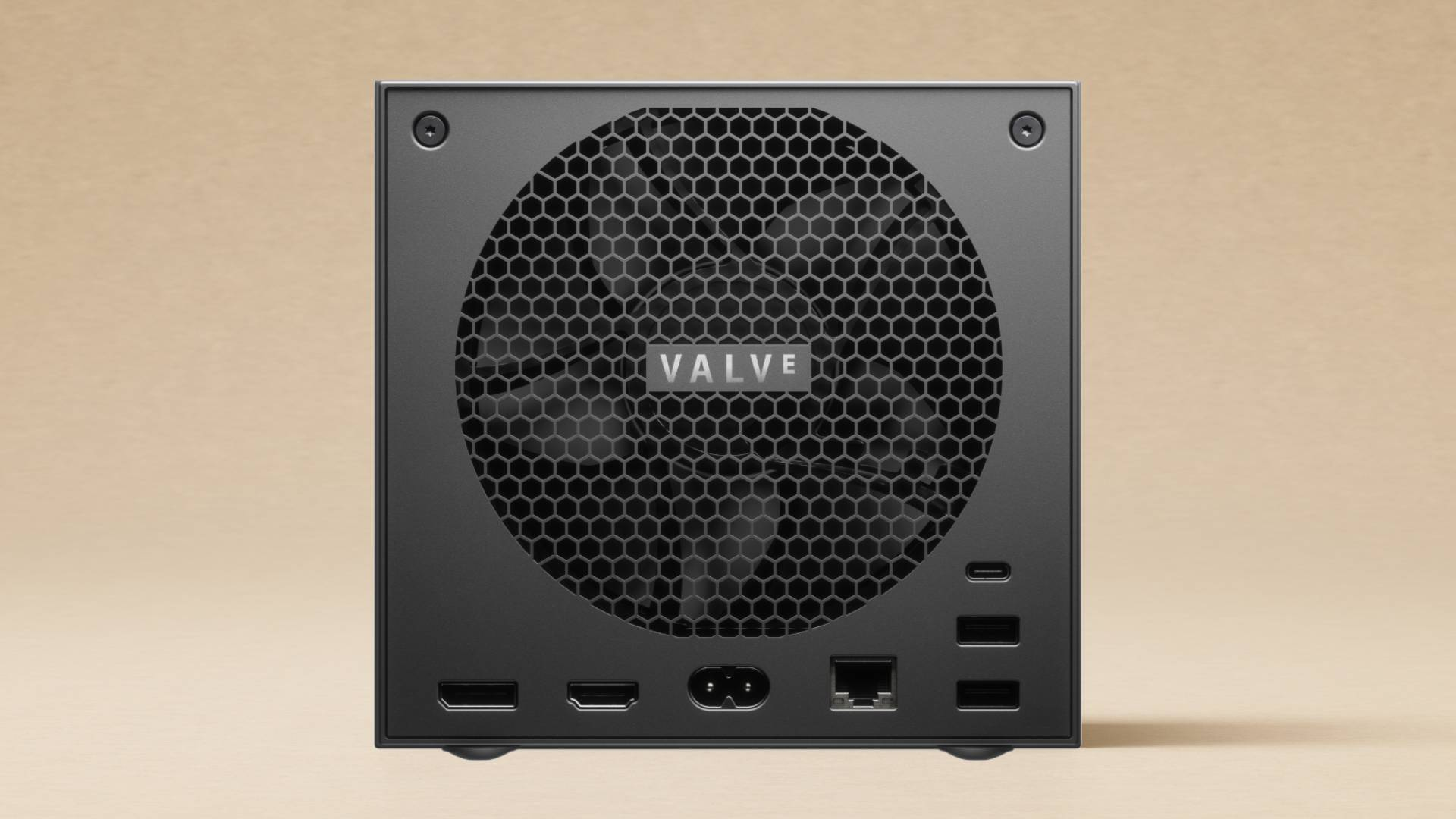
Valve has released official Windows resources for Steam Machine, giving users the option to install Microsoft’s operating system on the upcoming SteamOS powered living room PC. The new downloads are available through Valve’s Steam Hardware Windows Resources page and include drivers for AMD Radeon graphics, WiFi, Bluetooth, and the SD card reader. The update was spotted by VideoCardz, which noted that the Steam Machine now has its own dedicated section separate from the Steam Deck LCD and Steam Deck OLED driver packages.
The move follows the same open PC philosophy Valve used with Steam Deck. Steam Machine ships with SteamOS by default, but Valve continues to position its hardware as a PC rather than a locked console. That means users can install another operating system, run different storefronts, and configure the device more like a compact gaming computer. However, Valve is also making it clear that Windows support is not the recommended route yet. The company says its Windows resources are provided as is and that it cannot offer Windows on Steam Hardware support.
The biggest limitation is dual boot. Installing Windows on Steam Machine currently requires wiping the device, meaning users cannot keep SteamOS and Windows side by side through an official Valve installer. Valve says Steam Deck and Steam Machine are fully capable of dual boot, but the SteamOS installer with a dual boot wizard is not ready yet. That feature is expected to arrive alongside SteamOS once completed, but Valve has not given a final release date.
This makes the Windows driver release useful, but not ideal for most early Steam Machine buyers. Windows can unlock access to games and services that still have issues on Linux, especially titles with kernel level anti cheat systems or PC services like Xbox Game Pass. At the same time, installing Windows means giving up the main reason many players are interested in Steam Machine in the first place, which is SteamOS. Valve’s software stack offers a console style interface, fast navigation, system level controller support, Proton compatibility, shader caching, sleep and resume behavior, and a cleaner living room experience than a standard Windows desktop.
The timing also matters because Steam Machine has already become one of Valve’s most debated hardware launches, Valve prepared SteamOS for Steam Machine as price concerns grew louder, especially after rising memory and storage prices pushed expectations higher. A device near or above US$1,000 has to justify itself not only against PlayStation and Xbox consoles, but also against compact gaming PCs, gaming laptops, and custom desktop builds.
SteamOS remains Valve’s strongest argument, Valve is working with NVIDIA to bring SteamOS to more gaming PCs, showing that the company is not treating SteamOS as a single device operating system anymore. Valve is building a wider software platform for handhelds, living room PCs, custom desktops, and possibly future third party systems. Steam Machine is the showcase product for that strategy, and Windows drivers give users flexibility without changing the fact that SteamOS is still the center of the experience.
For players, the decision comes down to compatibility versus integration. Windows gives access to more native PC software, more launchers, more anti cheat dependent games, and broader peripheral support. SteamOS gives a cleaner console like experience with less Windows overhead and deeper Steam ecosystem integration. Without official dual boot, users have to choose one path for now, which makes Valve’s warning important. The drivers are available, but installing Windows early is more of an enthusiast option than a mainstream recommendation.
This is the right move from Valve, but it is also a careful one. Releasing Windows drivers makes Steam Machine more credible as an open PC, especially at a premium price where users expect control over their hardware. It also prevents Valve from being accused of locking buyers into SteamOS, which is important when the device is competing against traditional PCs as much as consoles.
Still, Valve knows that Steam Machine only becomes special if SteamOS delivers. Windows turns the device into another compact gaming PC. SteamOS is what gives it a real platform identity. That is why the lack of dual boot matters. Once Valve adds an official dual boot wizard, Steam Machine becomes a much easier recommendation because players can keep the optimized SteamOS experience while still using Windows for the few games and services that need it.
For now, most buyers should treat Windows support as a backup option rather than the default path. Valve has opened the door, but SteamOS is still the room it wants players to stay in.
Would you install Windows on Steam Machine for wider game compatibility, or would you keep SteamOS for the optimized console style experience?
