
Skyrim Update 1.7.99 Brings Console Mod Storage Boost but PC Players Should Protect Modded Saves
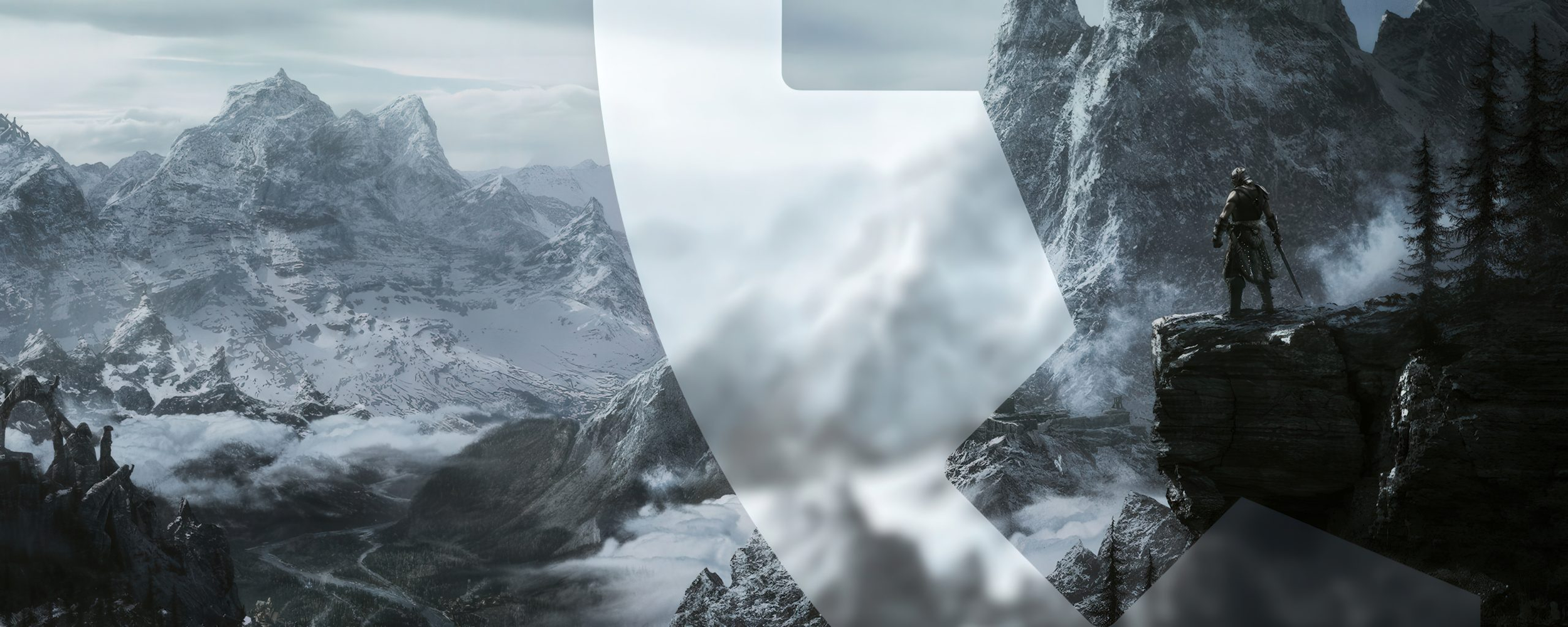
Bethesda has released a new Skyrim update for August 20, bringing major Creations improvements to The Elder Scrolls V: Skyrim Special Edition and Anniversary Edition. The headline upgrade is a major expansion of console mod storage, with PlayStation 5 and Xbox now increased to 15 GB, while PlayStation 4 Creation storage expands to approximately 16 GB with some platform specific storage behavior that may still make download size and installed size appear different. The update also adds Creation bundling in the Skyrim Creations Menu, support for sorting Creation categories by Most Popular, better visibility for bookmarked work in progress Creations, updated storefront image support, localized UI fixes and new reporting instructions on Creation detail pages.
For console players, this is a meaningful improvement because Skyrim’s mod storage ceiling has been one of the biggest limits for larger load orders, especially on Xbox and PlayStation. For PC players, the situation is more sensitive. Any Skyrim update can create risk for heavily modded setups because SKSE plugins, script based mods, Creation content ordering and version locked mod lists often depend on a specific executable and game version. Bethesda has said the update should not affect load orders, but the studio also advised players to back up saves or manually save load orders as a precaution, which is enough reason for modded PC users to be careful before allowing the update to install.
The most practical option for players who want to preserve an existing modded playthrough is to freeze the current game version before Steam or GOG Galaxy applies the update. On Steam, this can be done by finding the appmanifest_489830.acf file inside the Steam steamapps folder and setting it to read only, which prevents Steam from rewriting update data for Skyrim. On GOG Galaxy, players can open Skyrim in their library, go through Manage installation and Configure, then disable automatic updates. Players using the GOG version without GOG Galaxy have less risk from silent automatic updates, while Skyrim VR players are generally not affected by this specific version cycle because the VR release has remained separate.
If the update has already installed, players are not completely locked out of their old setup. The Unofficial Skyrim Special Edition Downgrade Patcher remains one of the main community tools for rolling a Skyrim installation back to an earlier version, although users should confirm that they are downloading the correct file for their target build and understand the risk before patching game files. The key lesson is simple: players running a stable modded save should not treat Skyrim like a normal automatic update game. A vanilla user may benefit from the new crash fixes and Creations improvements immediately, but a modded player should first check SKSE, Address Library, engine fixes, plugin dependencies and load order compatibility before moving forward.
The update also includes several technical fixes, including a Steam Deck virtual keyboard crash fix, a crash fix for selecting empty search results in the Creations menu, a crash fix when transforming into a new race and multiple Creation Kit fixes. Bethesda is also expanding the Creation Kit with localization export support, multiple master loads by default, Bink file support for Creation uploads and additional archive support on PlayStation for file types such as .nif, .dds, .bink, .wav and .fuz. The broader picture is clear: Bethesda is still investing in Skyrim’s official mod and Creation pipeline nearly 15 years after release, while the community continues pushing the game forward through major visual and content projects such as true HDR support through Community Shaders and ambitious conversion projects like Skywind.
Skyrim update 1.7.99 is a good update on paper, especially for console players who finally get far more room for Creations and larger mod setups. The problem is that Skyrim is no longer just a game installation. For many PC players, it is a customized ecosystem built from hundreds of mods, specific tool versions and carefully balanced dependencies. Bethesda improving the official platform is valuable, but automatic updates remain a major pain point for the modding community. The safest strategy is version control. If a modded Skyrim build works, protect it first, update only when the core tools are ready and never assume a small patch is harmless for a heavy load order.
Do you let Skyrim update automatically, or do you freeze your game version to protect your modded load order?
