
NVIDIA App Rolls Out DLSS 4.5 Super Resolution Support With The New 2nd Gen Transformer Model And Cleaner Image Quality
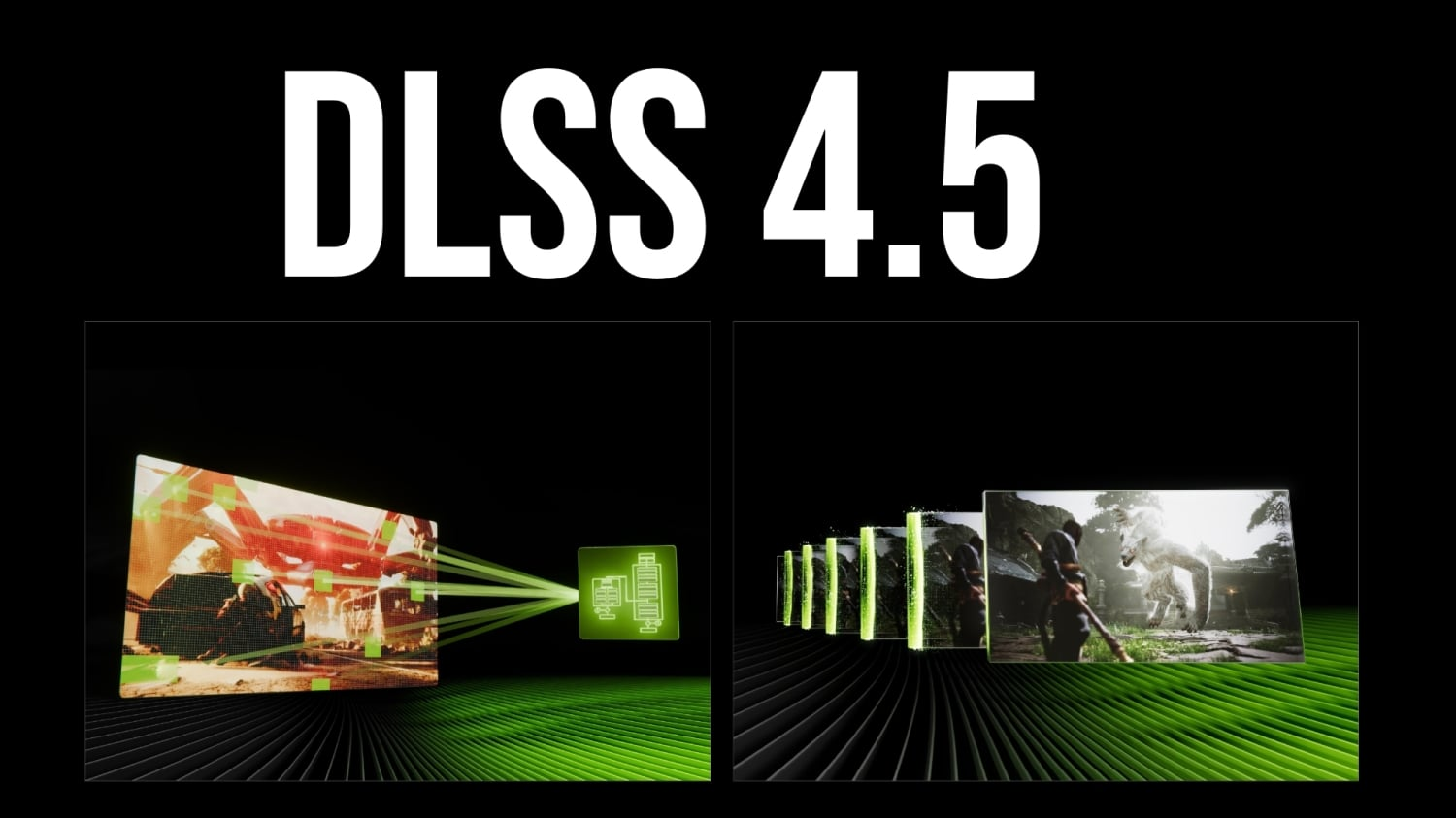
NVIDIA has officially pushed a new NVIDIA App update to all users that brings DLSS 4.5 Super Resolution support out of beta, unlocking the newest RTX Super Resolution model focused on noticeably higher image fidelity. The rollout follows NVIDIA’s CES announcement of DLSS 4.5, where the company highlighted 2 major pillars: improved image quality via a 2nd Gen Transformer model, plus Multi Frame Generation scaling up to 6x. With this update, the image quality side is now broadly available through the NVIDIA App, while the 6x Multi Frame Generation expansion is expected to land later in spring.
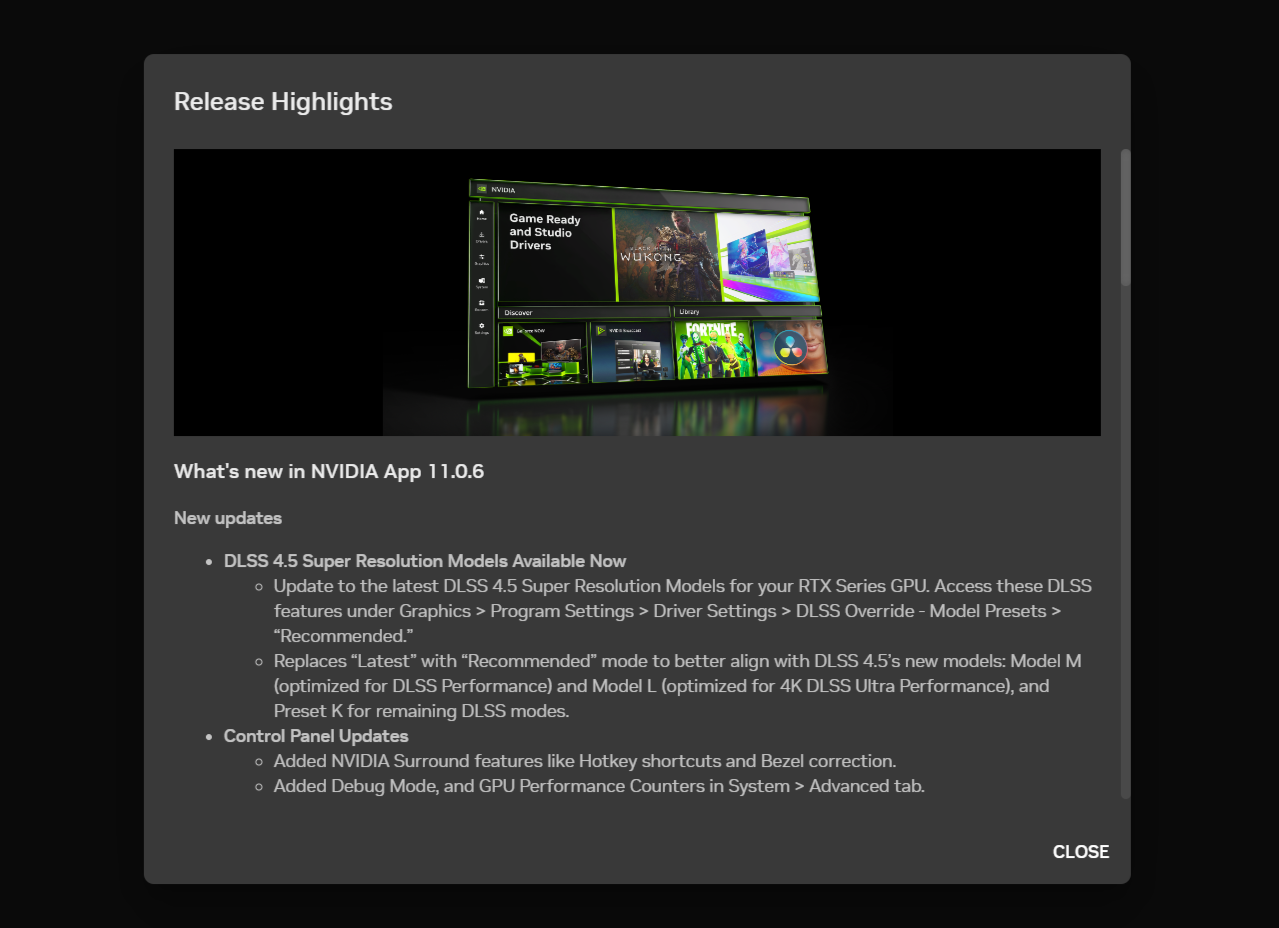
For users already running NVIDIA App, the update is delivered automatically. Manual installation is available through the official NVIDIA App page. NVIDIA states the 2nd Gen Transformer model is 5x more compute intensive and is designed to work across RTX GPUs, including RTX 20, RTX 30, RTX 40, and RTX 50 series hardware.
From a real world gamer and reviewer perspective, the biggest takeaway is the shift in clarity and artifact control. In early hands on testing, the new DLSS 4.5 presets M and L show a meaningful reduction in ghosting while delivering a sharper overall image, especially in motion and in scenes with complex fine detail like foliage, particle effects, and high contrast geometry edges. This is the kind of uplift that can make performance focused settings feel less like a compromise, particularly in fast action titles where motion clarity is a constant pain point.
NVIDIA also says DLSS 4.5 Super Resolution will be supported by over 400 games and applications, and the NVIDIA App’s built in overrides allow users to apply the new model to both newer and older titles where supported. The strategic value here is simple: NVIDIA is using the app as a central control layer, letting users standardize image quality improvements without waiting on individual game updates in every case.
That said, hardware reality still applies. DLSS 4.5 works best on RTX 50 and RTX 40 GPUs, where newer Tensor Core capabilities and FP4 support provide more headroom for the heavier model. Older RTX GPUs can still benefit when there is extra performance budget available, but the 5x higher compute load means the image quality upgrade will typically cost more frames on RTX 20 and RTX 30 than it does on newer architectures. For players, the practical move is to treat DLSS 4.5 as an image quality lever you turn on when you are already comfortably above your target frame rate, not as a universal free upgrade.
Beyond DLSS 4.5 Super Resolution, NVIDIA App v11.0.6 also adds platform quality of life improvements that matter for troubleshooting and multi display setups. NVIDIA has now migrated the remaining NVIDIA Surround settings into the app under System then Displays, including bezel correction and hotkey options. Laptop users with Advanced Optimus can now see the full application names that block activation, rather than only the executable file names, making it much easier to identify what is interfering with switching behavior. Under System then Advanced, a Debug Mode toggle can instantly disable overclocking and voltage tweaks applied via any application until the system restarts, which is a practical diagnostic tool for isolating instability. There is also a developer option related to profiling and debugging tools that most users can leave unchanged.
NVIDIA also highlighted 2 additional RTX titles tied to the DLSS 4.5 rollout. LET IT DIE INFERNO is set to receive an update that adds DLSS Super Resolution and can be further upgraded to DLSS 4.5 Super Resolution using NVIDIA App overrides. StarRupture, an Early Access first person open world base building game, launched with DLSS Super Resolution and DLSS Frame Generation and can be enhanced through the NVIDIA App using the new 2nd Gen Transformer model, DLAA, and DLSS 4 Multi Frame Generation on RTX 50 series GPUs. Y
NVIDIA App now makes DLSS 4.5 Super Resolution broadly accessible, adds meaningful system level quality of life features, and sets the stage for a spring update that brings Multi Frame Generation 6x mode into the app experience.
What game are you going to test DLSS 4.5 on first, and are you prioritizing reduced ghosting, sharper detail, or better temporal stability in motion?
