
Running a private game server usually begins with the easiest option: rent one. Choose a provider, select the game, decide how much memory or player capacity you need, pay the monthly fee, and within a few minutes your world can be online. For many players, that convenience is exactly what makes cloud hosting attractive.
However, we eventually reached the other side of that equation. After years and repeatedly paying for game hosting used primarily by family and friends, we started looking at the long term value of owning the hardware instead. Rather than continuing to rent computing resources every month, we decided to build a dedicated local gaming server that could remain online continuously and support several different games from one machine.
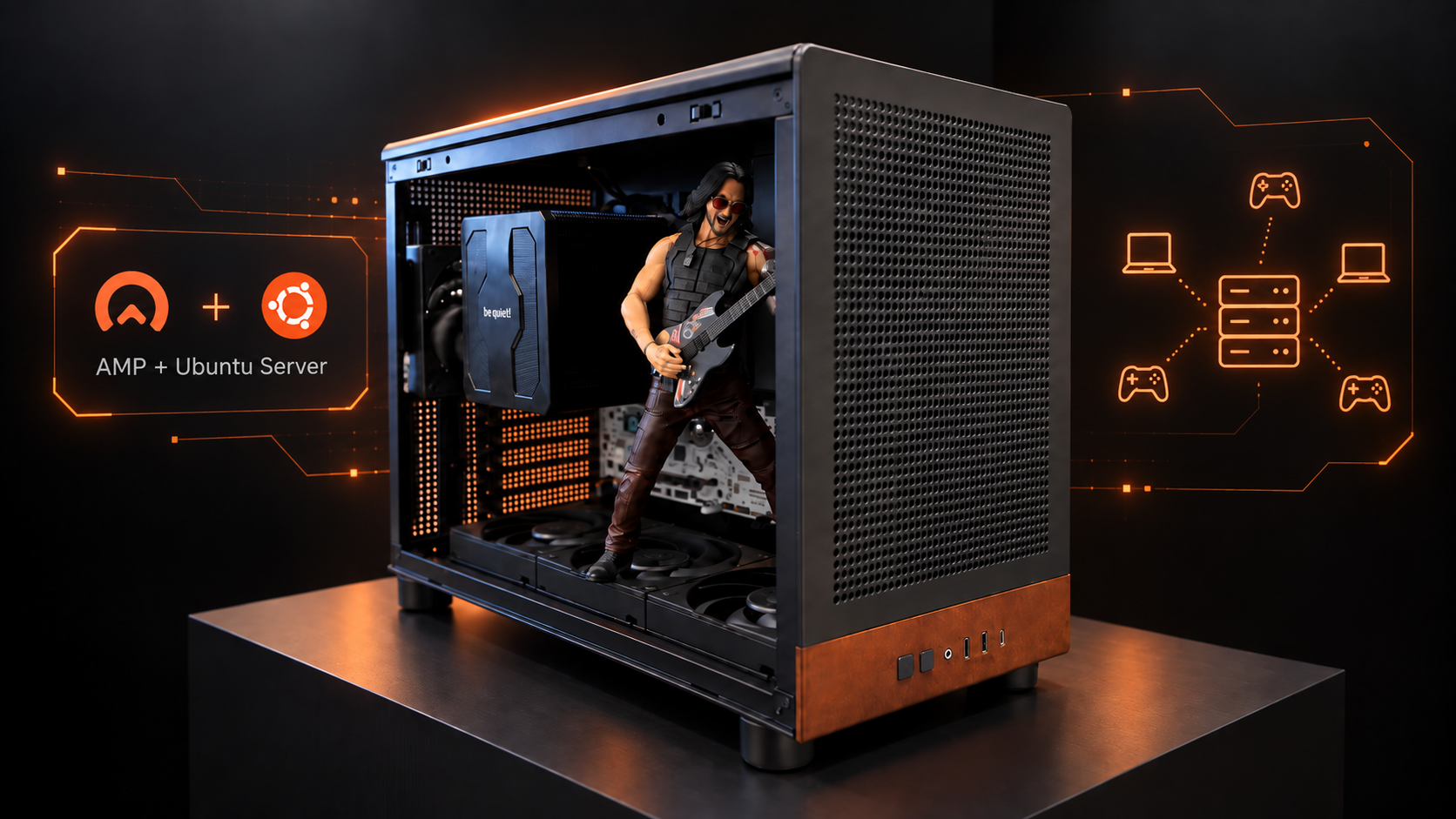
Our current server is built around a BIOSTAR B850M SILVER motherboard and an AMD Ryzen 9 7900X with 12 cores and 24 threads. Memory comes from a 64GB kit of v-color Manta XFinity RGB DDR5 5600, while the system is housed inside a GAMDIAS ATHENA M4M WOOD. Power is supplied by a GAMDIAS HELIOS P2 750G V2, with a be quiet! DARK ROCK PRO 5 handling processor cooling, it runs Ubuntu Server as its operating system, while AMP from CubeCoders provides the management interface for deploying and controlling individual game servers.
This is considerably more hardware than a small private game server strictly requires, and that is intentional. Our objective was not to build a machine for a single title. We wanted enough CPU and memory capacity to operate several demanding servers simultaneously, including ARK, Palworld, Valheim and whatever game our group decides to host next.
The important part is that you absolutely do not need a Ryzen 9 system to do the same thing.
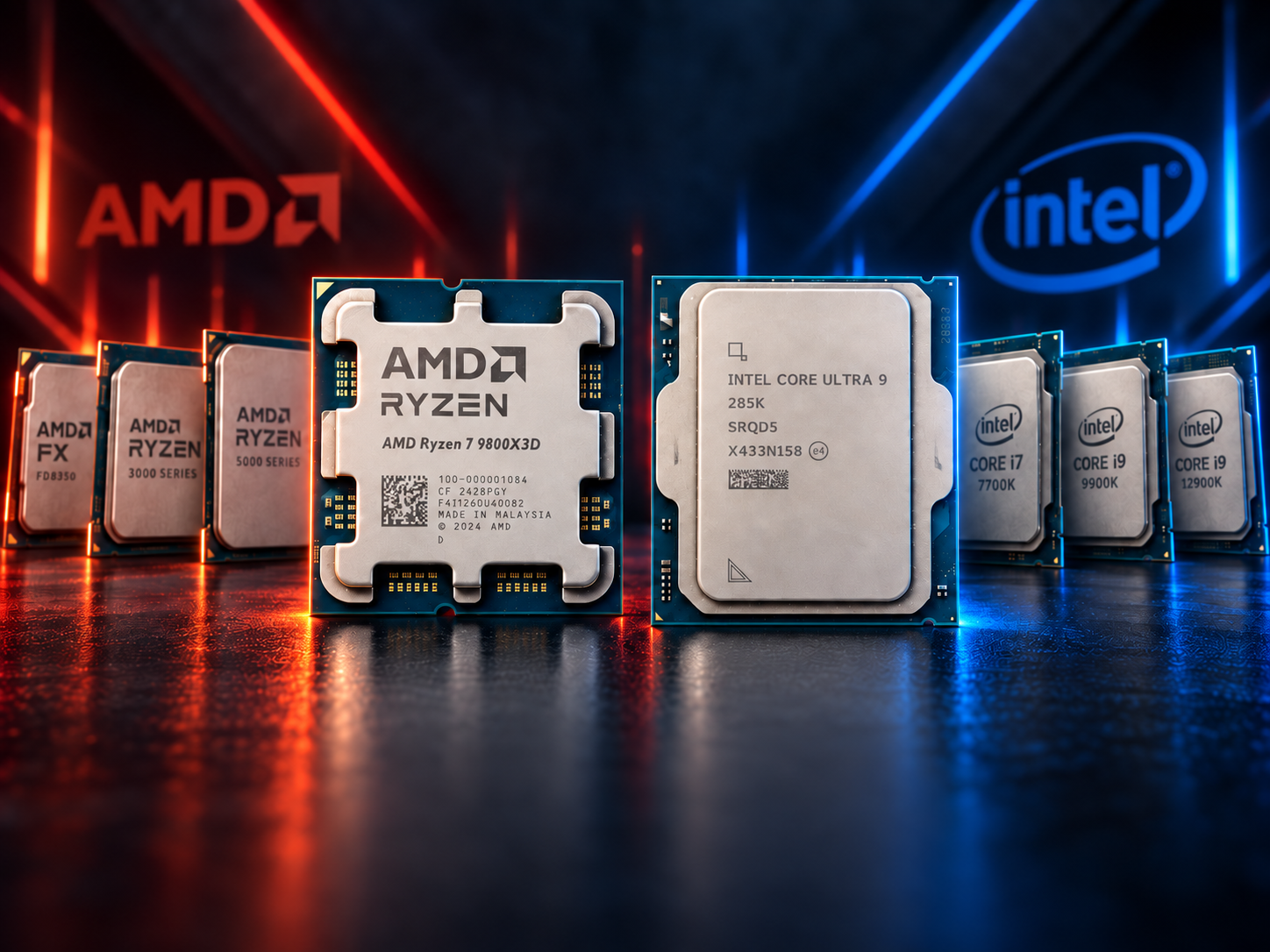
How Much Hardware Do You Actually Need?
Game server requirements depend primarily on the game, number of players, world size, mods and the number of instances running simultaneously. The management software itself is relatively lightweight compared with the game servers running underneath it.
That makes older hardware surprisingly useful.
A retired laptop, office PC, previous gaming system or inexpensive second hand AM4 machine can all become practical home servers. Instead of starting with expensive new hardware, it can make more sense to begin with what you already own and upgrade when your actual workload reaches the limits of the system.
| Server Level | Example Hardware | Memory | Storage | Best Use |
|---|---|---|---|---|
| Repurposed Laptop | Older Core i5 or Ryzen mobile processor | 8 GB to 16 GB | 256 GB SSD | Minecraft, Terraria, Valheim and smaller private servers |
| Entry Desktop | Older 4 core or 6 core desktop processor | 16 GB DDR4 | 500 GB SSD | One main game server with several players |
| Budget AM4 | MSI B350M MORTAR with a Ryzen 5 class processor | 16 GB DDR4 2666 CL18 | 500 GB to 1 TB SSD | Valheim, Minecraft, Palworld and lighter multiple server setups |
| Balanced Home Server | Ryzen 5 or Ryzen 7 AM4 system | 32 GB DDR4 | 1 TB NVMe SSD | Multiple servers, larger player groups and heavier mods |
| AMD Ryzen 9 | BIOSTAR B850M SILVER with Ryzen 9 7900X | 64 GB DDR5 5600 | NVMe SSD | Multiple demanding servers operating simultaneously |
The differences become clearer when comparing our dedicated server with the type of older AM4 gaming machine many PC enthusiasts may already have available.
| Platform | AM4 | AM5 |
|---|---|---|
| Example Motherboard | MSI B350M MORTAR | BIOSTAR B850M SILVER |
| CPU Class | Ryzen 5 with 6 cores | Ryzen 9 7900X with 12 cores |
| Threads | Typically 12 | 24 |
| Memory | 16 GB DDR4 2666 CL18 | 64 GB DDR5 5600 |
| Storage | SATA SSD or NVMe SSD | NVMe SSD |
| Networking | Typically 1 GbE | 2.5 GbE |
| Graphics Requirement | Minimal | Minimal |
| Main Purpose | One primary server or several lightweight instances | Several demanding servers simultaneously |
| Upgrade Strategy | Affordable used AM4 and DDR4 hardware | Modern AM5 and DDR5 expansion |
| Best For | Budget self hosting | Dedicated multi server hosting |
The current gives us significantly more CPU and memory capacity, but that does not automatically make it the best starting point for everyone. A Ryzen 5 based AM4 system with 16GB DDR4 2666/3200MTs CL18 can already make an excellent private game server. If the system has an SSD and a stable wired network connection, it can provide a very capable foundation for learning Linux, experimenting with AMP and hosting games for a small group.
For someone who already owns the hardware, the initial cost may be little more than additional storage, a memory upgrade and an AMP license.
There are several practical ways to start local game hosting without building a completely new machine.
Old laptop
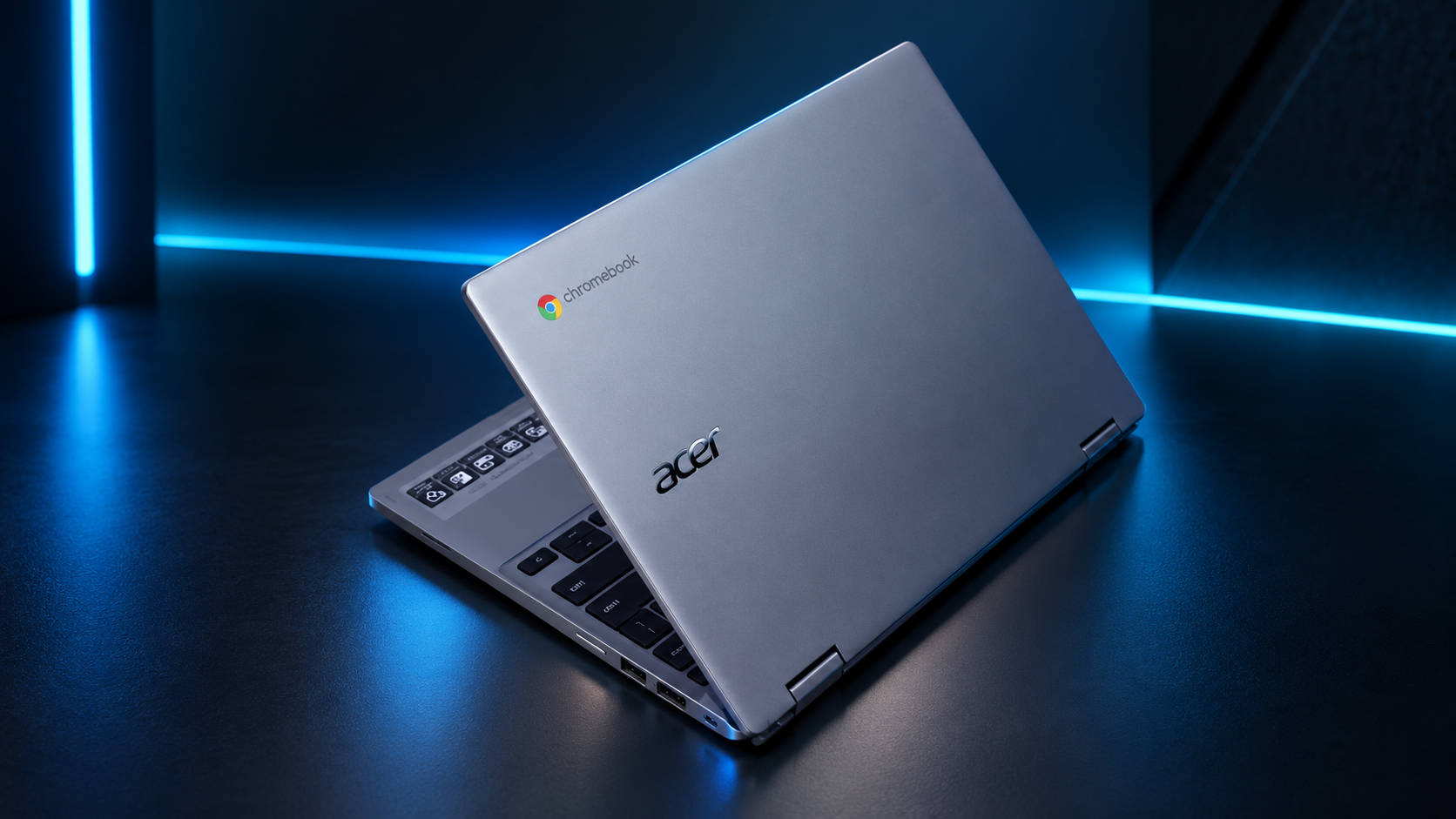
A retired Core i5 or Ryzen laptop with 8GB or 16GB of memory can make a surprisingly useful first server. Laptops are compact, generally consume relatively little power and already include a display, keyboard and battery. The compromises are limited upgradeability, weaker sustained cooling and potentially slower networking. For continuous operation, maintaining good airflow and checking the condition of an older battery are particularly important.
Old office computer
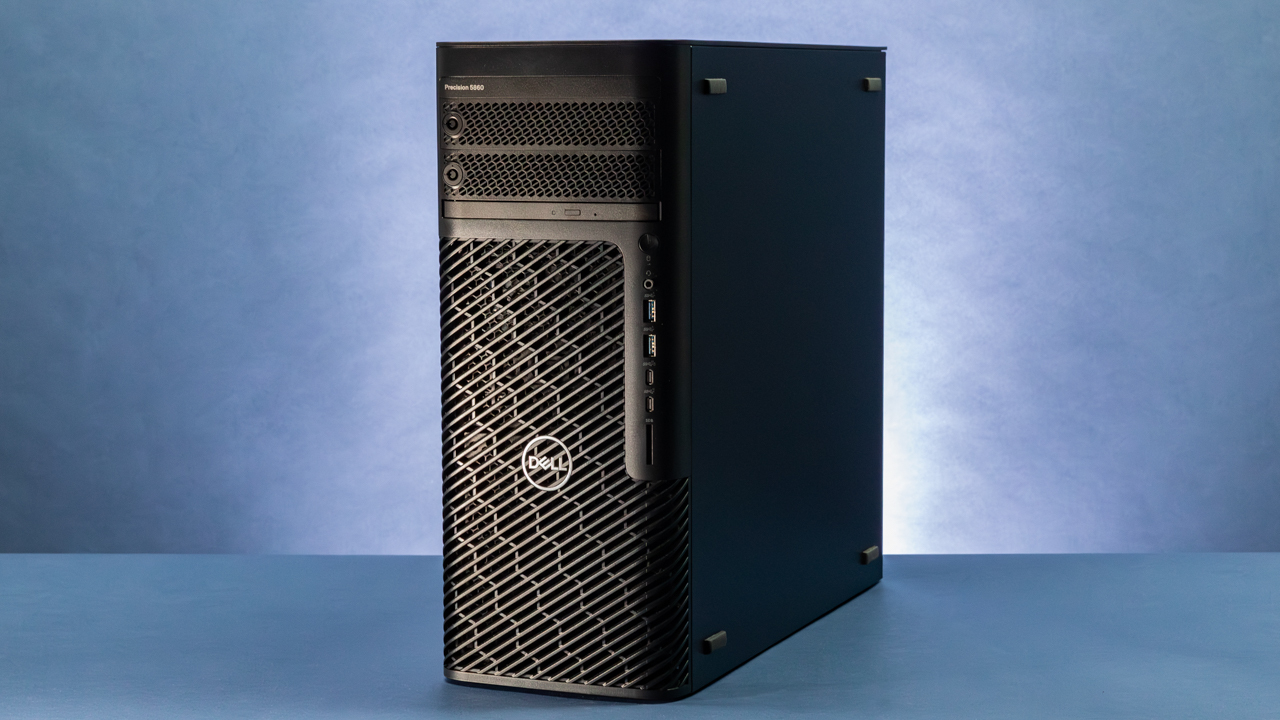
Small systems from Dell, HP, Lenovo and other manufacturers can often be found inexpensively on the second hand market. A 4 core or 6 core processor paired with 16GB of memory and an SSD can handle many private game servers without requiring gaming specific hardware. An old business PC may no longer be attractive as a primary desktop, but its processor can still be perfectly useful for server workloads.
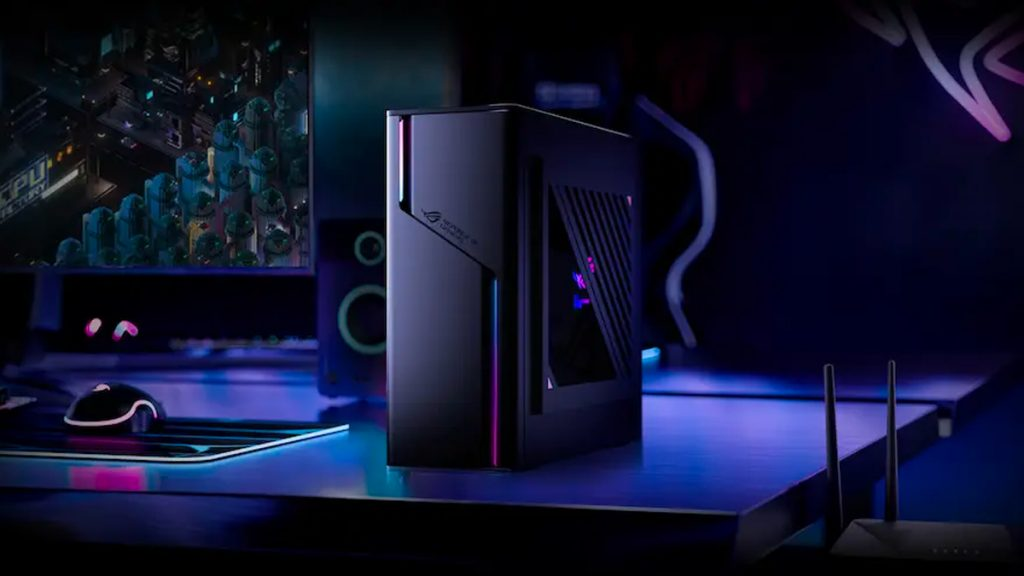
Previous generation gaming PC
Older AM4 systems are particularly attractive for this purpose. A machine built around something similar to the MSI B350M MORTAR, a Ryzen 5 processor, 16GB DDR4 2666 CL18 and an SSD already provides a capable Linux server foundation. Memory is also relatively easy to expand. Moving from 16GB to 32GB can provide significantly more room for multiple game server instances without requiring the rest of the system to be replaced.
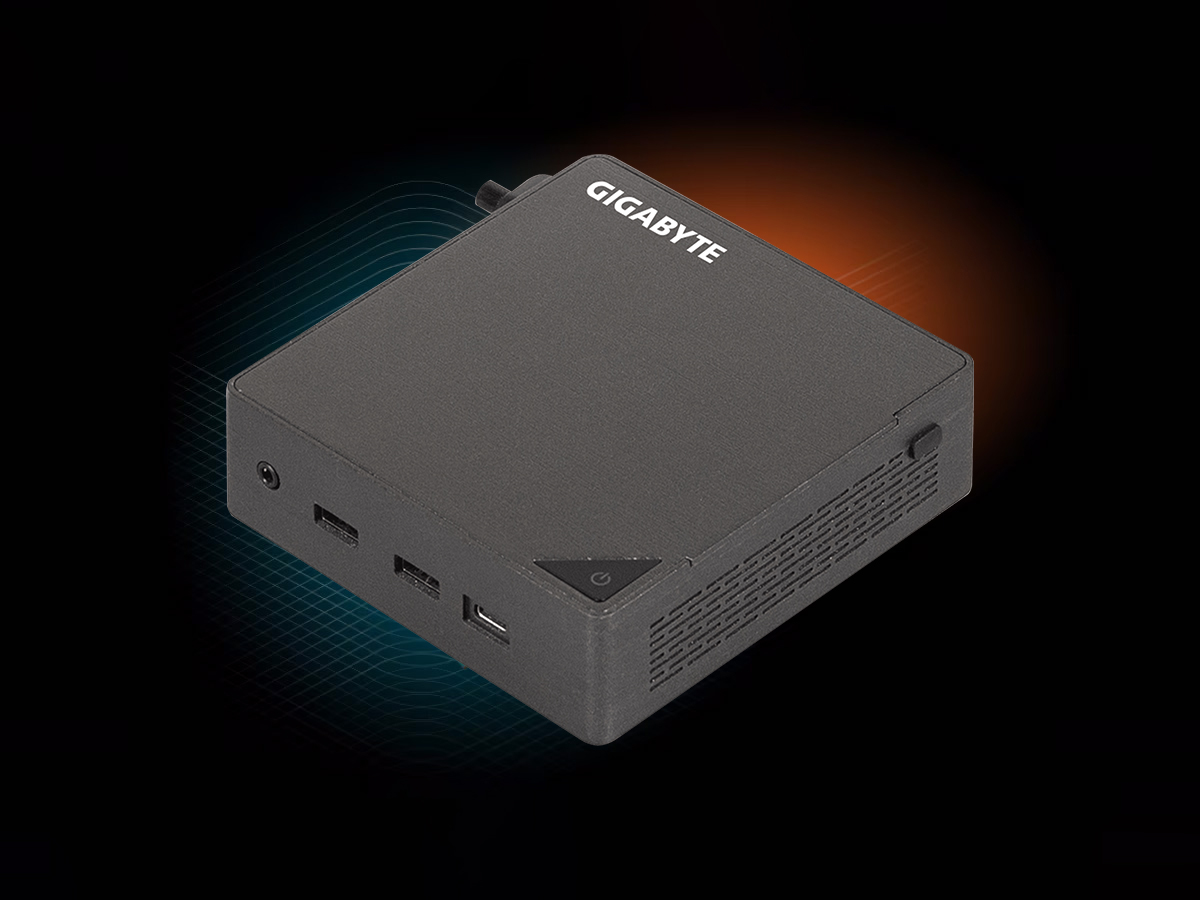
Mini PC
Modern mini PCs can combine capable processors, NVMe storage and 16GB or 32GB of memory with very low idle power consumption. They are particularly attractive for a server that needs to operate continuously without taking up much space. Expansion is more limited than a conventional desktop, but for lightweight and medium game hosting they can be an efficient solution.
Exact performance depends heavily on the game, mods, world size and number of players, so these categories should be treated as practical starting points rather than guaranteed performance levels.
| Hardware Level | Minecraft | Valheim | Palworld | ARK | Multiple Servers |
|---|---|---|---|---|---|
| 8 GB Old Laptop | Small groups | Good | Limited | Not ideal | Very limited |
| 16 GB Older Desktop | Good | Good | Smaller groups | Entry level | Limited |
| 16 GB Ryzen 5 AM4 | Very good | Very good | Good | Usable | Light combinations |
| 32 GB Ryzen 5 or Ryzen 7 | Excellent | Excellent | Very good | Good | Good |
| 64 GB Ryzen 9 | Excellent | Excellent | Excellent | Excellent | Designed for this workload |
Memory capacity becomes particularly important when several servers operate simultaneously.

| System Memory | Practical Starting Point |
|---|---|
| 8 GB | One lightweight server |
| 16 GB | Strong starting point for one primary server |
| 32 GB | Multiple servers or heavier games |
| 64 GB | Serious multi server environment |
| 128 GB or More | Large communities, many instances or additional home lab workloads |
For most people experimenting with self hosting for the first time, 16GB remains a very practical starting point. Run the games you actually want to host, monitor memory consumption through AMP and upgrade to 32GB when the workload requires it.
There is little reason to buy 64GB simply because our build uses it if your server only needs a fraction of that capacity.
Cloud Hosting vs Local Hardware
Cloud game hosting removes much of the infrastructure work from the player. The hosting provider manages the physical system, internet connection, power, hardware replacement and much of the initial server environment. The server is also already accessible from the internet without requiring changes to your home network.
The tradeoff is that the resources remain rented.
| Category | Cloud Game Hosting | Local Game Server |
|---|---|---|
| Initial Cost | Low | Low when reusing hardware, higher with a new build |
| Recurring Cost | Monthly subscription | Electricity and existing internet service |
| Hardware Ownership | No | Yes |
| Setup Difficulty | Low | Moderate |
| Server Control | Depends on provider | Full |
| CPU and RAM Limits | Based on hosting plan | Based on installed hardware |
| Multiple Games | May require additional resources or plans | Limited primarily by hardware |
| Hardware Upgrades | Provider controlled | User controlled |
| Network Setup | Usually handled by provider | User responsibility |
| Backups | Depends on provider | User responsibility |
| Security | Much of the infrastructure is provider managed | User responsibility |
| Internet Failure | Home connection does not affect the server | External access is interrupted |
| Best Use | Convenience and shorter term hosting | Long term hosting and multiple games |
Cloud hosting remains an excellent solution for someone who only wants a server for a limited period or simply does not want to maintain hardware.
Local hosting becomes more attractive when the server is expected to operate for years, several games need to remain available, or the owner wants complete control over CPU resources, memory, storage and software.
It is also important not to describe local hosting as free. The monthly game hosting invoice disappears, but electricity, internet connectivity, storage, replacement parts and hardware maintenance remain real costs.
The difference is ownership.

For our system we use Ubuntu Server, a Linux operating system designed for server workloads without requiring a conventional desktop interface.
The latest supported installer can be downloaded directly from the official Ubuntu Server download page, while Canonical maintains detailed installation and administration information in the Ubuntu Server documentation.
The basic setup process is straightforward:
Download Ubuntu Server from the official Ubuntu website.
Create a bootable USB installer.
Boot the server from the USB drive.
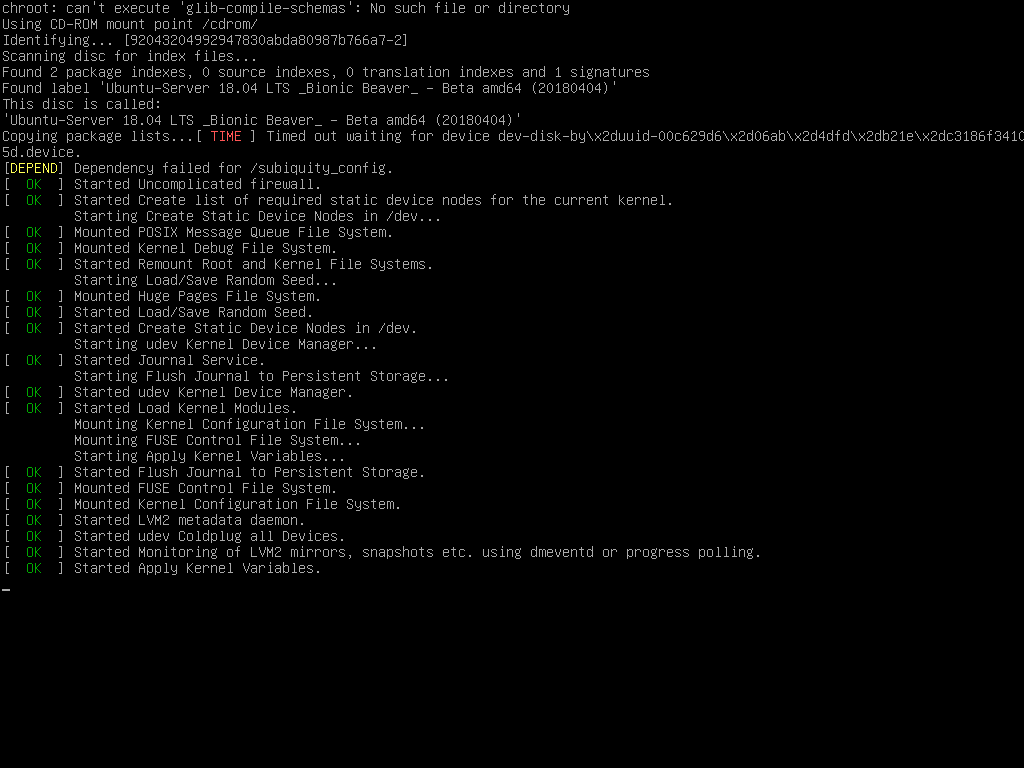
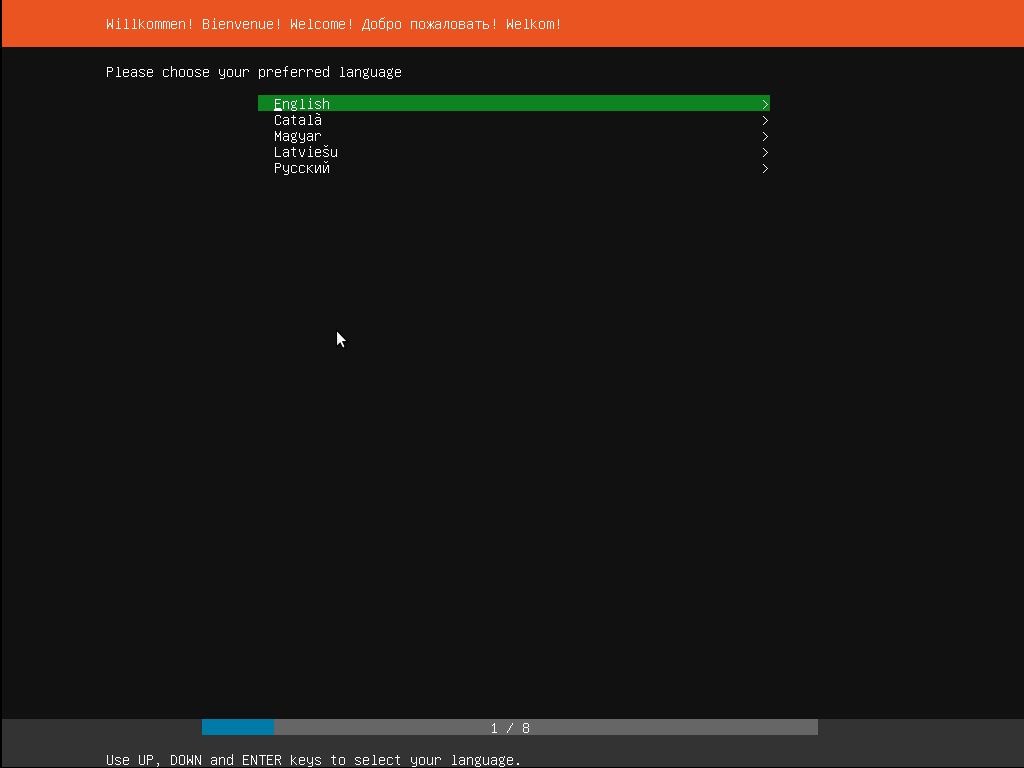
Select your language that will be used for Ubuntu.
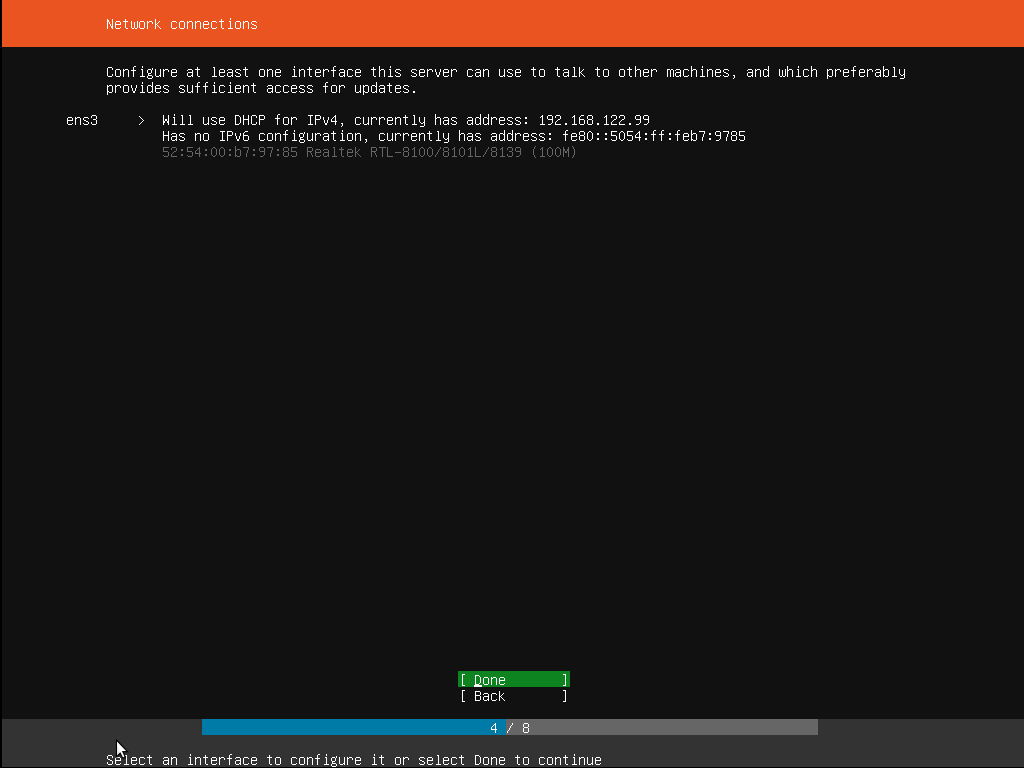
Configure the network connection.
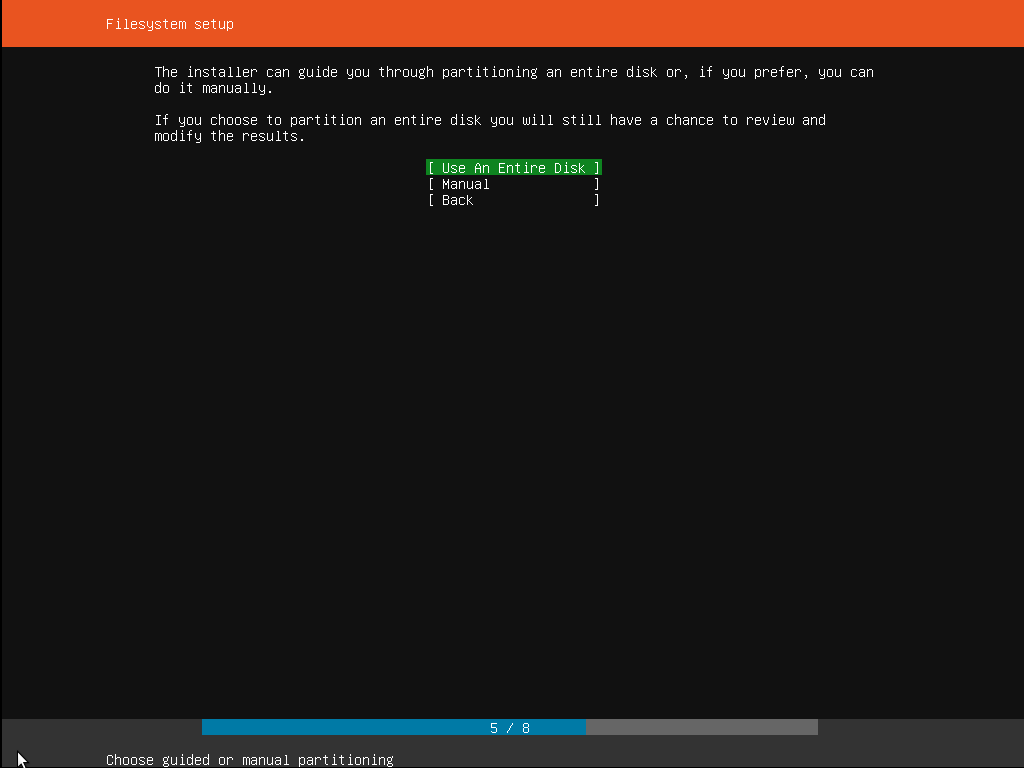
Configure storage
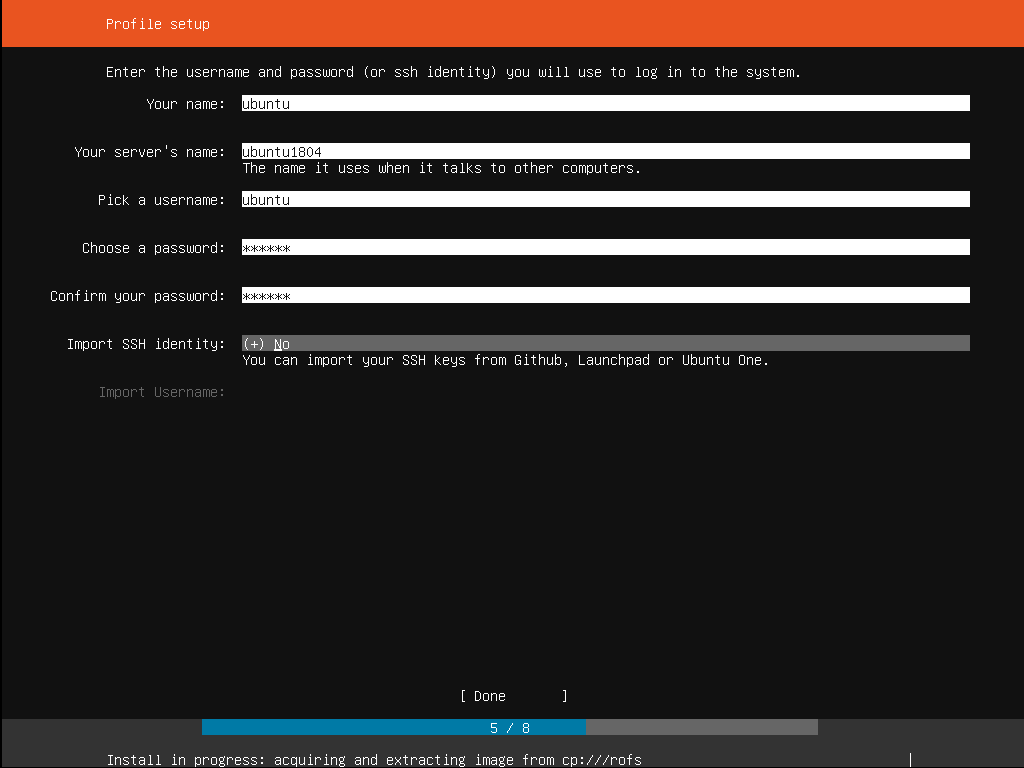
Create the administrator account.
Enable OpenSSH if remote terminal management will be required.
Complete the installation and restart the system.
For a dedicated game server, wired Ethernet is strongly recommended whenever possible. Wi Fi can work, but Ethernet eliminates another possible source of instability and latency from a machine intended to remain available continuously.
-
sudo apt update
sudo apt upgrade
Keeping the operating system updated is particularly important on a machine that may eventually expose gaming services to external users.

Instead of manually managing every game server through separate configuration files and terminal sessions, we use AMP from CubeCoders.
AMP, or Application Management Panel, is a self hosted web management platform focused heavily on game servers. It allows administrators to create separate server instances, manage resources, access consoles, control updates and start or stop individual servers through a browser based interface.
-
sudo su
-
bash <(curl -fsSL getamp.sh)
Follow the installation prompts and create the AMP administrator credentials. Once installation is complete, AMP provides the local network address used to access its management interface through a browser.
From there, the workflow becomes much simpler:
Create a new AMP instance.
Choose the game server.
Allocate CPU and memory resources.
Install the required server files.
Configure gameplay and world settings.
Start the instance.
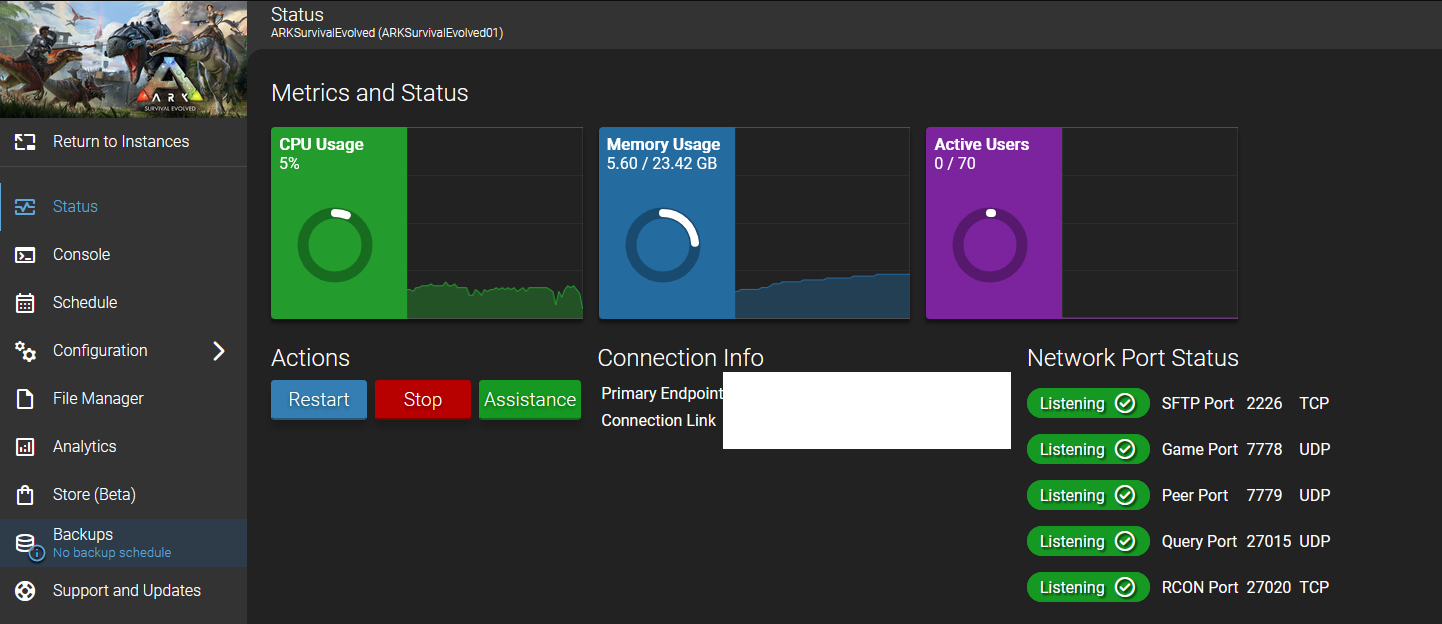
Configure the required network access.
Connect and test the server before inviting players.
One physical Linux machine can therefore become the central host for several independent game servers.
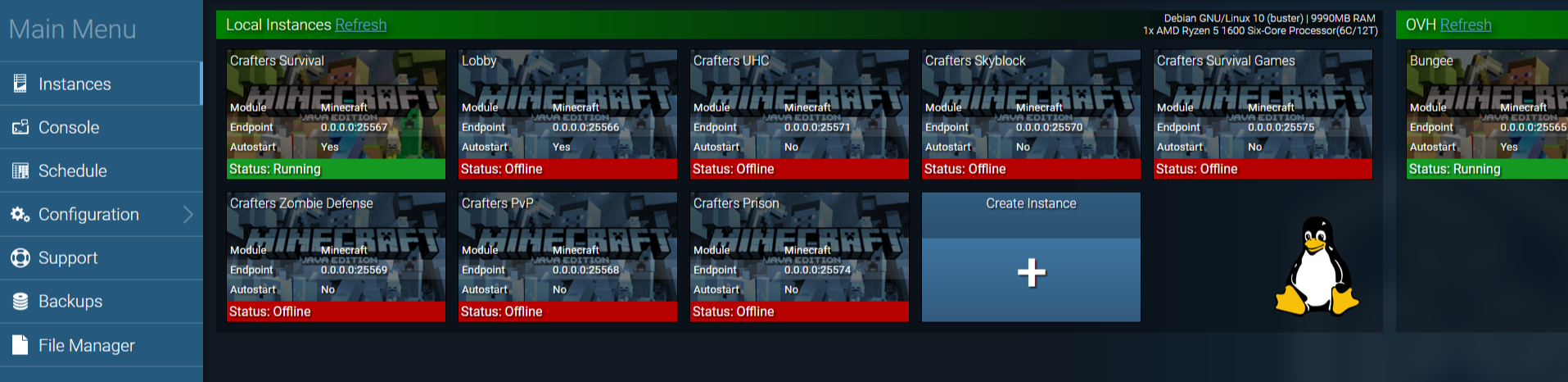
The hardware and software are only part of the equation.
Players outside your home network need a route back to the server. In a conventional home network this may require assigning the server a fixed local IP address and forwarding the ports required by each individual game.
Internet providers using carrier grade NAT can make traditional port forwarding unavailable, so it is worth checking how your connection is configured before committing to a local hosting setup.
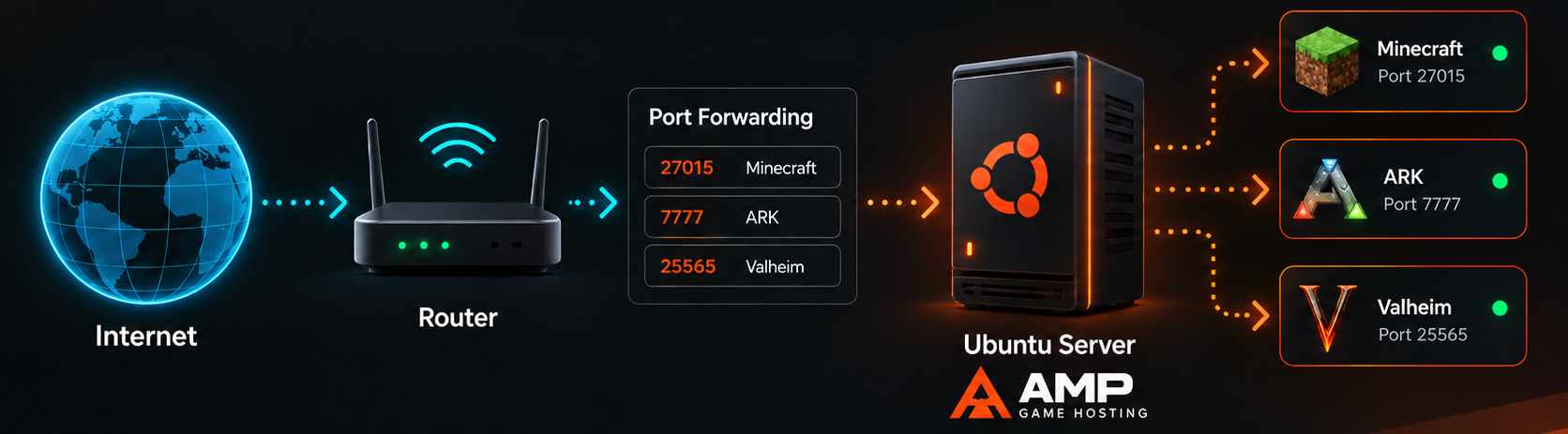
Security is equally important.
Do not expose unnecessary management services directly to the public internet. Only make the services required by the games externally accessible, use strong passwords, keep Ubuntu Server and AMP updated, and maintain regular backups of important world data.
When you own the infrastructure, you also become responsible for maintaining it, so Power Consumption Matters.

A dedicated game server normally does not require a powerful graphics card. Removing an unnecessary discrete GPU or using integrated graphics can substantially reduce idle power consumption and heat, which becomes meaningful when a machine operates continuously. This is one of the reasons old laptops, business PCs and mini PCs can make excellent servers. They may not deliver the gaming performance expected from a modern desktop, but server workloads have very different requirements.
Our approach focuses more heavily on performance capacity and future expansion. The BIOSTAR B850M SILVER provides the AM5 platform for our Ryzen 9 7900X, while the 64GB v-color Manta XFinity RGB DDR5 5600 gives us enough memory capacity to divide resources between several workloads.
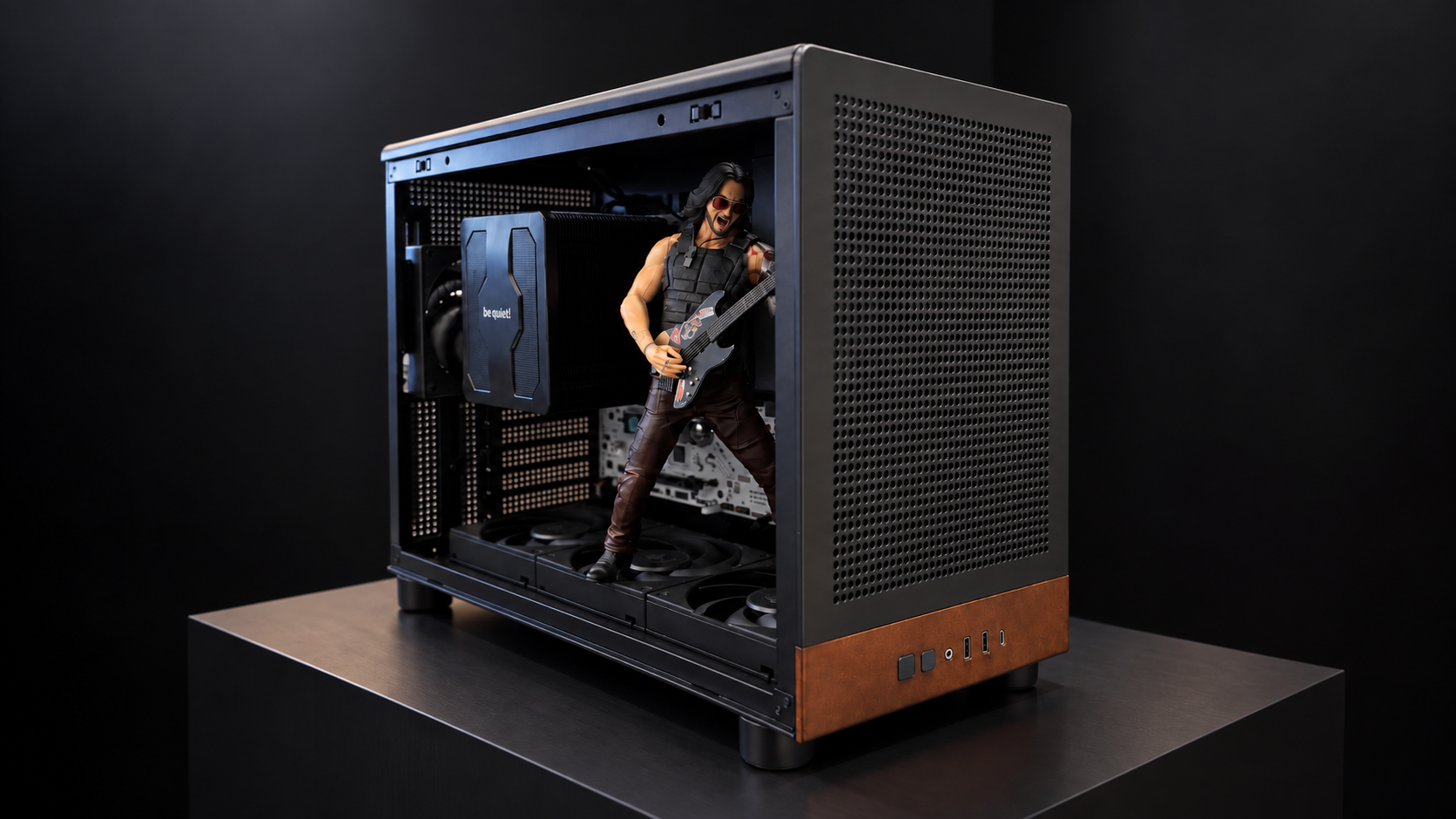
The GAMDIAS ATHENA M4M WOOD keeps the system relatively compact, the GAMDIAS HELIOS P2 750G V2 handles power delivery, and the be quiet! DARK ROCK PRO 5 provides air cooling for continuous operation.
“We would also like to thank GAMDIAS, BIOSTAR and v-color for supporting the hardware used in the Duck IT gaming server project.”
Building a local game server is not automatically better than paying for cloud hosting. The better option depends on how long the server will operate, how many games need to run, how much control is required and whether suitable hardware is already available. For a single temporary game world where save file may not be important to backup, managed hosting remains a good option. The infrastructure is already configured, the server is online quickly and there is little hardware maintenance involved.
For groups that regularly move between games, maintain persistent worlds or want several servers available simultaneously, owning the hardware becomes increasingly attractive.
The most important point is that self hosting does not need to begin with expensive modern components.
“An old laptop can be enough.
A retired office PC can be enough.
A previous generation system with good memory and an SSD can be more than enough.”
Would you rather continue using managed cloud game hosting, or repurpose an old PC as your own 24 hour gaming server? If you already had an unused Ryzen system with 16GB of DDR4, which game would you host first?
