
ASUS Rolls Out New BIOS To Fix BitLocker Recovery Issues On Its AM5 Motherboards
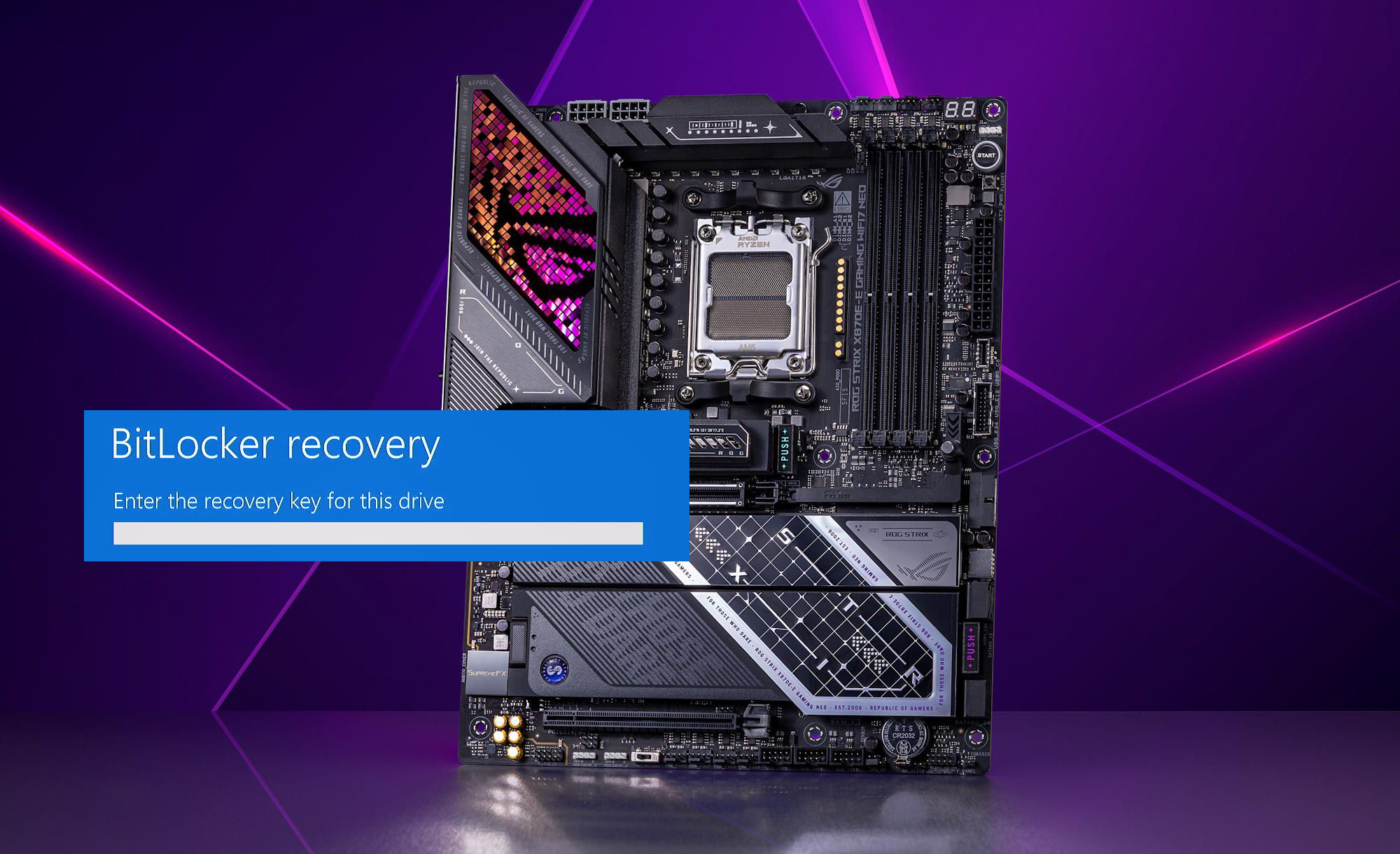
ASUS has begun rolling out a new beta BIOS update designed to resolve a frustrating BitLocker recovery loop affecting AM5 systems, particularly on 600 series and 800 series motherboards. The update is being communicated through ASUS community channels, with the beta BIOS versions listed as 2102 and 1642, and it specifically targets the scenario where BitLocker repeatedly demands the recovery key on every boot after a prior beta BIOS update.
The issue gained traction after users reported that the earlier beta BIOS 2101 could trigger BitLocker recovery prompts continuously, creating a worst case situation where a PC boots into a recovery screen and asks for the 48 digit recovery key every single time. Even more concerning for affected builders, several common troubleshooting steps did not reliably clear the behavior, including downgrading the BIOS, clearing TPM, reflashing older BIOS versions, deleting Secure Boot keys, and performing a full CMOS reset. That pattern led many users to suspect corruption or desynchronization in Secure Boot logs or TPM related state, where reverting settings did not fully restore a trusted boot baseline.
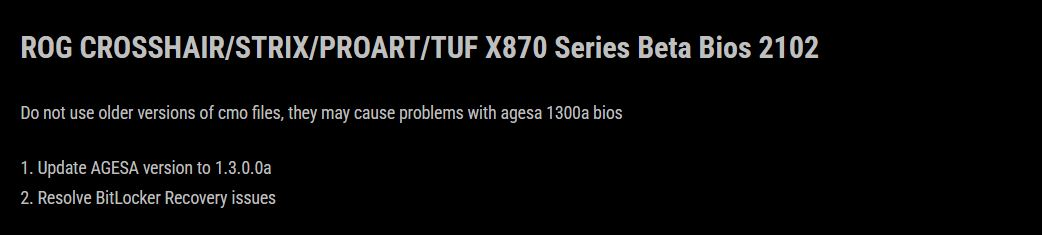
ASUS is now positioning the new beta BIOS as the corrective action. The release notes point to an AGESA microcode update to 1.3.0.0a, which was already present in beta BIOS 2101, but the critical change here is the explicit resolution of the BitLocker recovery problem that was being widely reported and acknowledged by ASUS. In practical terms, this update is meant to stabilize the trusted platform flow so BitLocker no longer interprets normal boots as a security event.
It is worth noting that BitLocker recovery prompts are not exclusive to ASUS boards. BitLocker is designed to trigger when Windows detects changes it considers significant or suspicious, such as modifications related to TPM, Secure Boot, boot order, or certain firmware settings. The difference in this case is the volume and consistency of reports tied to a specific beta BIOS release, plus the inability for many users to clear the recovery loop even after reversing changes, which elevated the problem from normal BitLocker behavior to a likely firmware side regression.
For builders and gamers running AM5 rigs, the operational impact is clear. If you do not have your recovery key ready, a BitLocker recovery loop can effectively lock you out of your system drive and delay your ability to work or play until the key is located. This is exactly why BIOS updates that touch platform security, boot integrity, and firmware trust chains need clean rollback behavior and strong validation across typical user configurations.
Have you ever been hit by a BitLocker recovery loop after a BIOS update, and do you usually disable BitLocker before flashing firmware, or keep it enabled for full security coverage?
